PokerCraft on PokerOK: Analysing Your Game Without a HUD (2026)
Players who move to PokerOK from rooms that allow trackers are often surprised: no HoldemManager, no PokerTracker, no third-party HUD. The network replaces them with its own tools, and with the right routine they are enough for serious work on your game.
Why there are no familiar trackers
PokerOK follows the GGNetwork rule that bans third-party HUDs and trackers. The idea is that a casual player and a professional see the same information at the table, so nobody pays for an informational edge over recreational opponents.
In return, every account gets PokerCraft and Smart HUD for free. They work out of the box and do not need any configuration or extra software.
For many players this is even a relief: there is no need to import hand histories, buy licences or keep third-party software up to date.
What PokerCraft gives you
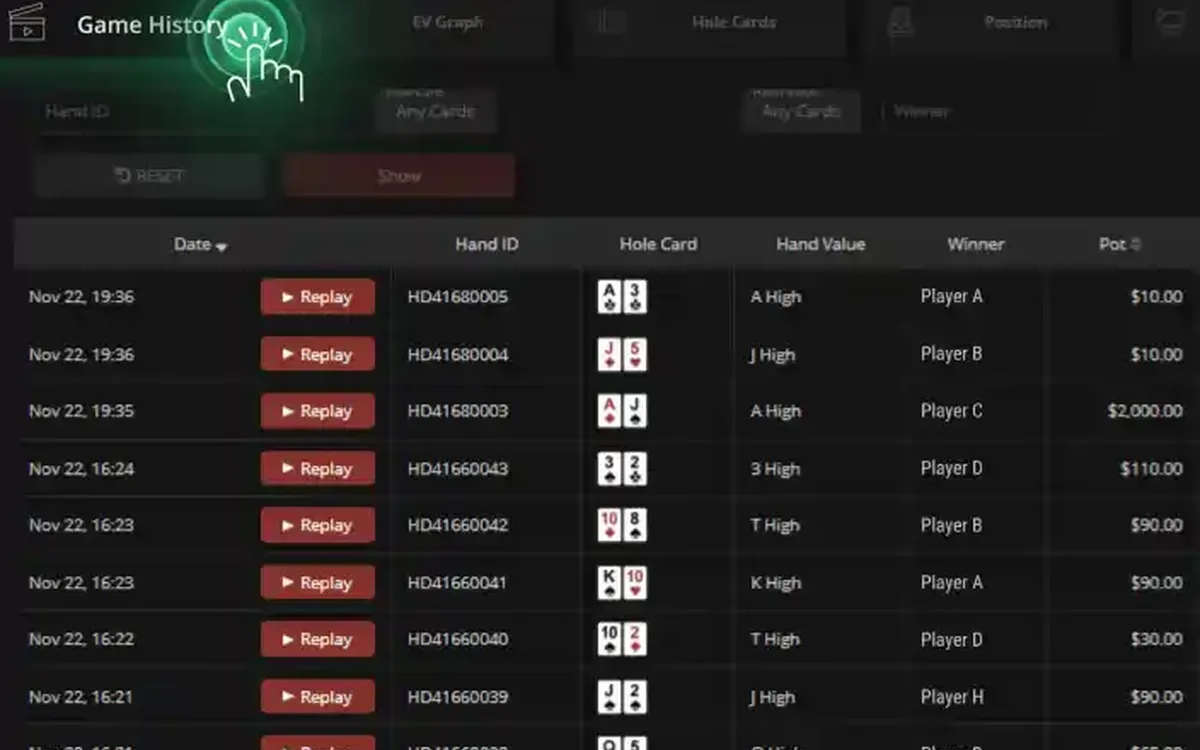
PokerCraft is a statistics panel inside the client. It automatically records your hands and sessions and shows your results as graphs. You can split them by format, by stake and by position, see tournament summaries and replay individual hands. On the phone a lighter version is available, but detailed analysis is more comfortable on a computer.
Keep in mind that the tool looks at your game, not at other people’s: it helps you find your own mistakes rather than build a database on opponents.
A weekly review routine
Statistics only help if you look at them regularly. A routine that takes about an hour a week:
- 1Pick the past seven days in PokerCraft and note the overall result and the number of hands or tournaments.
- 2Compare formats: where are you winning, where are you losing, and where are you simply breaking even?
- 3Look at the breakdown by position and find the one that costs you the most.
- 4Replay five of the biggest losing hands and write down what you would do differently.
- 5Choose one concrete leak to work on next week and nothing more.
Smart HUD at the table
Smart HUD is the network’s built-in display with a few basic numbers on opponents you have already played with. Everyone at the table has access to the same kind of data, including about you.
Do not overrate small samples: after thirty hands an opponent’s numbers can look extreme and mean nothing. Combine Smart HUD with your own observations and give more weight to it only as the number of hands grows.
Remember the other side too: opponents see the same basic numbers about you. Overly predictable play becomes visible quickly, so it is worth looking at your own stats through an opponent’s eyes from time to time.
What is strictly forbidden
The ban covers third-party HUDs and trackers, real-time assistance software, bots, and letting another person play on your account. The security team closes accounts for such violations, and funds on them may be confiscated.
If you study with training programs, do it away from the tables, with the client closed. When in doubt about a particular program, ask the Russian-speaking support before running it.
Selling, renting out or sharing an account falls under the same rules, even if it is a friend who just wants to try.
Stats as a self-control tool
PokerCraft is also an honest record of how much you play. If the weekly volume grows far beyond your plans, or the graph shows you keep playing longer after losses, it is time to set session and deposit limits in the account settings. Remember that a short downswing or upswing is mostly variance; draw conclusions only from large samples.
It also helps to compare results with notes about the sessions themselves: tiredness, distractions or tilt often explain a bad graph better than any single hand. If your best results come early and the worst after the second or third hour, the answer is obvious: play shorter sessions.
FAQ
01Can I use PokerTracker or another tracker on PokerOK?
No. PokerOK follows the GGNetwork ban on third-party HUDs and trackers; using them can lead to account closure.
02Where is PokerCraft in the PokerOK client?
It is built into the client and opens from the lobby. The mobile app has a simplified version, while detailed analysis is easier on a computer.
03Is Smart HUD enough to read opponents?
It gives basic numbers that become meaningful only after many hands. Use it together with your own observations rather than as the only source.
More PokerOK guides
 PokerOK Registration: How to Create an Account (2026)PokerOK is the Russian-language door into the GGNetwork player pool. Signing up is done inside the client and takes only a few minutes, but the details you enter now will be checked against your documents later, so it is worth doing it carefully.Read the guide
 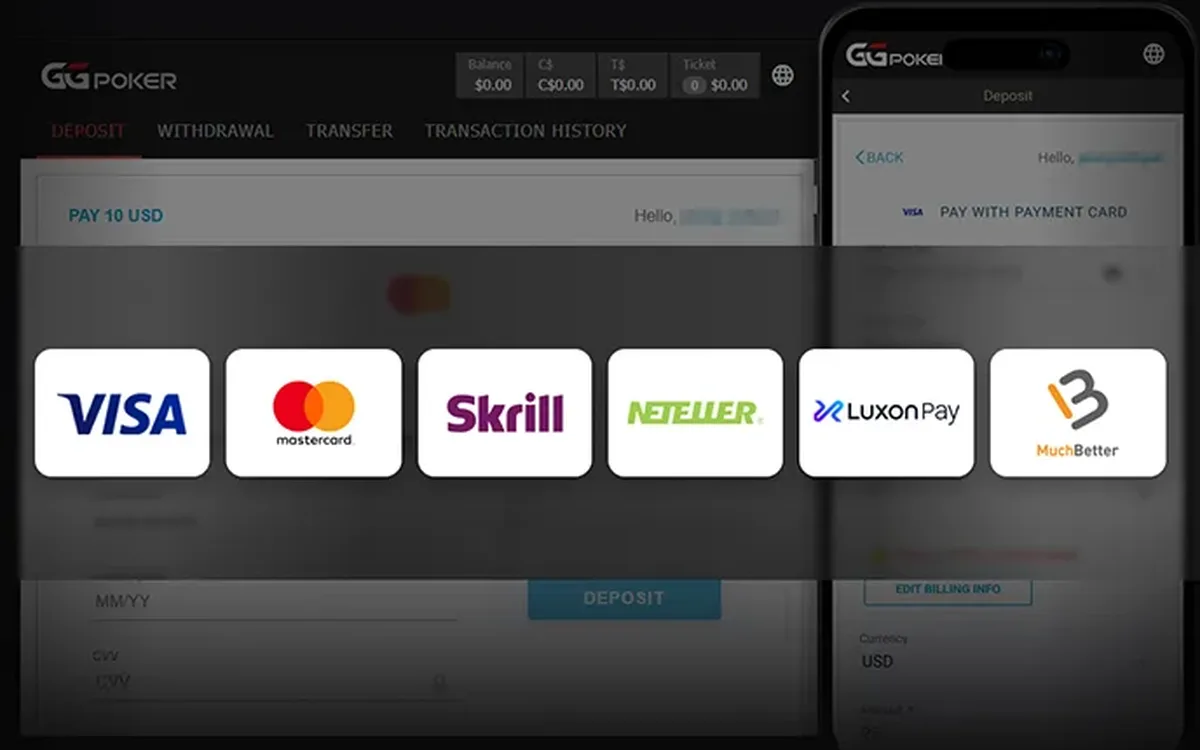 How to Deposit at PokerOK: Crypto and Local Methods (2026)The cashier is the main practical reason many CIS players choose PokerOK over the main GGPoker brand. It is built around cryptocurrencies and payment methods common in the region, but exactly what you will see depends on where you live.Read the guide
 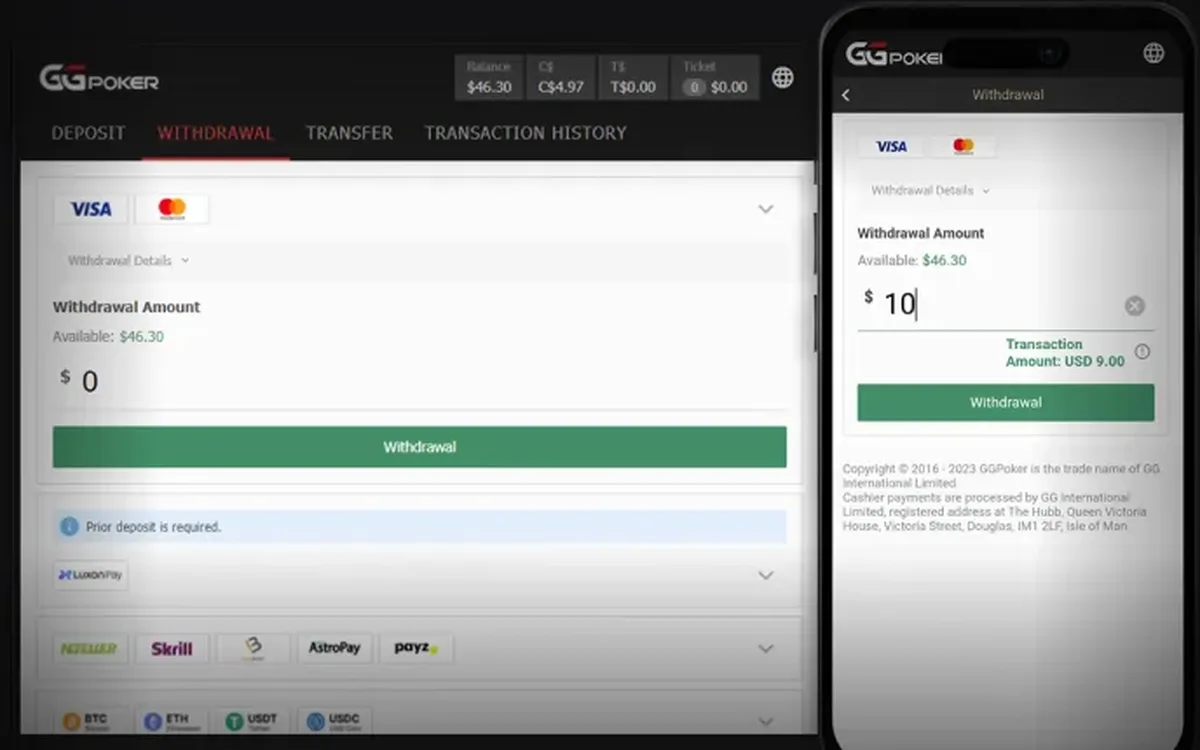 How to Withdraw Money from PokerOK: Step by Step (2026)Withdrawing from PokerOK is mostly about preparation. The request itself takes a minute in the cashier; what decides how smoothly it goes is whether your profile, payment details and documents are in order beforehand.Read the guide
  PokerOK Verification: Which Documents and How to Pass (2026)Sooner or later PokerOK may ask you to confirm who you are. For CIS players this often comes with the first sizeable withdrawal. Knowing the usual requirements in advance turns a stressful wait into a short formality.Read the guide
  PokerOK Won’t Start or Connect: Troubleshooting Guide (2026)When PokerOK refuses to start or keeps losing the connection, the cause is almost always on the player’s side: an outdated client, an overprotective antivirus, an unstable network or a damaged installation. This guide is organised by symptom, so jump to the one that matches yours.Read the guide
  PokerOK Games: Which Format to Choose (2026)PokerOK has the full GGNetwork game library, and since the player pool is shared with GGPoker, every format has traffic around the clock. Instead of listing games alphabetically, this guide groups them by what you want from a session.Read the guide
  PokerOK Mobile: Playing on Android and iPhone (2026)Many PokerOK players in the CIS play mostly from a phone: on the way to work, in the evening on the sofa, or while a tournament runs in the background. The app handles this well, as long as you install it safely and understand its limits.Read the guide