How to Register on CoinPoker: Account Setup Step by Step (2026)
Signing up for CoinPoker is one of the shortest registrations in online poker: an email, a password and a one-time code are enough to reach the lobby. The details you skip at sign-up still matter later, though, so this walkthrough covers the rules worth knowing before your first deposit.

Who may sign up for CoinPoker
CoinPoker accepts players aged 18 or over, or older where local law sets a higher age. Its Terms and Conditions list restricted territories that include the United Kingdom, the United States, the Netherlands, Belgium, Turkey, the UAE, India and China, and the operator adds countries when it sees fit.
The room runs device identification and VPN checks to spot access from restricted locations. Accounts found playing from such a territory can be suspended, transactions voided and balances withheld, so check your country before you register rather than after you have deposited.
One account per person — and per household
The rules go further than at most rooms: only one account is allowed per individual, household, device, IP address and payment method. Two family members sharing a laptop and a home connection can therefore run into trouble, and the welcome bonus is likewise limited to one per IP address, household and device.
If you registered in the past, recover that account through a password reset or support instead of creating a new one. Multi-accounting is on the list of prohibited activities that can lead to immediate suspension and confiscation of funds.
Creating the account step by step
Registration works the same way in the desktop client, the Android app and the browser version:
- 1Get the client from the official download page, which detects your system and offers Windows, macOS (Apple Silicon or Intel), Android and iOS builds — or open the browser version instead.
- 2Launch CoinPoker and choose Create Account (in the browser the button may read Register).
- 3Enter an email address you control and a strong password; no code of any kind is needed to sign up.
- 4Open the confirmation email from CoinPoker and copy the six-digit OTP code inside it.
- 5Return to the app, enter the code and log in — the lobby, the cashier and the free Practice Games tables are now open.
Get the email right the first time
Your email address is effectively your identity on CoinPoker. Password and PIN can be changed under My Profile > Account Security, but switching to a new email takes a written request to support with your nickname, current USDT balance, last deposit and the devices you play on.
Confirmation can fail if the address you type differs even in letter case from the one on file, so type it carefully and check spam if the OTP is late.
Protect the account with a Security PIN
After the first login CoinPoker offers to set up a four-digit Security PIN, confirmed with a code sent to your email. Once enabled, the PIN is requested at each login on your trusted devices, and five wrong entries force a reset through a fresh OTP.
Crypto that has left your account cannot be called back, so this small step is worth the minute it takes. Pick a password you use nowhere else, and never share email codes with anyone claiming to be staff.
Before your first hand
Your balance is kept in USDT, a dollar-pegged stablecoin, whatever you deposit with. If you want the 150% welcome bonus, remember that it can only be selected on the very first deposit, starting from $10.
Registration involves no ID check, but the Terms let CoinPoker request documents later, so the personal data you enter should be accurate. The Responsible Gaming section in Account Settings offers timeouts and self-exclusion, and fixing a budget now is easier than in the middle of a losing run.
FAQ
01Do I need to show ID to register on CoinPoker?
No. Signing up requires only an email, a password and the OTP code from your inbox. The room may still ask for documents later, for example around large withdrawals or during compliance reviews.
02Can I change my email address later?
Not from the client. Email changes go through support, which asks for security details such as your nickname, balance and last deposit before processing the request.
03Can two people in one household have CoinPoker accounts?
The Terms allow one account per individual, household, device, IP address and payment method. Shared devices or connections can therefore cause problems, so contact support before a second person at the same address registers.
More CoinPoker guides
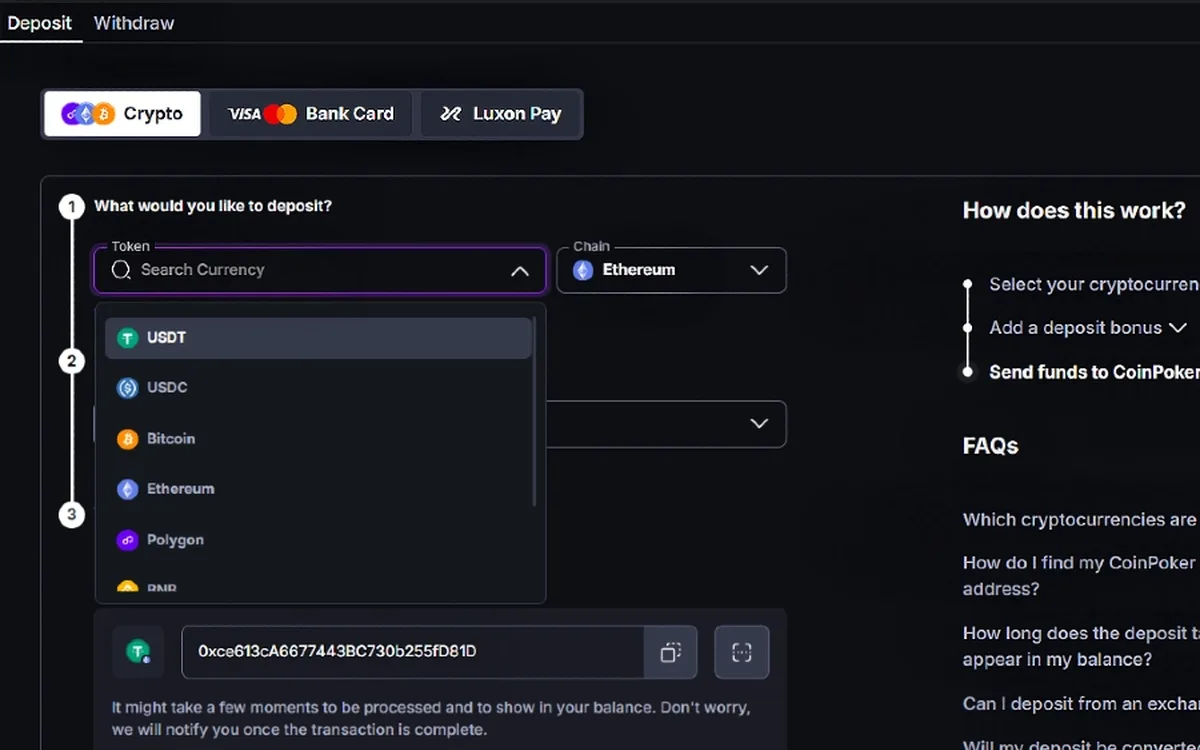 How to Deposit on CoinPoker: Crypto, Cards and the 150% Bonus (2026)CoinPoker’s cashier is built around crypto, yet it also takes cards, Apple Pay, Google Pay, Luxon Pay and regional payment methods. Whatever you send, the balance ends up in USDT, and the first deposit is the only moment to claim the welcome bonus.Read the guide
 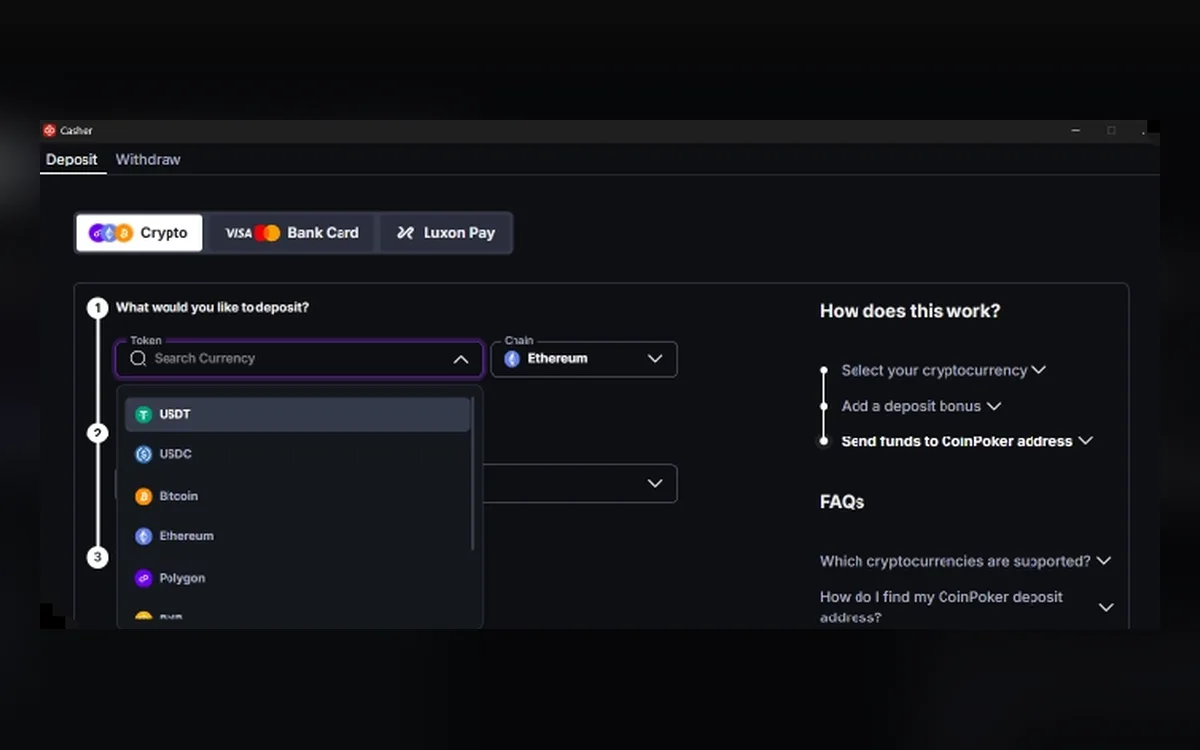 How to Withdraw from CoinPoker: Crypto Payouts, Fees and Limits (2026)Fast cashouts are CoinPoker’s main selling point, and most crypto withdrawals do land within minutes. A few rules about networks, fees and unplayed deposits decide whether yours is one of them.Read the guide
  CoinPoker Verification (KYC): When It Happens and What to Send (2026)CoinPoker advertises play without verification, and most players never upload a document. The Terms and the AML & KYC policy, however, keep the right to check anyone at any time, so it pays to know what may be asked and how to answer quickly.Read the guide
 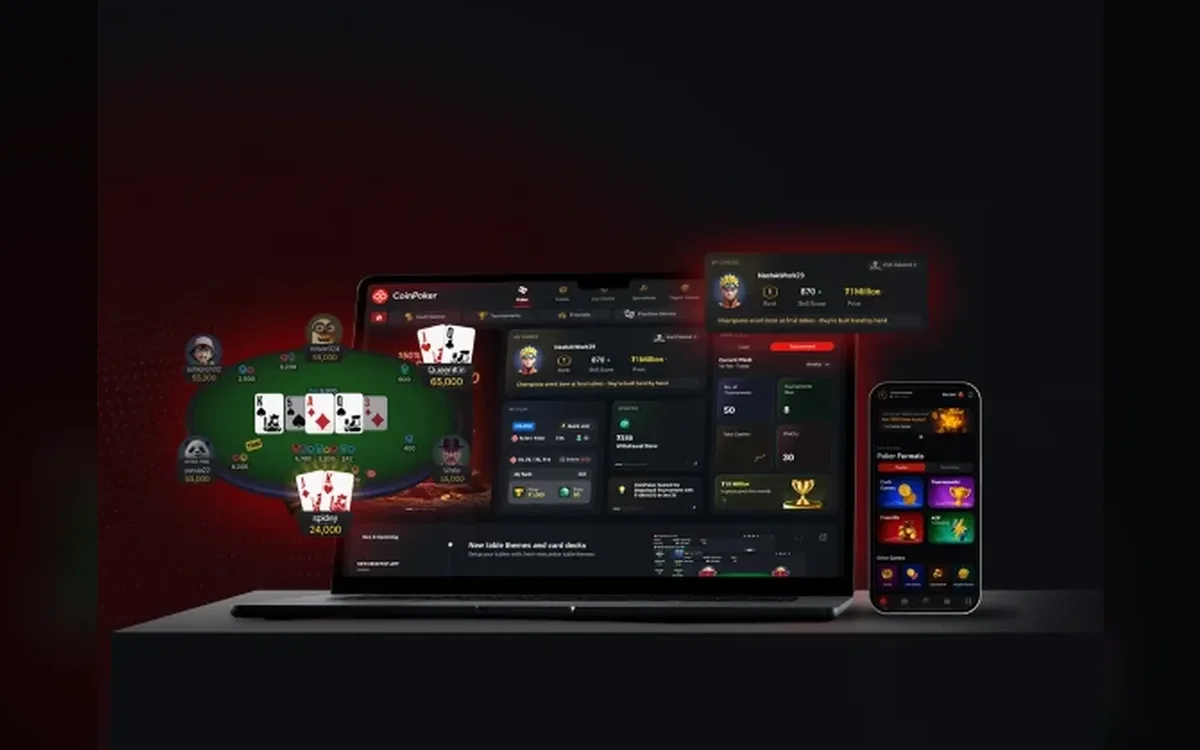 CoinPoker Not Working? Fixing Launch, Login and Connection Problems (2026)CoinPoker’s new client is heavier than many poker apps, and most problems come from an underpowered machine, blocked permissions or a failed auto-update. The checks below follow the room’s own help centre, in the order that solves issues fastest.Read the guide
 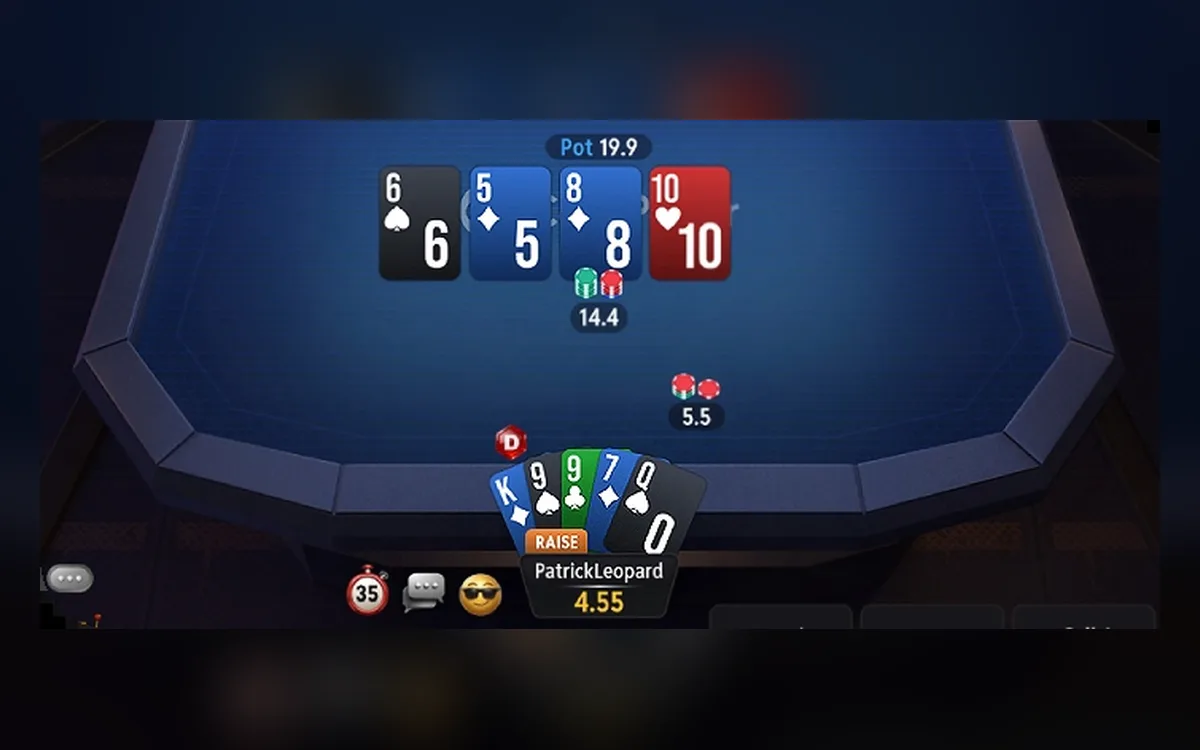 CoinPoker Games: Hold’em, PLO, K-Poker, Bomb Pots, Splash Pots and MTTs (2026)CoinPoker’s lobby goes well beyond classic Hold’em: it mixes several Omaha variants, a fast house format called K-Poker, double-board Bomb Pots and random Splash Pots. Here is how each format works and which tournaments carry the schedule.Read the guide
  CoinPoker on Mobile: Android APK, iPhone Install and Browser Play (2026)On Android, CoinPoker is installed as an APK from the official download page, and the iPhone build is distributed from that same page rather than through an app-store listing. There is also a full browser version, so every phone owner has at least one route to the tables.Read the guide