CoinPoker Not Working? Fixing Launch, Login and Connection Problems (2026)
CoinPoker’s new client is heavier than many poker apps, and most problems come from an underpowered machine, blocked permissions or a failed auto-update. The checks below follow the room’s own help centre, in the order that solves issues fastest.
Check the system requirements
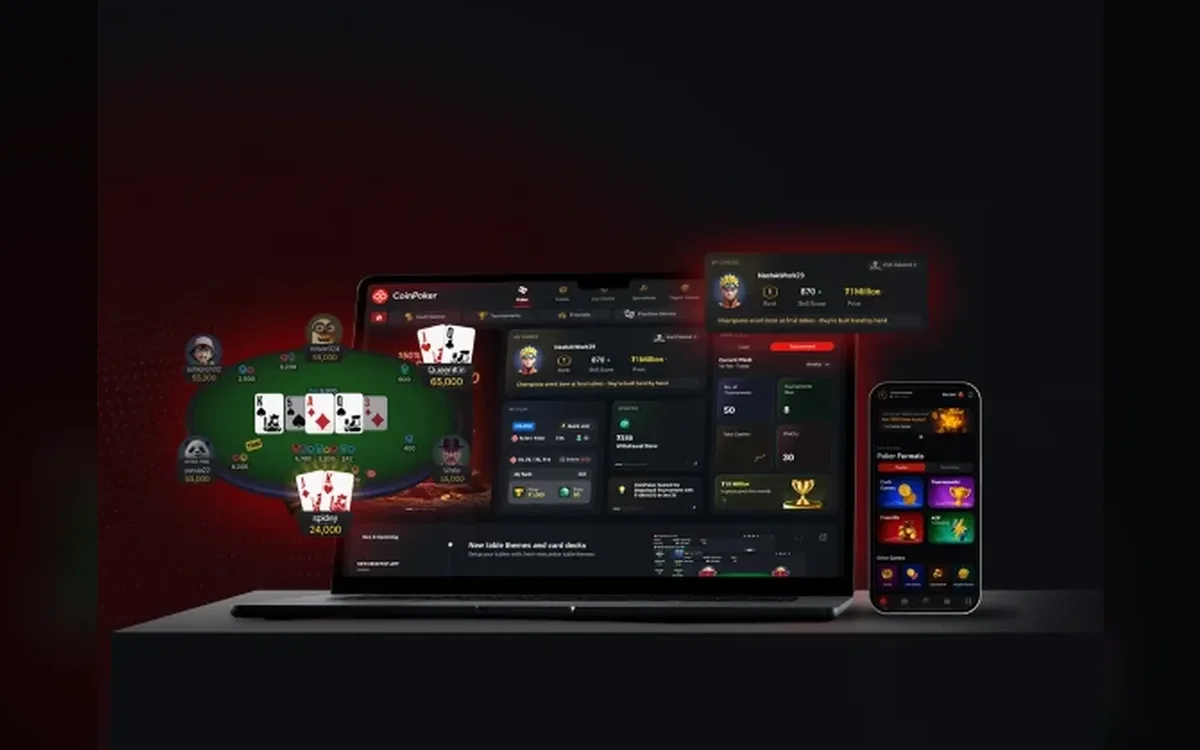
The official download page asks a lot of a desktop: Windows 10 or later with at least an Intel Core i3 (a 10th-generation Core i5 is recommended), 8 GB of RAM with 16 GB preferred, and 20 GB of free disk space. On a Mac, macOS 12 or newer is recommended, and there are separate builds for Apple Silicon and Intel chips.
Phones need Android 10 or iOS 15 or newer, with 4 GB and 2 GB of RAM respectively as the stated baseline. Installing the wrong Mac build is a classic cause of a client that refuses to start, so pick the one matching your processor.
The app closes on startup or loads forever
The help centre suggests this sequence when the client shuts down instantly or hangs after you enter your password:
- 1On a Mac, open System Settings > Privacy & Security > Full Disk Access and grant access to CoinPoker.
- 2If macOS blocked the first launch, press Open Anyway in Privacy & Security and confirm with your administrator password.
- 3On Windows, allow CoinPoker through Windows Defender or your antivirus when prompted, or add it to the exceptions afterwards.
- 4If the built-in updater failed, download the latest version manually from the official download page and install it over the old one.
- 5Still stuck? Uninstall CoinPoker, delete its leftover folder, reinstall from the official page and log in again.
Lag, freezes and disconnections
A table frozen mid-hand is usually a connection drop that makes the client try to reconnect. Closing and relaunching the app normally restores your seat, and switching from Wi-Fi to a cable or a mobile hotspot quickly shows whether your network is to blame.
Heavy multi-tabling on a machine near the minimum specs can also stutter. Close browsers and other demanding programs, and keep the table count modest until you know how your computer copes.
VPNs, virtual machines and blocked access
CoinPoker runs VPN checks, and using a VPN, proxy or GPS spoofing to play from a restricted country is prohibited and leads to account closure and possible confiscation of funds. Even if you use a VPN for privacy, switch it off while playing, since support asks whether one was active when investigating connection problems.
Since June 2026 the third-party tools policy also bans virtual machines, emulators, remote desktops and cloud PCs. Run the client directly on a physical computer or phone; anything else can trigger an account review rather than a technical fix.
Login and confirmation problems
If the confirmation OTP never arrives, check spam and make sure the address is typed exactly as registered, since even a capital letter in the wrong place can block confirmation. Forgotten passwords are reset from the login screen, and five wrong Security PIN entries trigger a reset through an emailed code.
In the browser version on an iPhone, Screen Time content restrictions, ad blockers and DNS filters can stop the site from loading. Allow the site or pause the filter briefly, then try Safari or Chrome.
What to send support
Email support with your device, operating system version, country, whether a VPN was on, and screenshots or a video of the error. For problems during a hand, add the hand ID, table or tournament name and the time with your timezone.
Log files speed things up: right-click the desktop shortcut, choose Open file location, open the log folder next to update.log and zip the numbered .log files. Attach the archive to your email.
FAQ
01Why does CoinPoker keep loading after I log in?
Usually because a permission or an update is blocked. On a Mac grant Full Disk Access, check whether security software interferes, and reinstall the latest build from the official download page.
02Can I play CoinPoker through a VPN?
Not from a restricted country — that breaks the Terms and leads to account closure. Elsewhere, turn the VPN off while playing to avoid connection errors and extra checks.
03Can I run CoinPoker in a virtual machine or emulator?
No. Virtual machines, emulators, remote desktops and cloud PCs are prohibited, and the client must run on a physical device.
More CoinPoker guides
 How to Register on CoinPoker: Account Setup Step by Step (2026)Signing up for CoinPoker is one of the shortest registrations in online poker: an email, a password and a one-time code are enough to reach the lobby. The details you skip at sign-up still matter later, though, so this walkthrough covers the rules worth knowing before your first deposit.Read the guide
 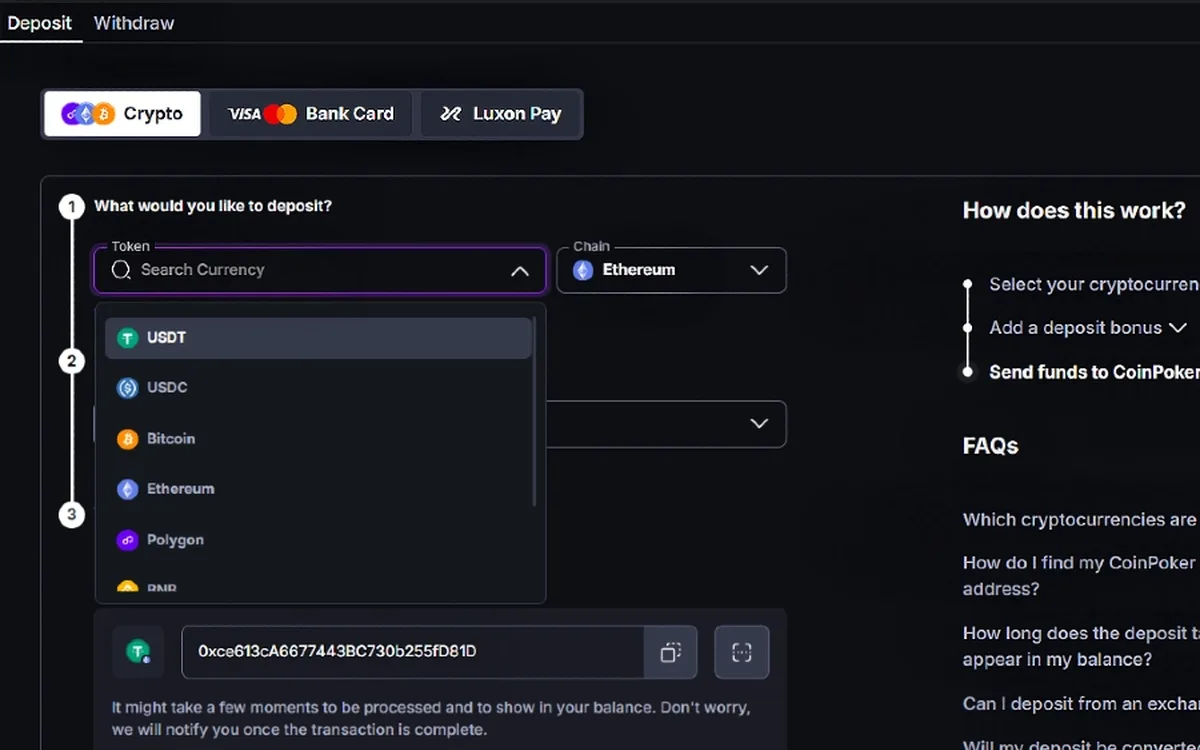 How to Deposit on CoinPoker: Crypto, Cards and the 150% Bonus (2026)CoinPoker’s cashier is built around crypto, yet it also takes cards, Apple Pay, Google Pay, Luxon Pay and regional payment methods. Whatever you send, the balance ends up in USDT, and the first deposit is the only moment to claim the welcome bonus.Read the guide
 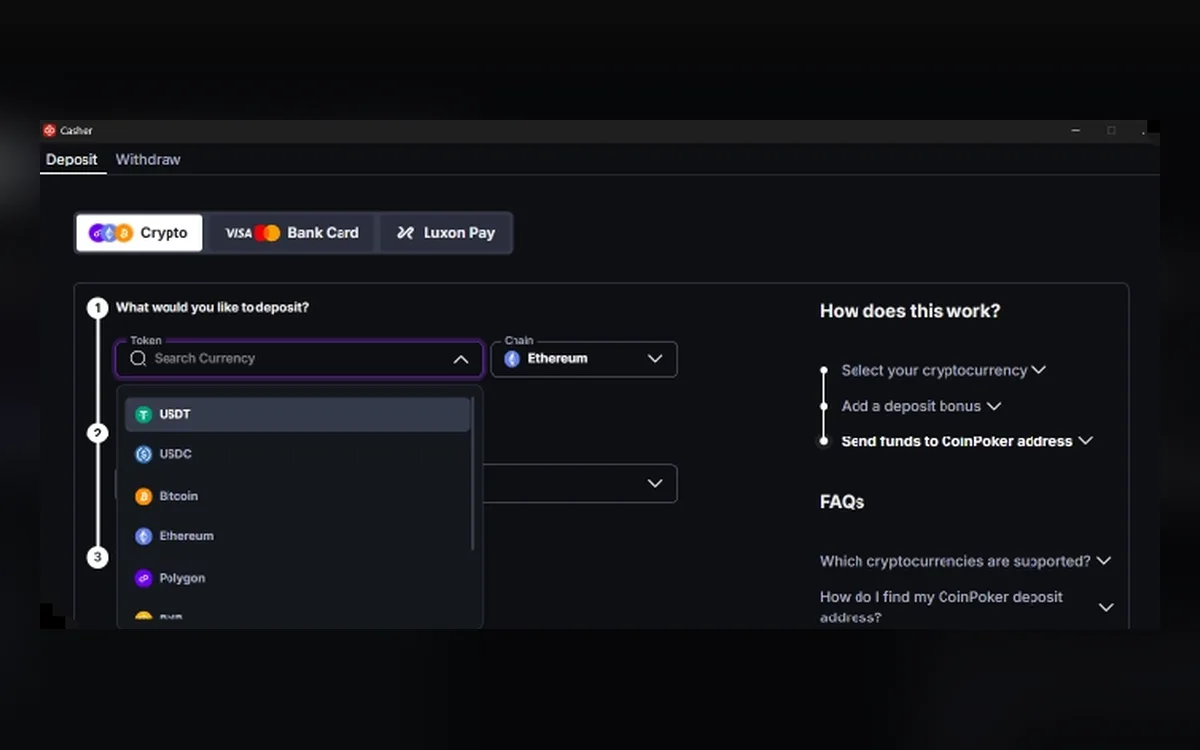 How to Withdraw from CoinPoker: Crypto Payouts, Fees and Limits (2026)Fast cashouts are CoinPoker’s main selling point, and most crypto withdrawals do land within minutes. A few rules about networks, fees and unplayed deposits decide whether yours is one of them.Read the guide
  CoinPoker Verification (KYC): When It Happens and What to Send (2026)CoinPoker advertises play without verification, and most players never upload a document. The Terms and the AML & KYC policy, however, keep the right to check anyone at any time, so it pays to know what may be asked and how to answer quickly.Read the guide
  CoinPoker Games: Hold’em, PLO, K-Poker, Bomb Pots, Splash Pots and MTTs (2026)CoinPoker’s lobby goes well beyond classic Hold’em: it mixes several Omaha variants, a fast house format called K-Poker, double-board Bomb Pots and random Splash Pots. Here is how each format works and which tournaments carry the schedule.Read the guide
  CoinPoker on Mobile: Android APK, iPhone Install and Browser Play (2026)On Android, CoinPoker is installed as an APK from the official download page, and the iPhone build is distributed from that same page rather than through an app-store listing. There is also a full browser version, so every phone owner has at least one route to the tables.Read the guide