How to Register on PokerStars: Account Setup Step by Step (2026)
Creating a PokerStars account is free and takes a few minutes, whether you start in the desktop client, the mobile app or the browser lobby. The decisions that matter most come early: which regional site you belong to, the Stars ID you will carry for years, and how well you protect the login.

Find out which PokerStars site serves your country
PokerStars is not a single website but a family of licensed sites. The international room operates under a Malta Gaming Authority licence, while France, Spain, Italy, Denmark and Germany have ring-fenced local versions and Ontario has a site of its own. In the United States the brand is offered only in New Jersey, Pennsylvania and Michigan, through PokerStars on FanDuel.
A long list of countries cannot open real-money accounts at all, among them Russia, Turkey, Czechia, Australia, most of the US and many states in Asia, Africa and the Caribbean. Living in one of them means not playing: an account opened with a borrowed address breaks the terms and can be closed with the balance held.
Get the software or start in the web lobby
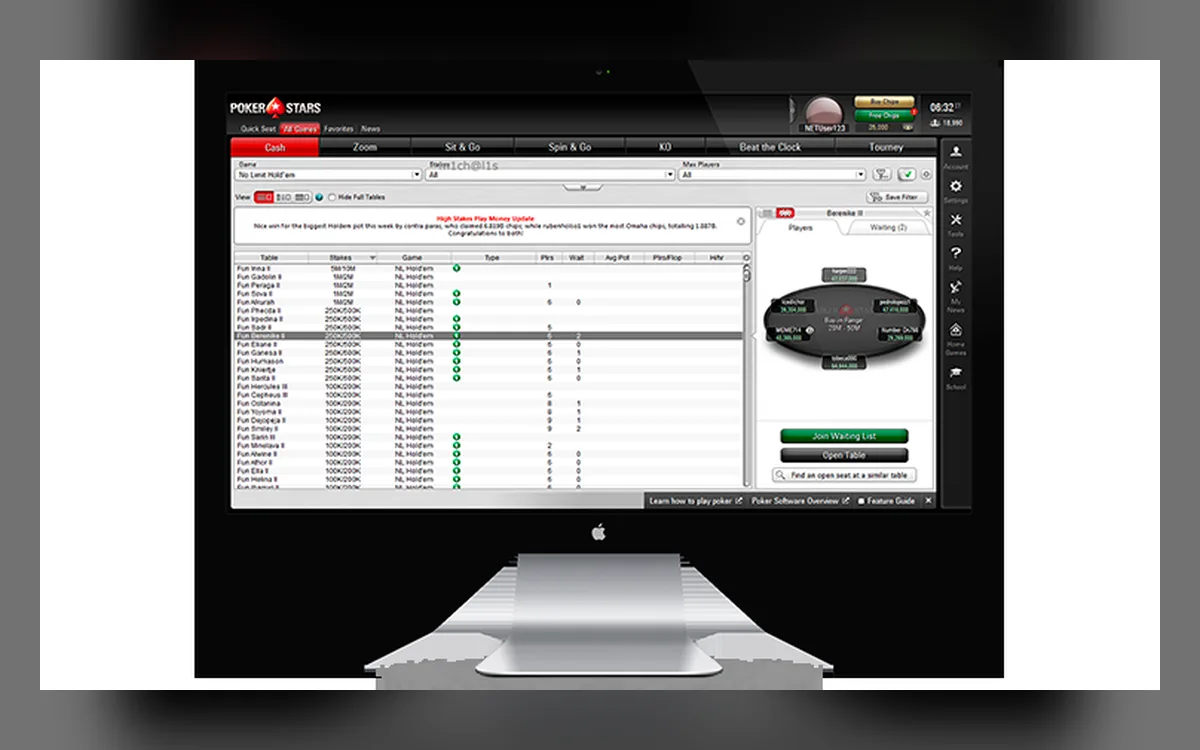
On a computer you download the Windows installer or the macOS build from the official site. iPhone and iPad owners use the App Store, and Android users install an APK from the official site, because the real-money app is missing from Google Play in most regions.
One account covers every platform, but Stars allows a single active session, so logging in on your phone ends the session on your laptop.
Opening the account, screen by screen
Button names vary slightly by platform, but the order is the same:
- 1Launch the PokerStars client or app and press Join (on some versions, Register) on the start screen.
- 2Enter an email address you actually read and a password you have never used on another site.
- 3Choose your Stars ID — the screen name opponents see at the tables and in published tournament results.
- 4Type your legal name, date of birth, country and full home address exactly as they appear on your ID and bills.
- 5Accept the terms of service, decide whether you want marketing messages and create the account.
- 6Check your inbox for a welcome email from PokerStars and complete any confirmation it requests.
Treat your Stars ID as permanent
PokerStars regards the Stars ID as a fixed identifier, and requests to change it are routinely declined. Leave out your surname, birth year and anything resembling your email login: a neutral handle keeps your privacy intact when SCOOP or WCOOP leaderboards are published.
Names that insult anyone or imitate another player, a brand or a member of staff can be suspended until you sort things out with support.
Lock the account down before you deposit
Stars adds several layers on top of the password. You can add and validate a mobile number so that suspicious activity triggers an SMS code, set a PIN, and in some regions attach an RSA security token. While an SMS check is pending, deposits, withdrawals and transfers stay frozen, which is exactly what you want if your password leaks.
Keep the email and phone in Account Details current. Losing access to both makes recovery slow, because support must confirm your identity before resetting anything.
The Real Money form, the bonus and your limits
Before the first deposit the cashier asks you to complete a Real Money form that confirms your personal details. The welcome offer — 100% up to $600, released in $5 parts for every 75 redemption points — is tied to that first deposit of at least $10, so read the promotions page before paying.
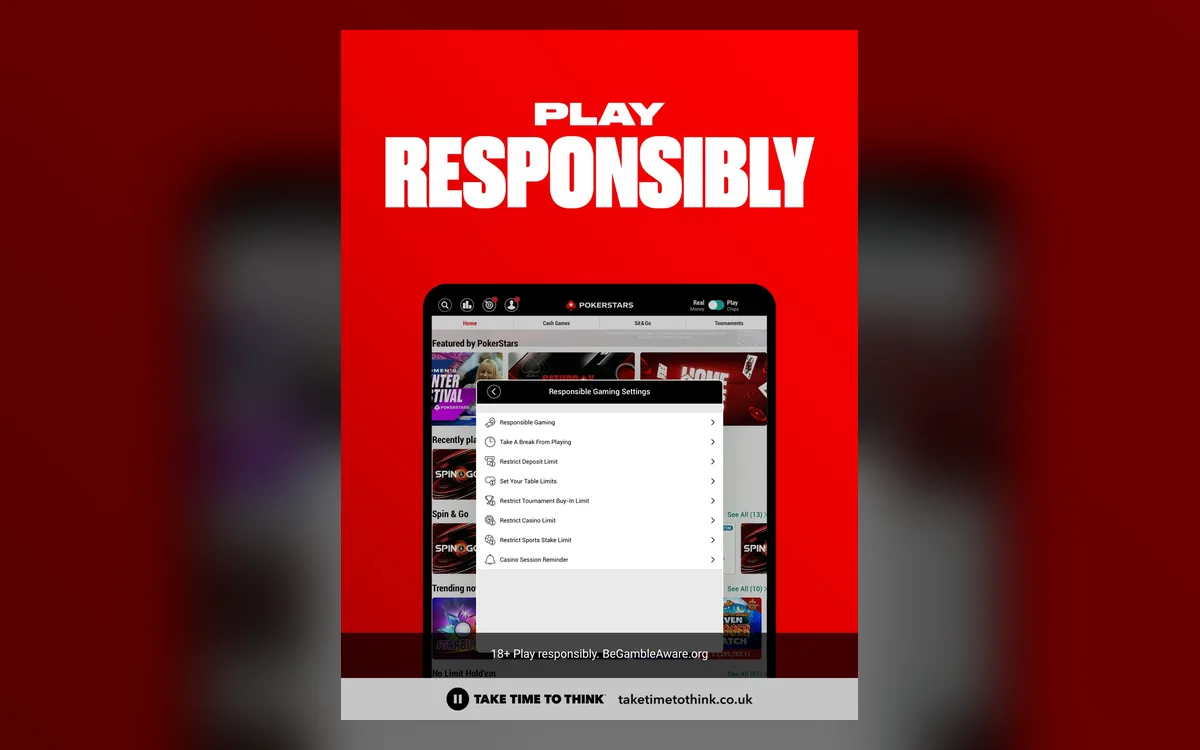
It is also the right moment to open Responsible Gaming and set a deposit or buy-in limit. Lowering a limit works immediately, whereas raising it involves a waiting period — a useful brake on heat-of-the-moment decisions.
FAQ
01Does it cost anything to register on PokerStars?
No. Creating the account, installing the client and playing for play money are free; money is involved only when you decide to deposit for real-money games.
02Can I hold accounts on two PokerStars sites?
No. One person gets one account, and the site you use depends on where you live. After moving abroad, ask support how to handle the existing account.
03I registered years ago and forgot my details. Should I sign up again?
Recover the old account through the password reset or with help from support instead. A second account counts as a duplicate, and duplicates can be closed together.
More PokerStars guides
 How to Deposit on PokerStars: Cashier, Methods and First-Deposit Bonus (2026)Every PokerStars deposit goes through the cashier inside the client, the app or the website. Paying in is quick; the details worth slowing down for are the currency of your bankroll, the method you will later withdraw to and the rules of the first-deposit bonus.Read the guide
  How to Withdraw from PokerStars: Methods, Review Time and Payout Order (2026)PokerStars has paid players for more than two decades, and its withdrawal process is predictable once you know the rules. Most waiting comes from the order in which methods are paid, an unfinished identity check or bank details that do not match the account.Read the guide
  PokerStars Verification (KYC): Accepted Documents and Upload Tips (2026)PokerStars is licensed in many jurisdictions, and every one of them requires the room to know who its customers are. Most players pass an electronic check without sending anything, but anyone can be asked for documents, and knowing what Stars accepts saves days of back-and-forth.Read the guide
  PokerStars Not Working? Fixing Launch, Connection and Login Problems (2026)When PokerStars refuses to start, keeps disconnecting or will not let you in, the cause is usually local: a firewall rule, a stale installation or a session that never closed. This guide follows the order the Stars Help Centre itself recommends, with the details that make each step work.Read the guide
  PokerStars Game Formats: Zoom, Spin & Go, SCOOP, WCOOP and Home Games (2026)No other online room offers as many poker variants as PokerStars, and several of its formats have become industry standards. Here is what each one involves, who it suits and what the rules on third-party tools mean for it.Read the guide
 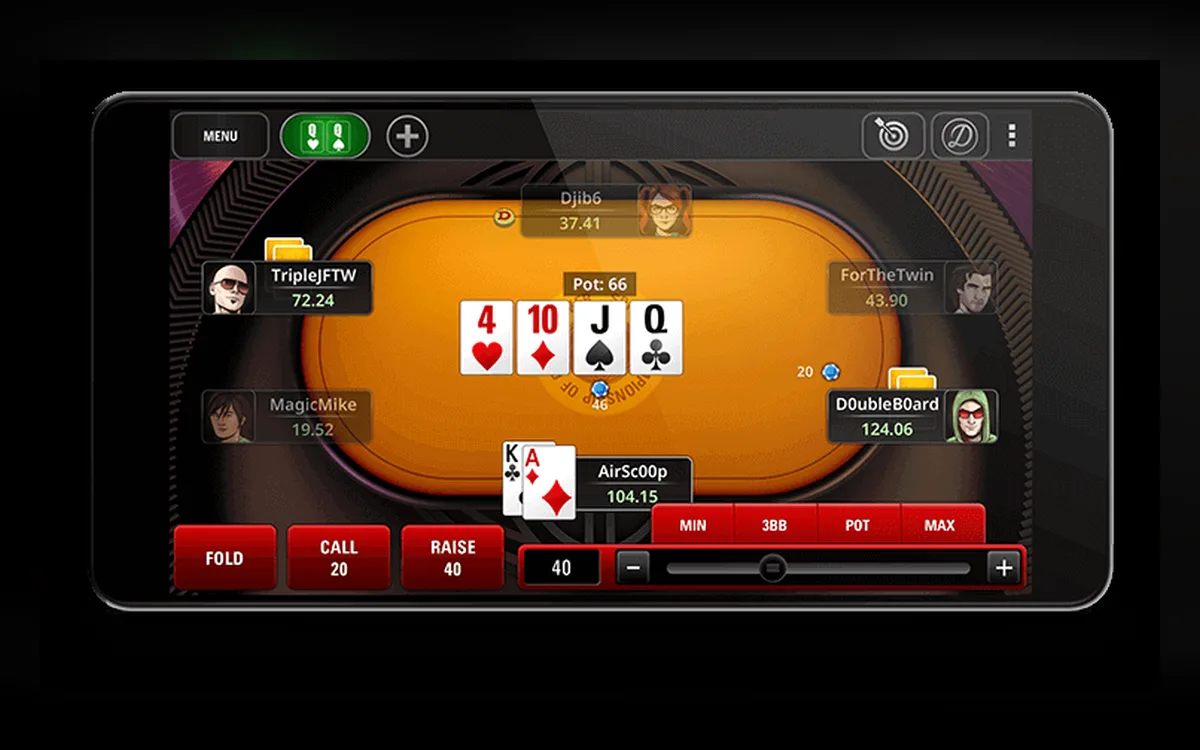 PokerStars Mobile App: iPhone, Android APK and What You Can Play (2026)The PokerStars app puts the same account, balance and most of the game lobby on your phone. How you install it depends on the device: iPhone users go through the App Store, while most Android owners download an APK from the official PokerStars site.Read the guide