WPT Global App for iPhone and Android: Install and Play (2026)
WPT Global was built with phones in mind, and its app gives you the same account, cashier and lobby as the desktop client. iPhone owners install it from the App Store, while on Android the official site provides an APK file.
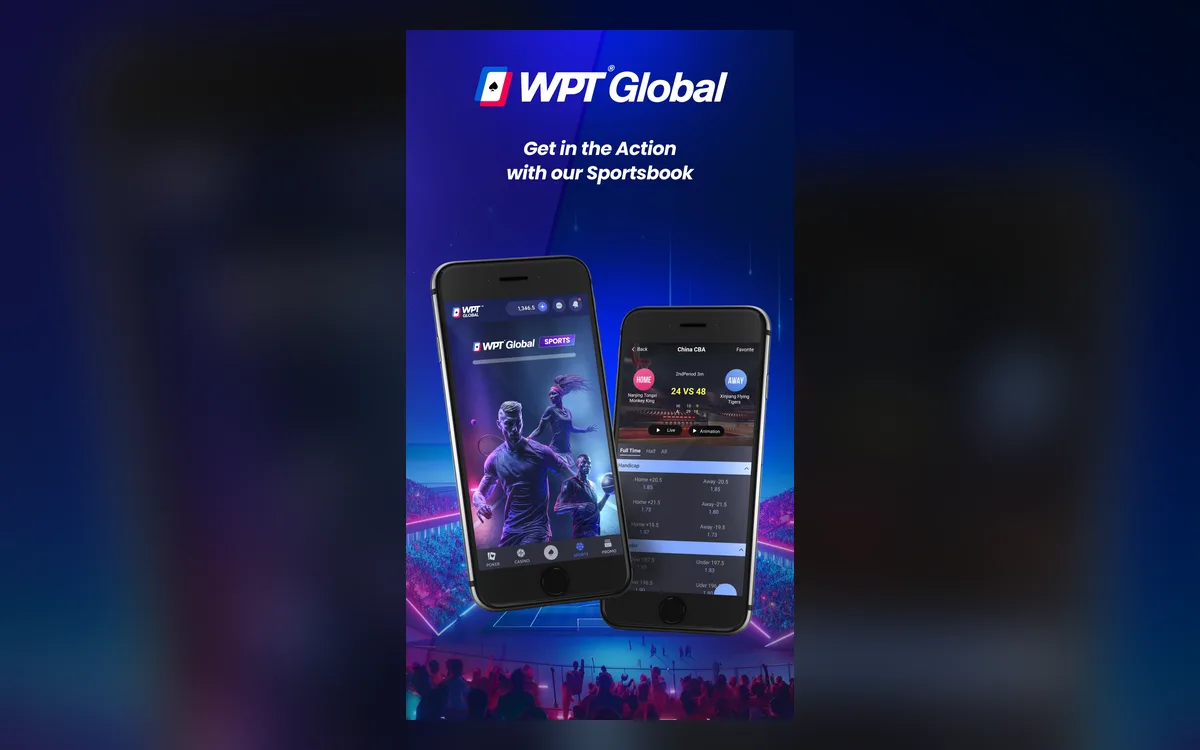
Device requirements
The help centre lists Android 8.0 as the minimum, plus about 500 MB of free storage and 3 GB of RAM, with 4 GB recommended. For iPhone it quotes iOS 10, but the App Store listing always shows the version your device really needs. In practice, a phone from the last few years on a stable connection gives the smoothest tables.
Rooted devices and emulators are banned by the terms, so install the app on an ordinary, unmodified phone.
App Store installation for iOS devices
Search the App Store for WPT Global and check the publisher before downloading: the official listing comes from Kashxa Limited, the room’s payment agent. Availability depends on your App Store country, and the app isn’t offered in markets where WPT Global doesn’t accept players.
Don’t confuse it with WPT HOME or ClubWPT Gold. These are separate World Poker Tour products for play with friends or sweepstakes, with no access to your real-money WPT Global account.
Installing on Android
We could not confirm a Google Play listing for the real-money app, so the official route on Android is the APK:
- 1Open the official WPT Global site in your phone’s browser and tap Download.
- 2Confirm saving the APK when the browser warns that the file can install apps.
- 3Open the downloaded file and allow installs from this source when Android asks.
- 4Complete the installation, launch WPT Global and log in or create an account.
- 5Switch the “install unknown apps” permission off again for your browser.
What you can play on the phone
The app mirrors the desktop lobby: Hold’em, PLO, PLO5 and Short Deck cash, Flash fast-fold, Global Spins, MTTs and satellites, plus the cashier, document uploads and promotions. Mobile multi-tabling arrived in 2025 and, according to reports at the time, allows up to three tables in any mix of games, while Global Spins can be played up to four at once.
Earlier updates added a dark theme and a grouped lobby that gets you into cash games faster. For long, high-volume sessions a computer is still more comfortable.
Updates and account security
The app updates itself when you log in; if an update stalls, reinstall the latest version from the official site or the App Store. Use a screen lock, don’t keep your password in plain-text notes, and never install builds offered in chats or on forums — they are a common source of stolen accounts.
If children or other relatives use the phone, log out after each session, because the terms treat anything done under your login as your own. A lost or stolen handset is a reason to change the password from another device straight away and alert support.
Playing responsibly on mobile
A phone makes it easy to squeeze in a few hands anywhere, which is exactly why limits matter. Set a weekly budget and stop when it is gone, and avoid playing while tired or distracted. If you need a pause, support can temporarily restrict the account for a duration you choose.
FAQ
01Is the WPT Global app on Google Play?
We couldn’t confirm a Google Play listing for the real-money app; the official site offers it as an APK. Install only from that page and steer clear of look-alike apps.
02Can I multi-table in the WPT Global app?
Yes, mobile multi-tabling is available, and 2025 reports put the limit at three tables. For heavier volume, the desktop client is more practical.
03Is my mobile account the same as on desktop?
Yes. One login works on every device, with the same balance, tickets and history.
More WPT Global guides
 How to Register on WPT Global: Sign-Up Guide (2026)WPT Global, the online room of the World Poker Tour, lets you open an account in a few minutes from its desktop client or mobile app. The sign-up form itself asks for very little, but the profile details you add before your first deposit decide how smoothly your later withdrawals will go.Read the guide
 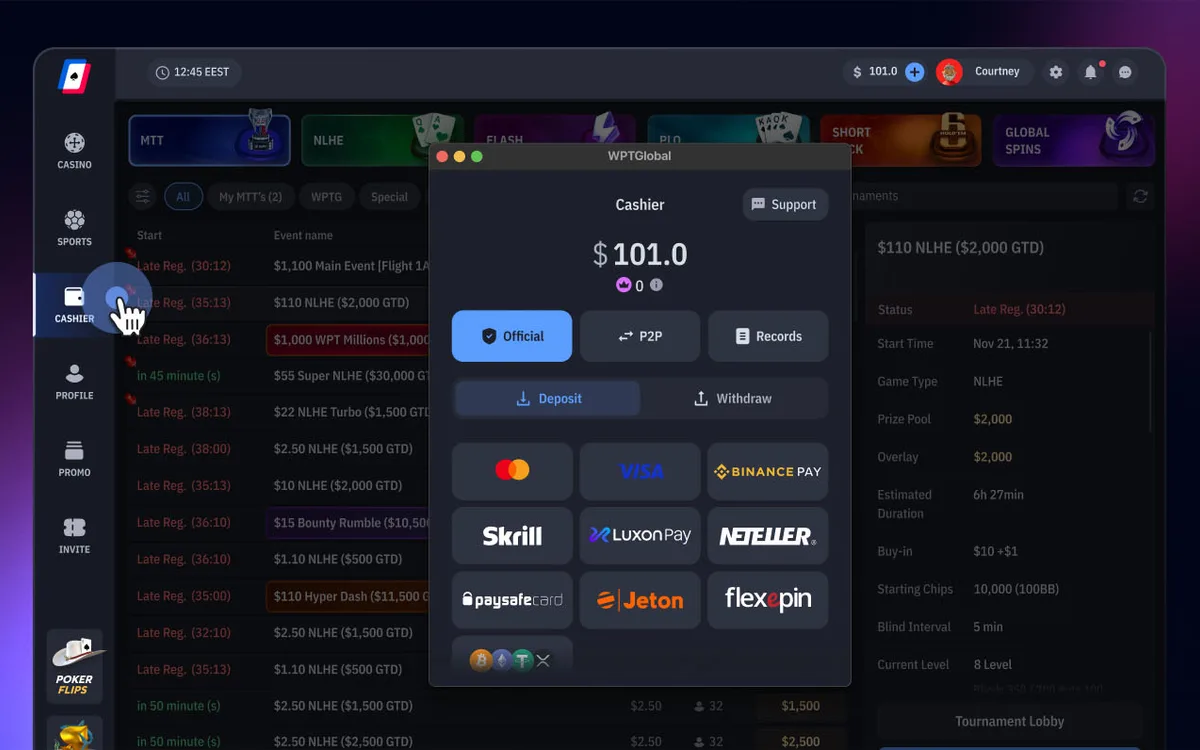 How to Deposit on WPT Global: Methods, $10 Minimum and Bonus (2026)Every deposit on WPT Global goes through the Cashier inside the app, and the room itself charges no deposit fee. The method you choose also shapes your future withdrawals, because payouts follow a closed-loop policy.Read the guide
 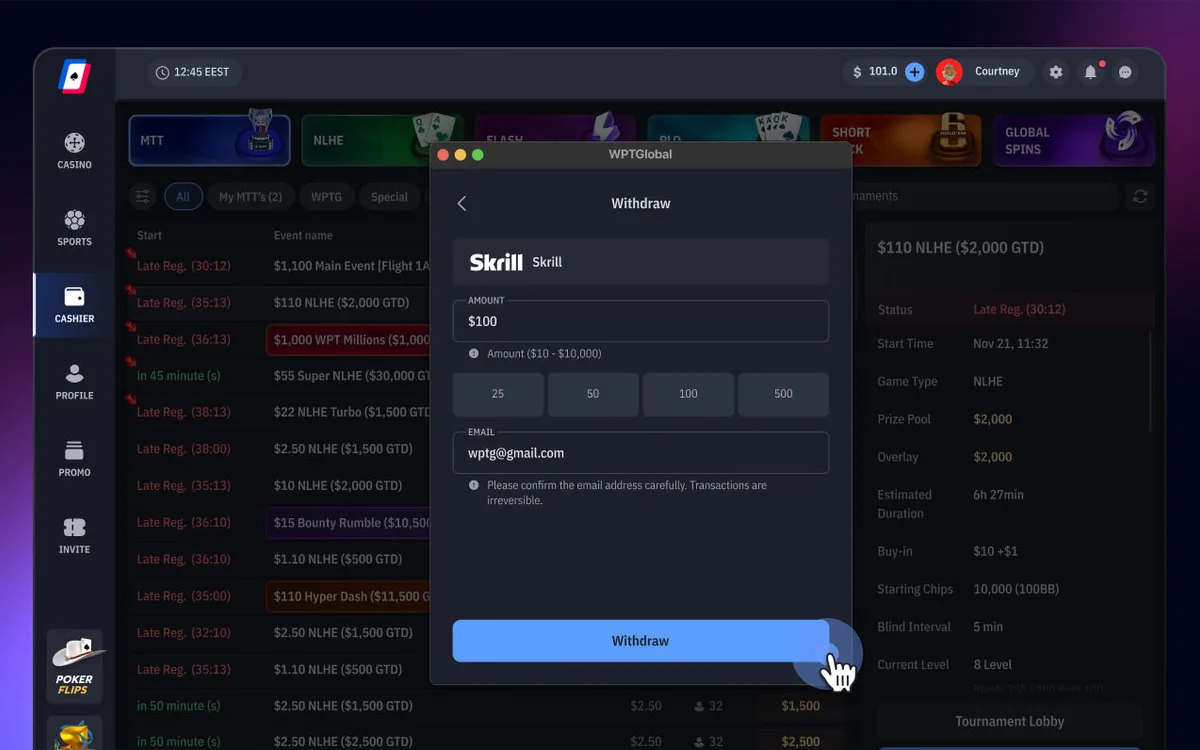 How to Withdraw from WPT Global: Methods, Times and Rules (2026)Cashing out on WPT Global takes a few clicks in the Cashier, and the room charges no withdrawal fee. How fast the money reaches you depends mainly on three things: whether your account is verified, which method you use and whether you respect the closed-loop rule.Read the guide
  WPT Global Verification (KYC): Documents and Upload Tips (2026)WPT Global doesn’t ask for documents at sign-up, so you can register, deposit and play straight away. Sooner or later, though — usually around a withdrawal or a set threshold — the room will ask you to prove who you are, where you live and that your payment method is really yours.Read the guide
  WPT Global Not Working? Fixing Launch, Login and Connection Issues (2026)Most problems with the WPT Global app come down to an outdated build, an over-zealous security program or an unstable connection. Below are the fixes the room’s help centre recommends, plus the setups its terms forbid outright.Read the guide
  WPT Global Game Formats: Cash, Flash, Global Spins and MTTs (2026)WPT Global’s lobby is smaller than GGPoker’s, but it has a clear identity: low-rake Hold’em, a strong Omaha scene, Short Deck, action formats such as Bomb Pots, and WPT-branded tournaments with a path to live events. Here is what each section offers and how it is raked.Read the guide