WPT Global Not Working? Fixing Launch, Login and Connection Issues (2026)
Most problems with the WPT Global app come down to an outdated build, an over-zealous security program or an unstable connection. Below are the fixes the room’s help centre recommends, plus the setups its terms forbid outright.
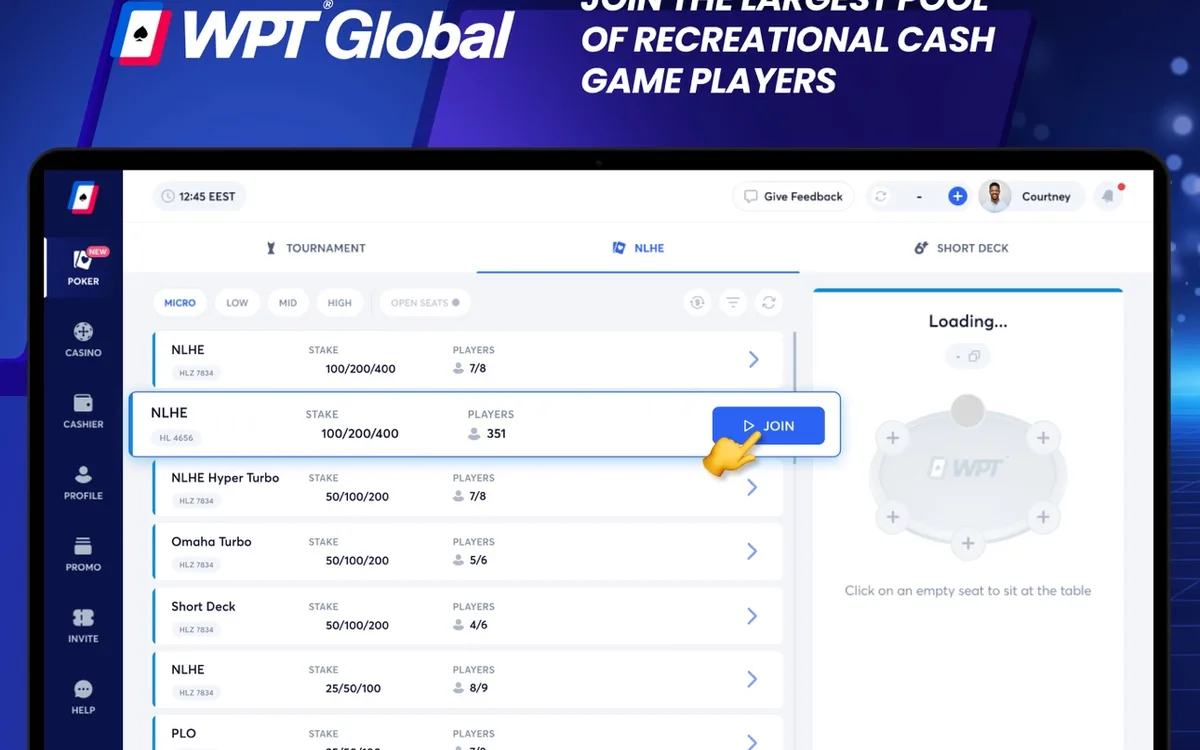
Check the system requirements
WPT Global’s minimums are modest: Windows 10 or macOS 10.14 on a computer, Android 8.0 on a phone, about 500 MB of free storage and 3 GB of RAM, with 4 GB recommended. The help centre gives iOS 10 for iPhones, but the App Store page shows the version your device actually needs. Older machines may still open the client yet stutter once several tables are running.
A graphics-driver error during installation usually disappears after you update the video card driver from the manufacturer’s site.
The app won’t install or start
Work through these fixes in order and test the client after each one:
- 1Force-close WPT Global completely, including any leftover process in Task Manager or Activity Monitor.
- 2If Windows reports “unable to execute file in the temporary directory”, open Downloads, right-click the WPT Global installer and choose Run as administrator.
- 3On a Mac, move the app into Applications and approve it under Privacy & Security if macOS blocks the first launch.
- 4Add WPT Global to your antivirus and firewall exceptions if the installer was quarantined or the client is barred from going online.
- 5If none of that helps, uninstall the app, download a fresh installer from the official site and install it again.
Lag and disconnections
The help centre stresses that a stable connection matters more than a fast one. On a desktop a cable beats Wi-Fi, closing memory-hungry background apps helps, and on a phone switching between Wi-Fi and mobile data is a quick test. If everything else on your network works, check your provider’s status page and WPT Global’s social channels, where rare outages are announced.
Deliberately disconnecting during a hand is itself a breach of the terms, so with a shaky connection play fewer tables rather than risk timeouts.
Login problems
Make sure you are entering the right email or username and that Caps Lock is off, since passwords are case-sensitive. If you have forgotten the password, tap Forgot Password on the login screen, enter your email and press GET CODE; a temporary password arrives by email, and you set a new one once inside.
When nothing works, contact support. An account can be restricted during a security review, and only the team can tell you why and what is needed to lift it.
VPNs, virtual machines and remote desktop
WPT Global’s terms prohibit hiding or changing your location with a VPN, proxy or similar service, and playing from a restricted country this way leads to account closure and possibly confiscated funds. The same list bans virtual machines, emulators, rooted devices, screen-sharing tools and remote-desktop software.
If your work laptop runs a corporate VPN or remote-access tool, switch it off or use a personal device for poker so the security system has no reason to flag your sessions.
Updates, pop-ups and bug reports
The client updates itself when you log in, so a stuck update is usually solved by a full restart; downloading the newest installer from the official site is the fallback. Some cashier and verification windows open as pop-ups, so if nothing appears, allow pop-ups for WPT Global in your browser or security software.
Found a bug? Take a screenshot that shows the table, the time and the error message, and send it to support, which answers 24/7 by chat and email.
FAQ
01Why does the WPT Global installer fail on Windows?
The usual cause is missing administrator rights. Run the installer as administrator and check that your antivirus hasn’t quarantined the file.
02Can I play WPT Global through a VPN?
No. Masking your location is against the terms, and accounts caught doing it, especially from restricted countries, get closed.
03Does WPT Global work on a virtual machine or emulator?
It isn’t allowed: virtual machines, emulators and rooted devices are banned by the terms. Install the client directly on a supported computer or phone.
More WPT Global guides
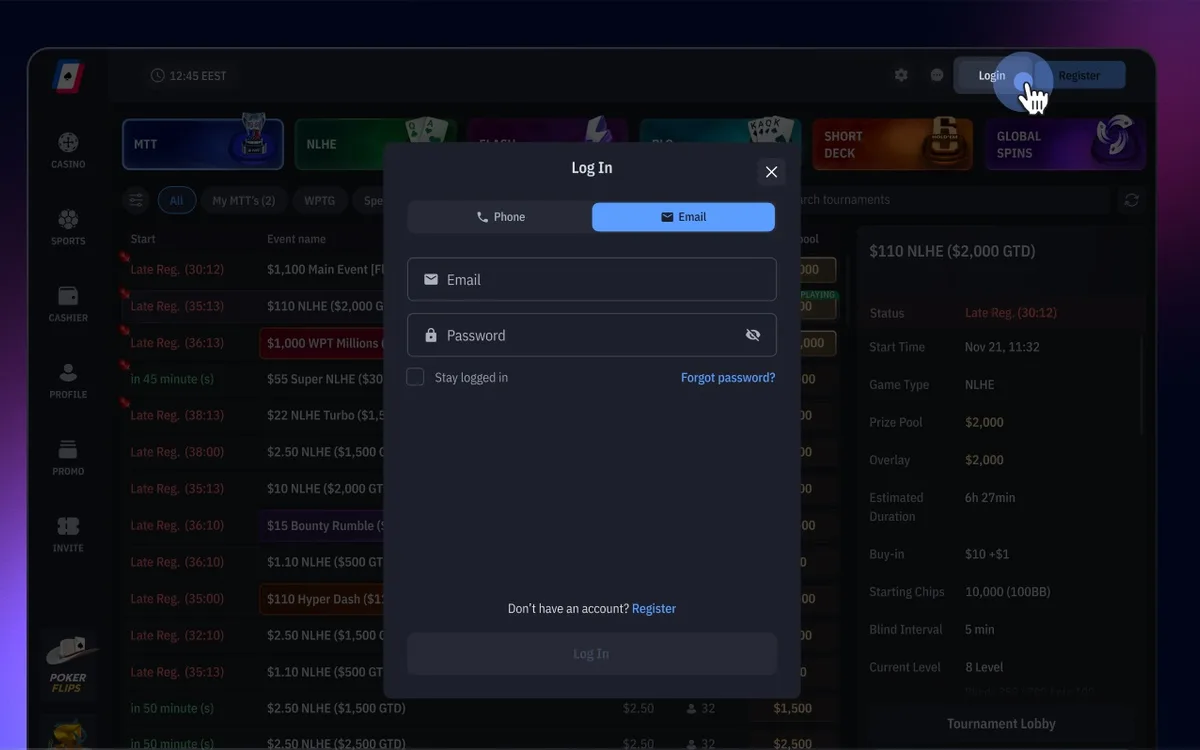 How to Register on WPT Global: Sign-Up Guide (2026)WPT Global, the online room of the World Poker Tour, lets you open an account in a few minutes from its desktop client or mobile app. The sign-up form itself asks for very little, but the profile details you add before your first deposit decide how smoothly your later withdrawals will go.Read the guide
 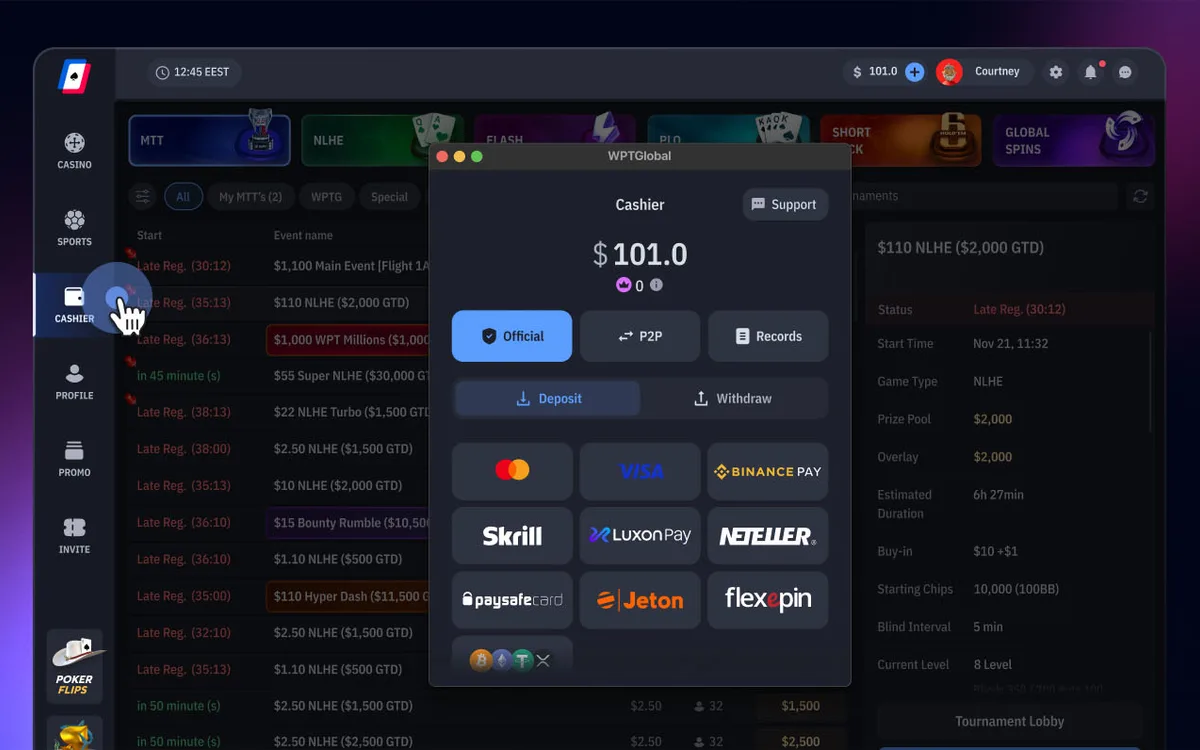 How to Deposit on WPT Global: Methods, $10 Minimum and Bonus (2026)Every deposit on WPT Global goes through the Cashier inside the app, and the room itself charges no deposit fee. The method you choose also shapes your future withdrawals, because payouts follow a closed-loop policy.Read the guide
 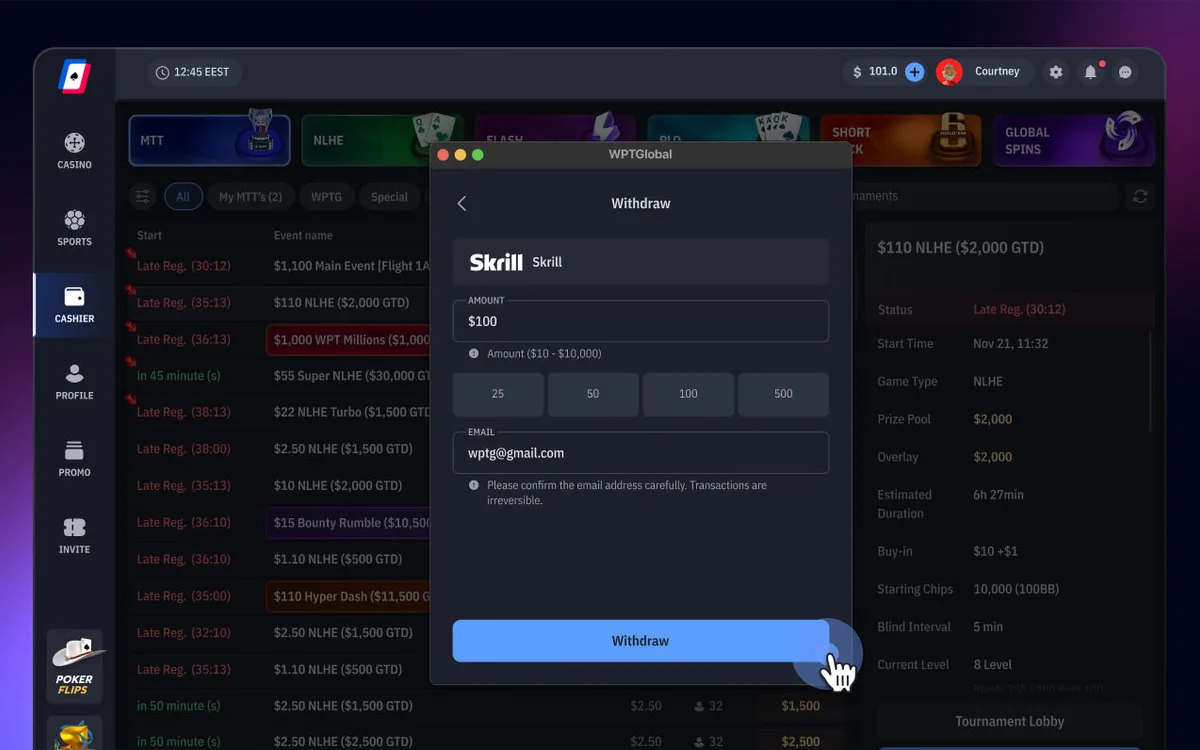 How to Withdraw from WPT Global: Methods, Times and Rules (2026)Cashing out on WPT Global takes a few clicks in the Cashier, and the room charges no withdrawal fee. How fast the money reaches you depends mainly on three things: whether your account is verified, which method you use and whether you respect the closed-loop rule.Read the guide
  WPT Global Verification (KYC): Documents and Upload Tips (2026)WPT Global doesn’t ask for documents at sign-up, so you can register, deposit and play straight away. Sooner or later, though — usually around a withdrawal or a set threshold — the room will ask you to prove who you are, where you live and that your payment method is really yours.Read the guide
  WPT Global Game Formats: Cash, Flash, Global Spins and MTTs (2026)WPT Global’s lobby is smaller than GGPoker’s, but it has a clear identity: low-rake Hold’em, a strong Omaha scene, Short Deck, action formats such as Bomb Pots, and WPT-branded tournaments with a path to live events. Here is what each section offers and how it is raked.Read the guide
  WPT Global App for iPhone and Android: Install and Play (2026)WPT Global was built with phones in mind, and its app gives you the same account, cashier and lobby as the desktop client. iPhone owners install it from the App Store, while on Android the official site provides an APK file.Read the guide