
How to download and install PPPoker
Pick your device to open the step-by-step guide with screenshots.
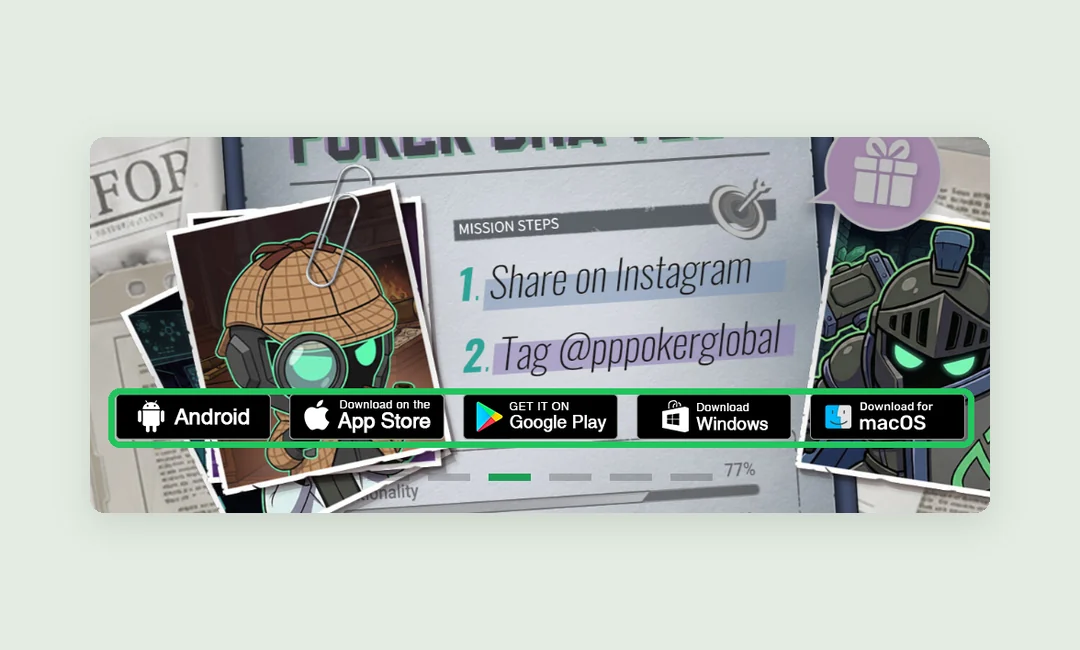
Everything downloads from the pppoker.net home page: it has five buttons — Android (APK file), App Store, Google Play, Windows and macOS. App Store and Google Play open the official stores; the others download an installer. Below is a step-by-step guide for each device.
PPPoker download questions
01Can I play PPPoker on a computer?
Yes. PPPoker has official Windows (.msi) and macOS (.dmg) clients, downloaded from pppoker.net. No emulator needed, and it’s the same account as on your phone — but only one session can be active.
02Is PPPoker free?
Yes, on every platform. Real money goes in and out through the club’s agent, not an in-app cashier; the app itself only sells diamonds.
03PPPoker isn’t on Google Play in my country — what now?
Download the APK from the official pppoker.net and allow installs from unknown sources. Don’t use third-party APK sites.
04Is the PPPoker APK safe?
Only if it comes from pppoker.net. “Mod APKs” and files from other sites may be modified: they steal accounts, and a modified client gets you banned along with your balance.
05Is there a PPPoker web version or a Linux client?
The official links cover only iOS, Android, Windows and macOS. There’s no browser version or Linux client among them.
06What should I do after installing?
Register with a username and password, tap the magnifier on the Club card and enter a club ID. Verified PPPoker clubs with rakeback and reviews are in the RatePokerClub catalog.