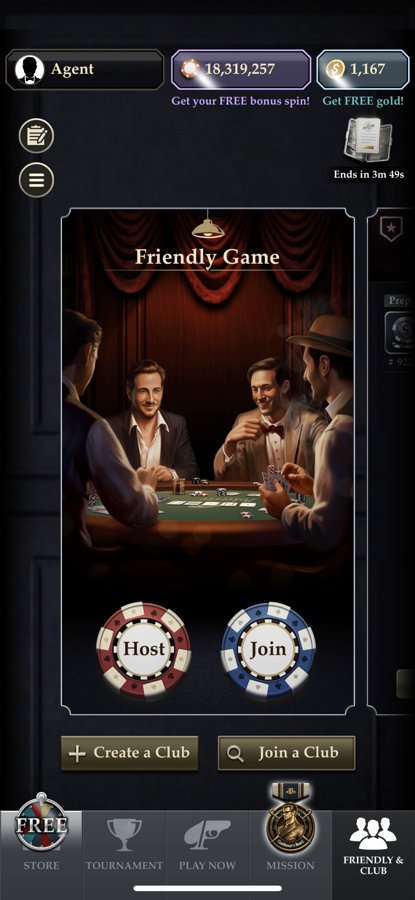
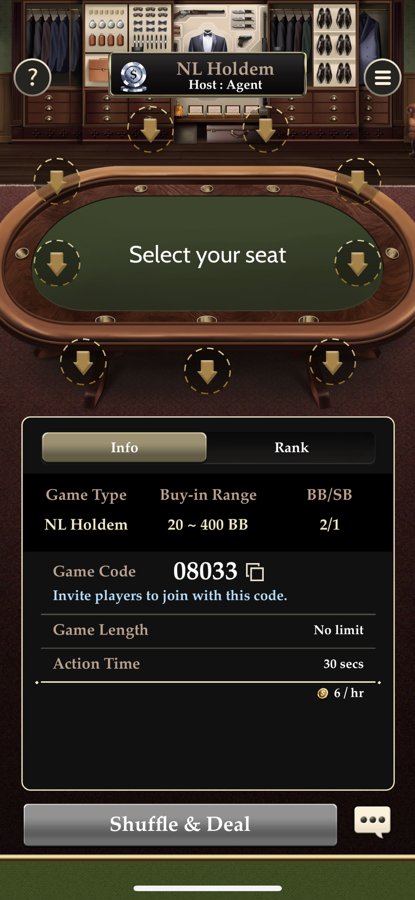
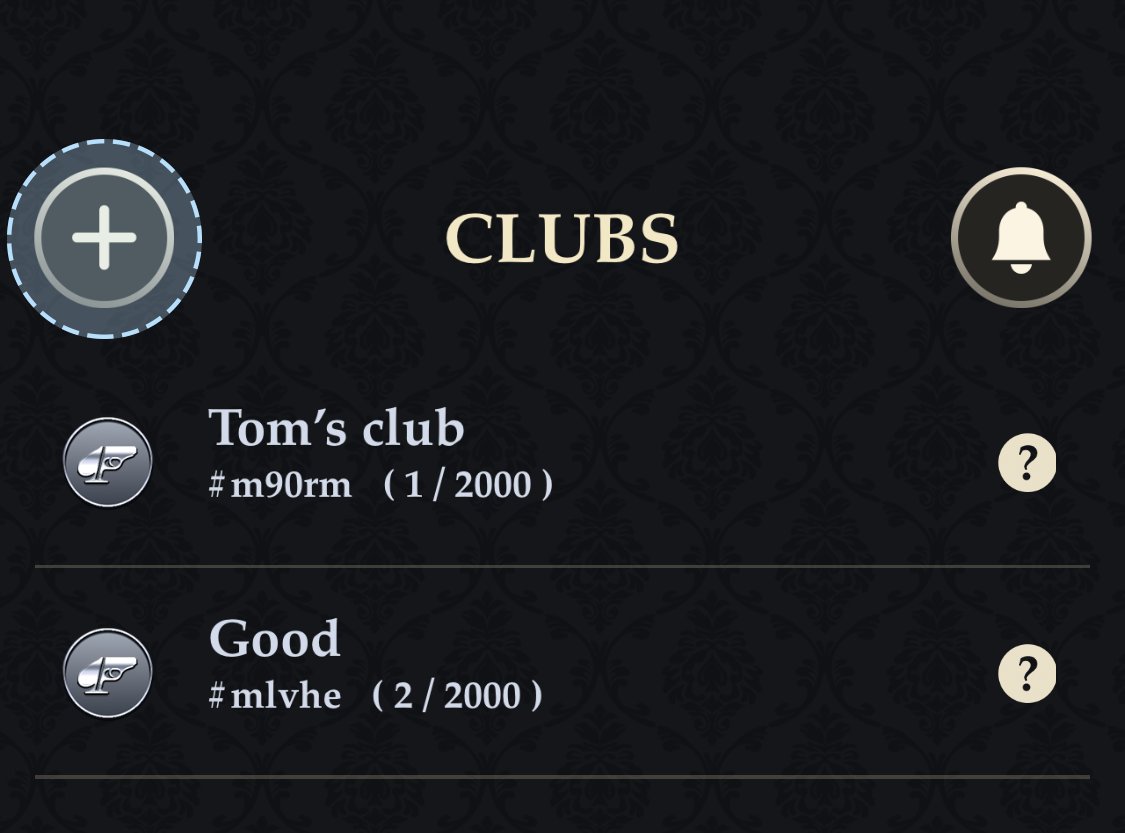
Pokerrrr 2 offers two different paths. The first is playing with friends: you host a play-money table and send out a code — no money, no agents. The second is playing in a club: you join a club by ID and get chips from an agent. Below are both paths, from installation to your first hand, plus what to check in advance.
DownloadiPhone or Android
Accountnickname and player ID
Code or IDof a friend’s game or a club
JoinJoin or a club request
Chipsbuy-in or through an agent
Playhands are saved automatically
A new player’s path in Pokerrrr 2
~10 minfrom installation to your first hand
$0is what the app and joining a club cost
1 codeis all you need to sit at a friend’s table
Goldis paid only by whoever hosts the game
What to prepare in advance
An iOS or Android smartphone (Android 6.0 or newer) and Wi-Fi: the installer is large.
For playing with friends — a game code from the host, or the will to host your own.
For club play — a club ID and an agent contact: from the directory or from a player you know.
A payment method the agent accepts and the amount you are ready to spend.
Path 1: playing with friends
Install Pokerrrr 2 from the App Store or Google Play — how to download.
Take a seat in the club lobby. All hands are saved to your history automatically.
Which path to choose
Playing with friends
Playing in a club
Who can sit
Anyone with the game code
Club members only
Money
Play chips, no money
Club chips through an agent
What the host pays
Gold for hosting
Gold for hosting (paid by the club or its manager)
Best for
Home groups, practice
Regular play against an unfamiliar player pool
Your first session: how to avoid mistakes
If you are joining a club, start with a small deposit and a lower stake than usual. Ask the agent about the chip rate: how much one chip is worth in real money — that determines what stakes you are really playing. After your first session, make a small test withdrawal to check the agent’s speed and honesty before a large amount sits on your balance.
Common beginner mistakes
Sending money before the club has approved your request.
Confusing Gold with chips: Gold is for hosting, not for real-money play.
Installing the app from third-party APK sites instead of the official stores.
Sitting in someone’s private real-money game without a club or any guarantees.
Vetted Pokerrrr 2 clubs with rakeback and player reviews are in the RatePokerClub directory.