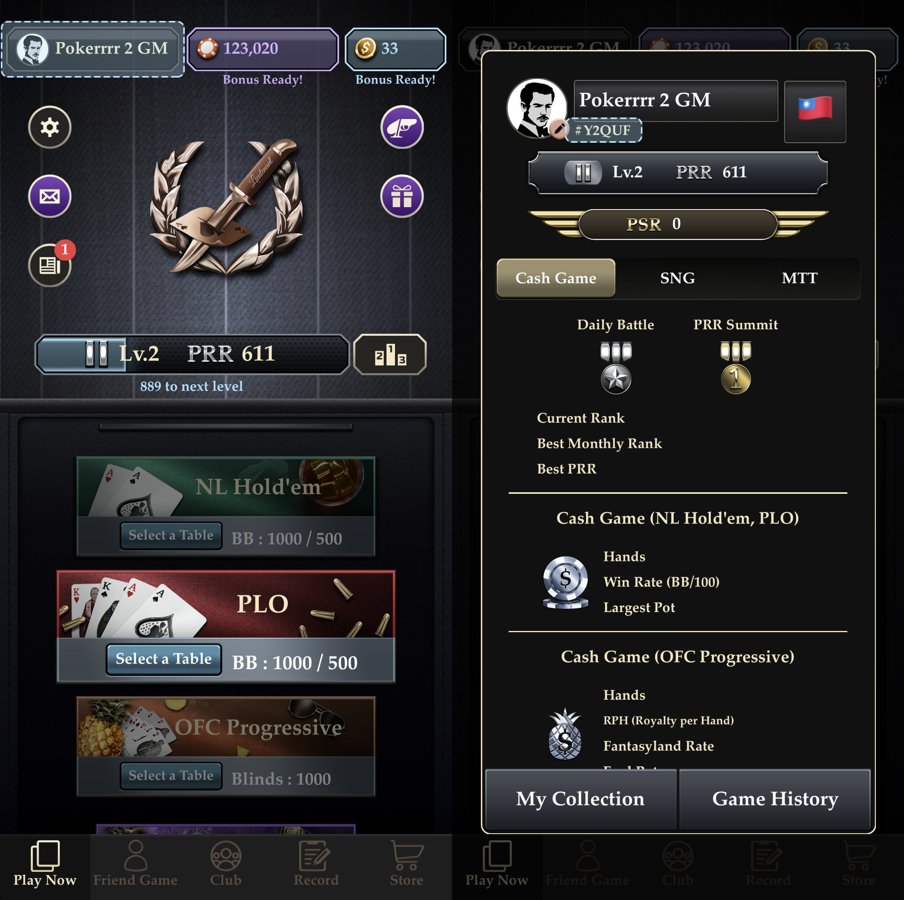
Pokerrrr 2 saves every hand you play automatically — in Friendly games and in clubs alike. You can view the history in the app and export the hand file, email it or open it in another app for review. Below is how to do it and what you can do with the file.
100%of hands are saved automatically
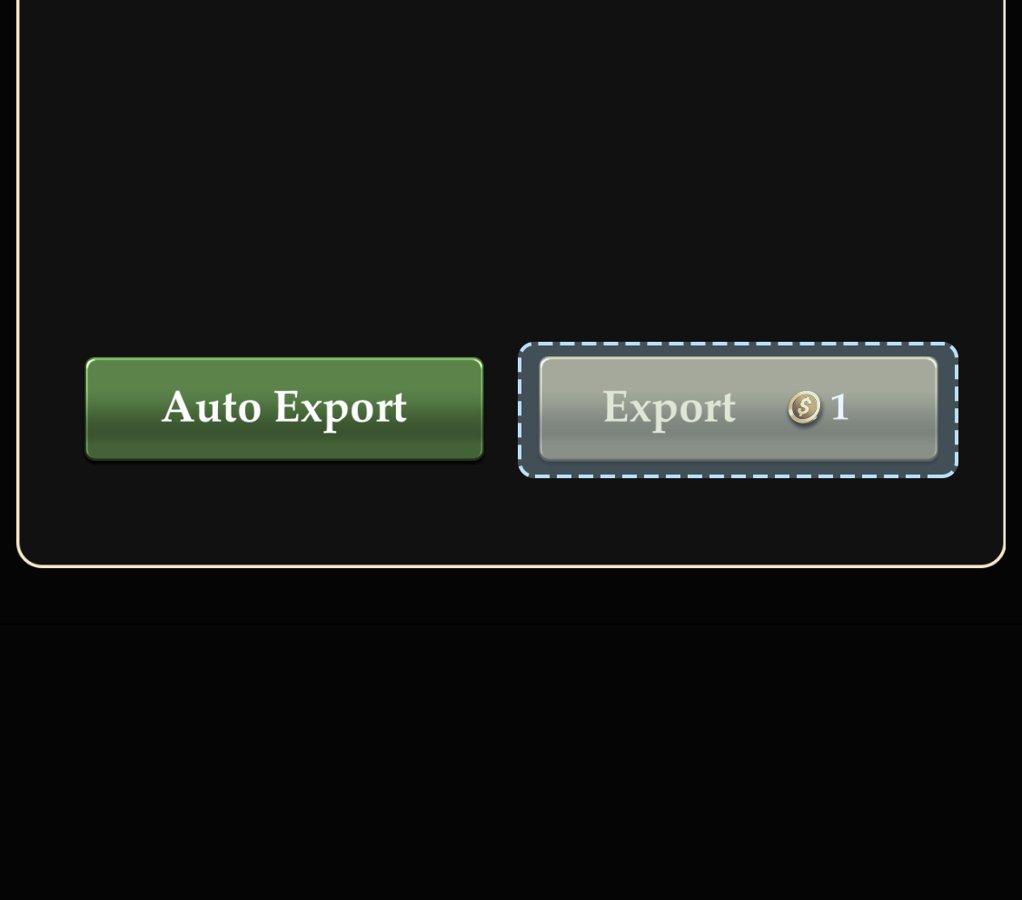
1 Goldis the cost of a manual export in our screenshot
3ways to save the file: email, Files, another app
How to view and export your history
Open your profile and tap Game History.
Pick a game — the list of hands opens.
Screenshot neededPokerrrr 2: the list of hands in Game History
Turn on Auto Export to export hands automatically, or tap Export to export manually.
You can email the exported file, save it to Files or open it in a third-party app.
Built-in stats
Cash (NL Hold’em, PLO)Hands played, win rate in BB/100 and biggest pot.
OFC ProgressiveHands, royalties per hand (RPH), Fantasyland frequency and fouls.
SNG and MTTSeparate stats tabs for tournaments.
RankingCurrent and best monthly rank, best PRR.
Trackers and HUDs
Pokerrrr 2 does not claim official support for PokerTracker 4 or Hold’em Manager 3. You can review the exported file manually or try it in third-party tools — but format compatibility is not guaranteed. Real-time HUDs may be used only where the club allows them.