Step 19 of 29
In-club messages: text, image and ticker
Admin → Messages: a text message shown once a day, an image poster until its end time (up to 3) and a scrolling ticker up to 180 characters. All subject to PPPoker’s Community Rules.
Club lobby → Admin → Messages
Messages are shown to players inside the app. Unlike push notifications, they appear when a player opens PPPoker. There are three types: Text, Image and Ticker.
Everything you send through Messages is subject to PPPoker’s Community Rules (on pppoker.net). PPPoker may suspend accounts for advertising, spam and other violations.
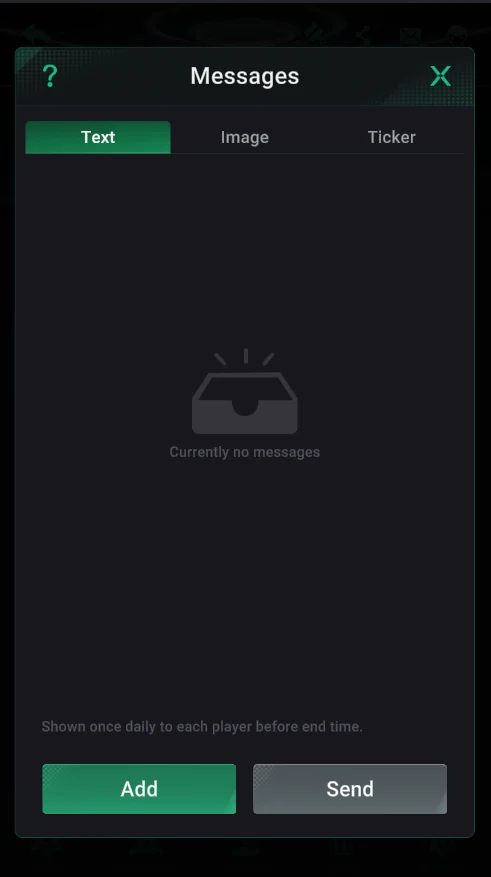
Text
- A text message shown to each player once a day until the end time you set.
- Add and Send buttons.
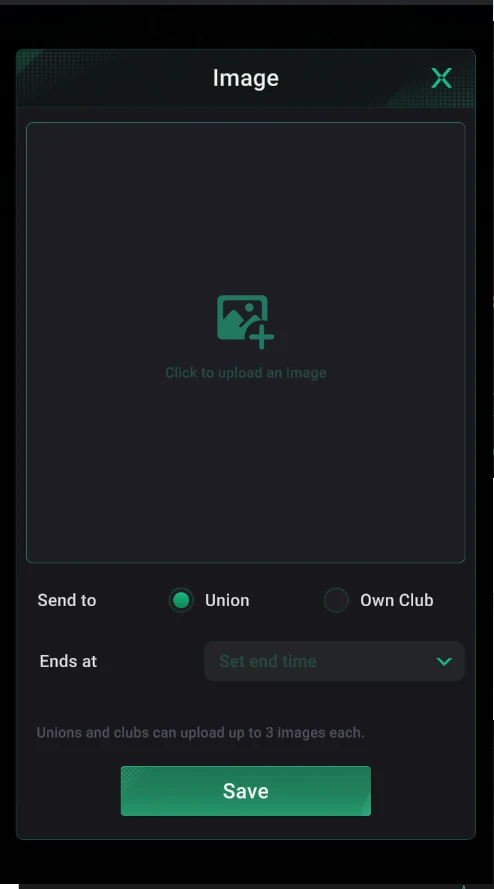
Image
- An image announcement (poster, promo) with an end time.
- Unions and clubs can upload up to 3 images each; send to the union or your own club.
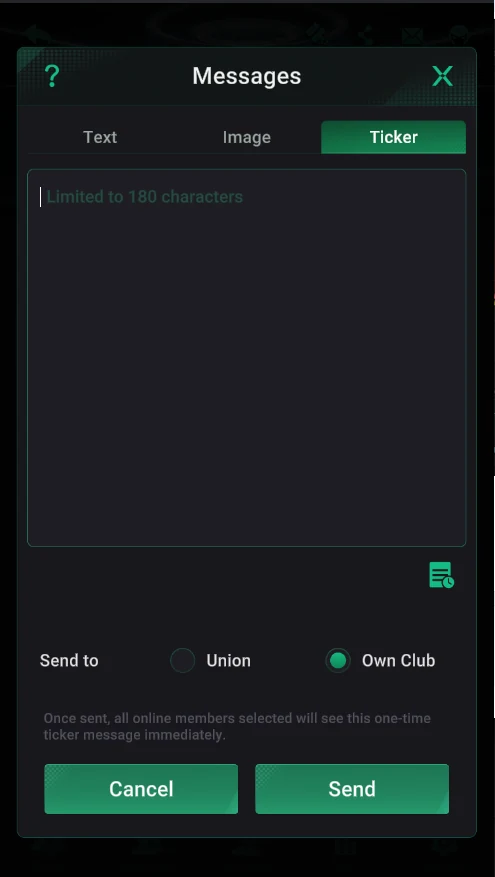
Ticker
- A scrolling line of up to 180 characters.
- All selected online members see it immediately, once.
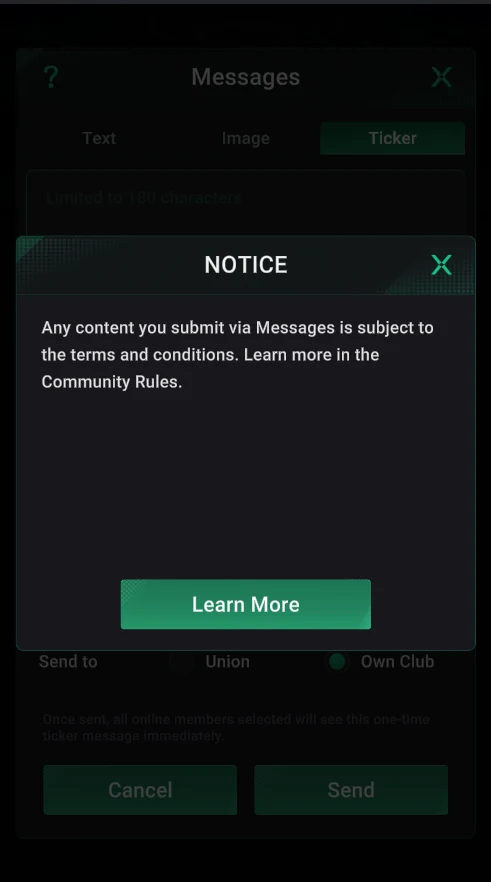
Community Rules
- Abuse, threats, obscene content and impersonating PPPoker staff are banned.
- So are advertising and spam, and offering accounts or virtual items for sale or transfer.
- PPPoker may suspend accounts for violations.
Image is the best format for the week’s tournament schedule: one poster stays up until its end time and doesn’t get lost among messages.