PPPoker on PC and Mac
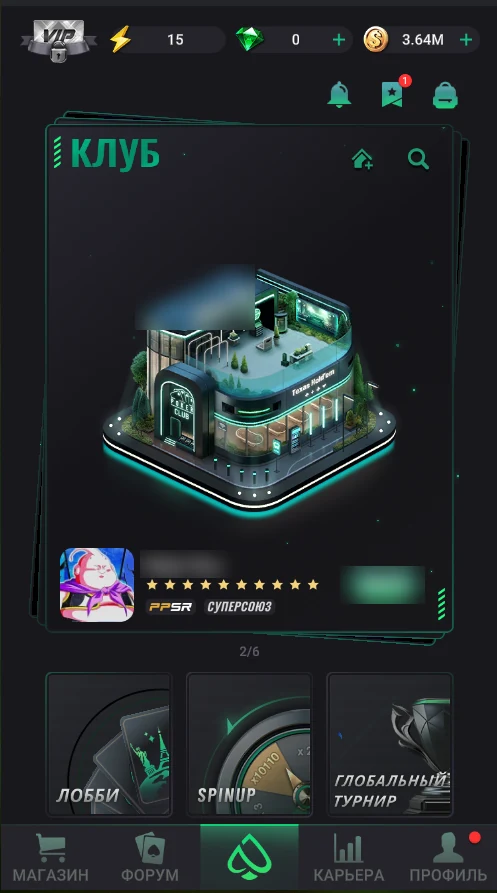
PPPoker has official clients for Windows (.msi) and macOS (.dmg) — not emulators and not a web version. The client opens as a vertical window with the same interface as on a phone; account, clubs and balance are shared.
On a computer it’s easier to run several tables, bet precisely with a mouse and spare your phone battery. There is one limitation: diamonds can’t be bought in the PC client — only in the phone app (how to buy). Purchased diamonds sit on your account and can be spent on the computer too.
Installation
Multi-tabling
PPPoker opens up to 3 tables at once — the same as on a phone. On a computer you can place the table windows side by side instead of switching between them. The app doesn’t allow more than 3 tables.


Why PC beats a phone
- Three tables side by side on a big screen instead of switching between them.
- More precise bet input with mouse and keyboard.
- A more stable connection over cable or home Wi-Fi.
- Your phone doesn’t drain or overheat over a long session.
One active session
A PPPoker account works on all devices, but only one session can be open: logging in on PC closes the session on your phone, and vice versa. If you keep getting “kicked out”, check whether the app is open on another device.