Step 12 of 29
Members, join requests and credit requests
The Member tab: the member list with sorting, join requests (New Member), chip requests (Credit Request) and every player’s Shark Index.
Club lobby → Member → Member List
The bottom Member tab opens the Member List with three tabs: Member — club members, New Member — join requests, Credit Request — chip requests from members.
New players who found the club by ID or came through a Share Club link land in New Member and are approved or rejected by hand. Accept only people you or your agent know: in a club with money, a random stranger is a risk.
Who can do what in a club — owner, managers, agents — is covered in PPPoker roles and agents.
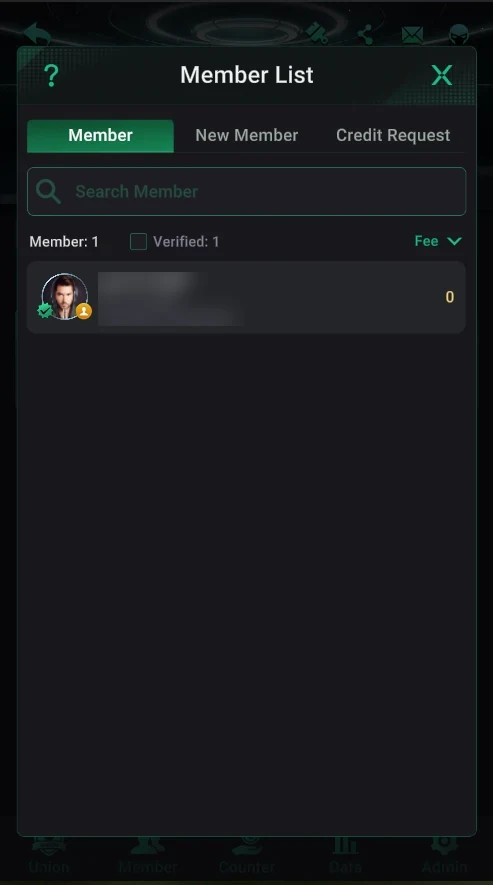
Where it is: the Member List
- Club lobby → bottom Member tab.
- Member, New Member and Credit Request tabs.
- Member search and the Member and Verified counters (verified accounts).
- Sorting on the right — e.g. by Fee (rake); the number next to a player is their value for the chosen sort.
- Tap a member to open their details card.
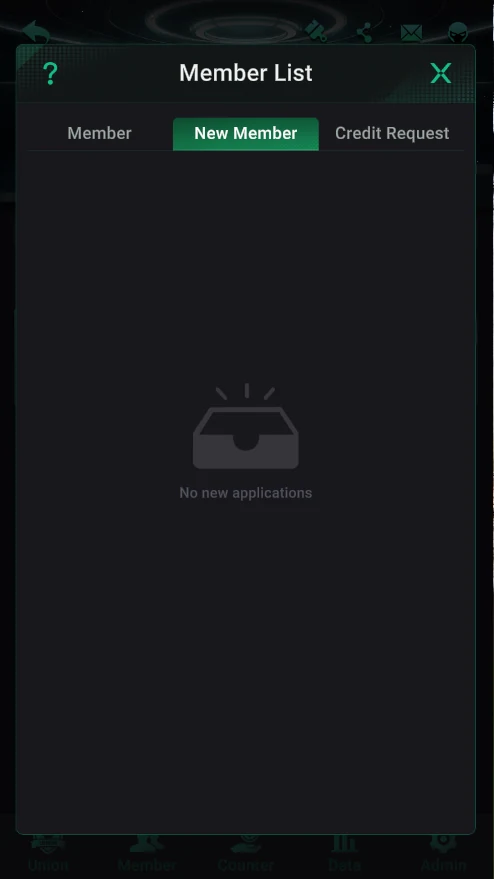
New Member: join requests
- Players’ requests to join the club — approve or reject.
- With none it says “No new applications”.
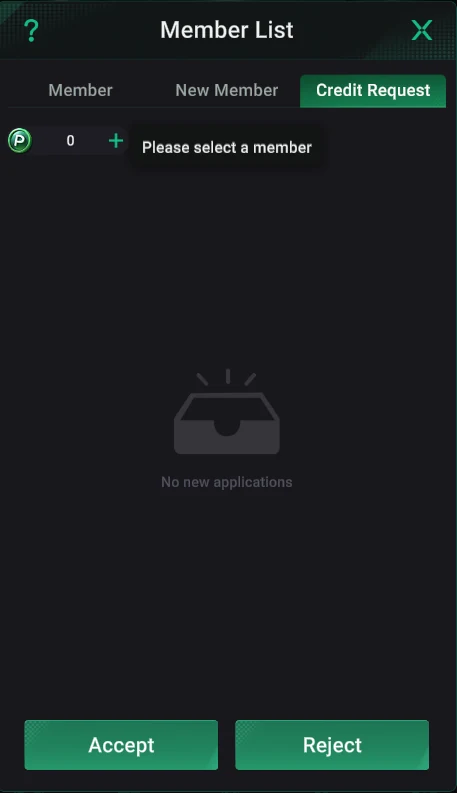
Credit Request: chip requests
- Chip requests from club members.
- Select a request and tap Accept (send) or Reject.
- At the top is the club chip balance (P) the credit comes from; as at the Counter, a 5% fee applies.
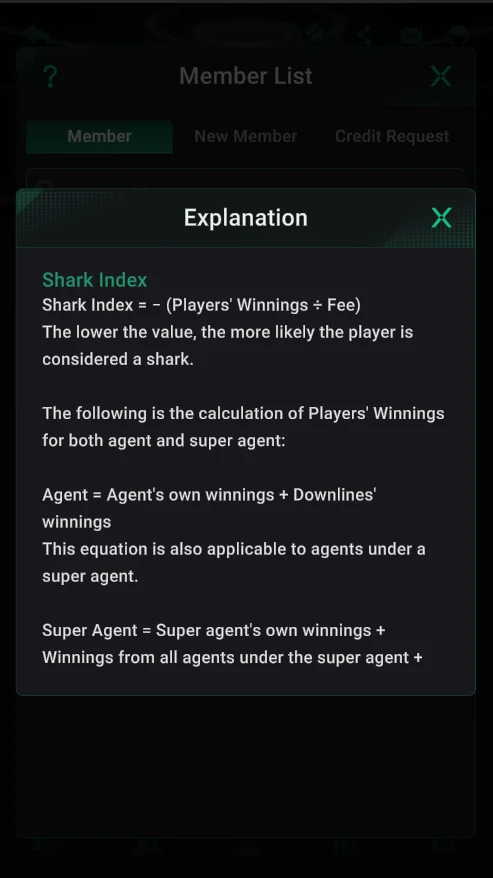
Player Shark Index
- The same formula as for union clubs: −(winnings ÷ fee). The lower the index, the more likely the player is a shark.
- For an agent, winnings include their own and their downline’s; for a super agent, also all their agents’.
Sort the list by Fee — you’ll see at once which players bring the club the most rake.