How to Create Your Own Club on ClubGG
Any player can create a club on ClubGG — it's free and takes a couple of minutes. The hard part is everything that comes after: accepting players, setting up tables and rake, distributing chips and building an agent structure.
We've broken the whole process into steps and sections. Each step has its own page: what to tap, what to choose, what to watch out for and the most common mistakes. Follow them in order or jump straight to the step you need from the list.
Button names are given as they appear in the English ClubGG interface. In newer versions of the app the layout may differ slightly, but the logic stays the same.
- Cost
- Free
- Own clubs per account
- up to 3
- Club memberships
- up to 40
- Club ID
- 6 digits
All steps — tap any step to open it
You need a ClubGG account first — see the guides on installing and registration.
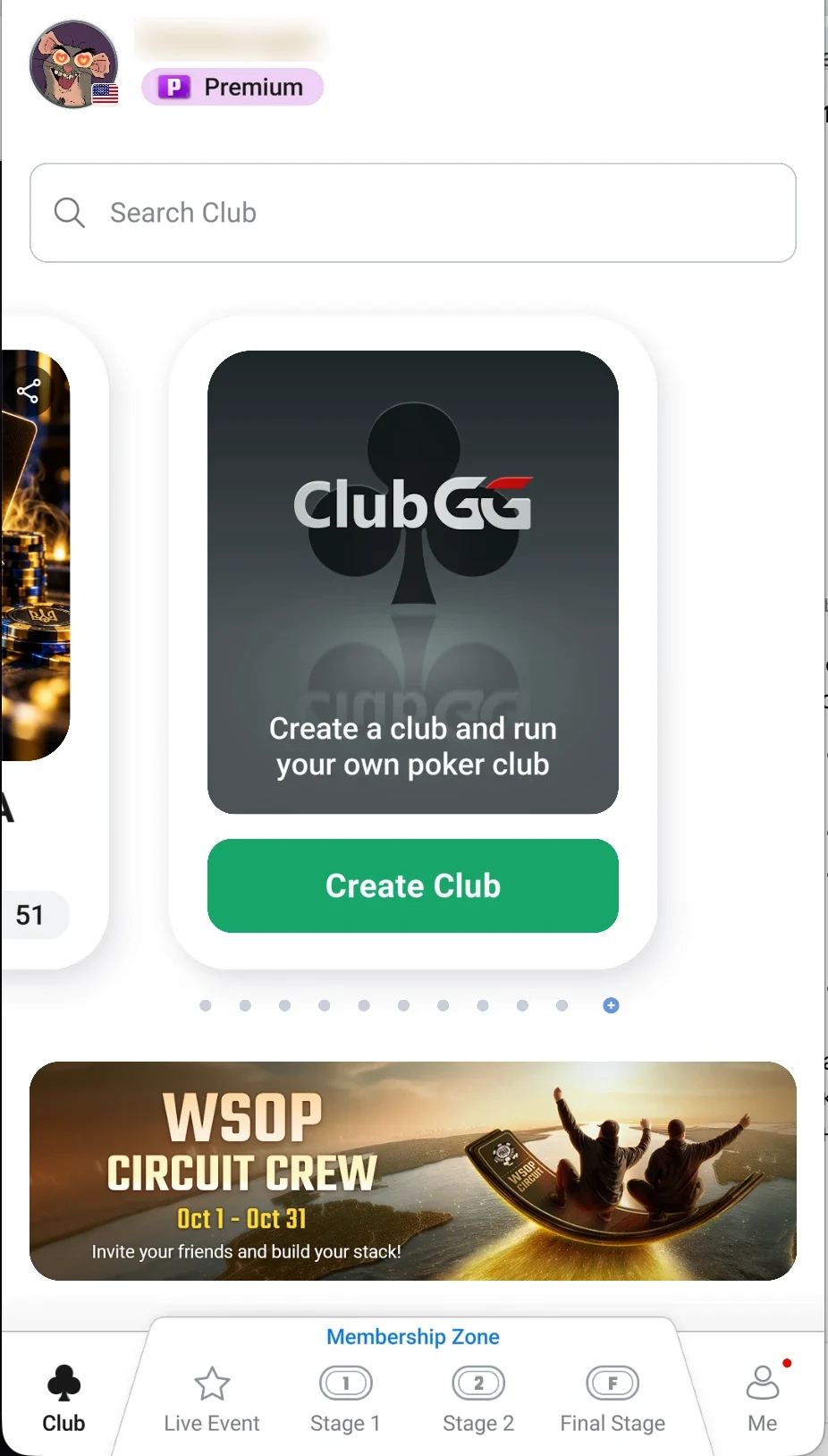
- Step 1Create the club: name and logoThe Create Club button, a club name and a logo — your club is ready in a minute.Open step
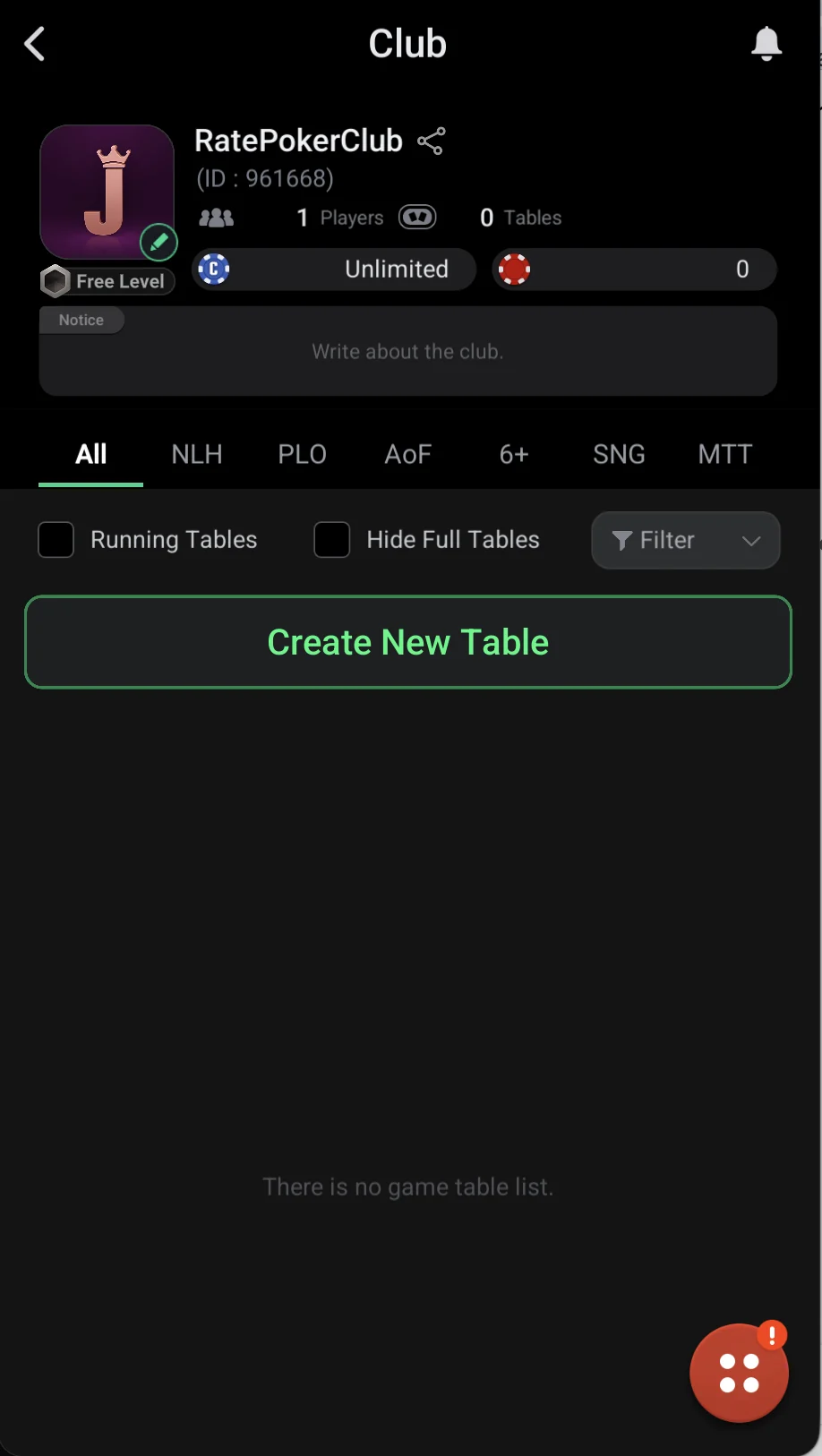
- Step 2Invite players to your clubSend players the club ID or a link — they find the club and send a join request.Open step
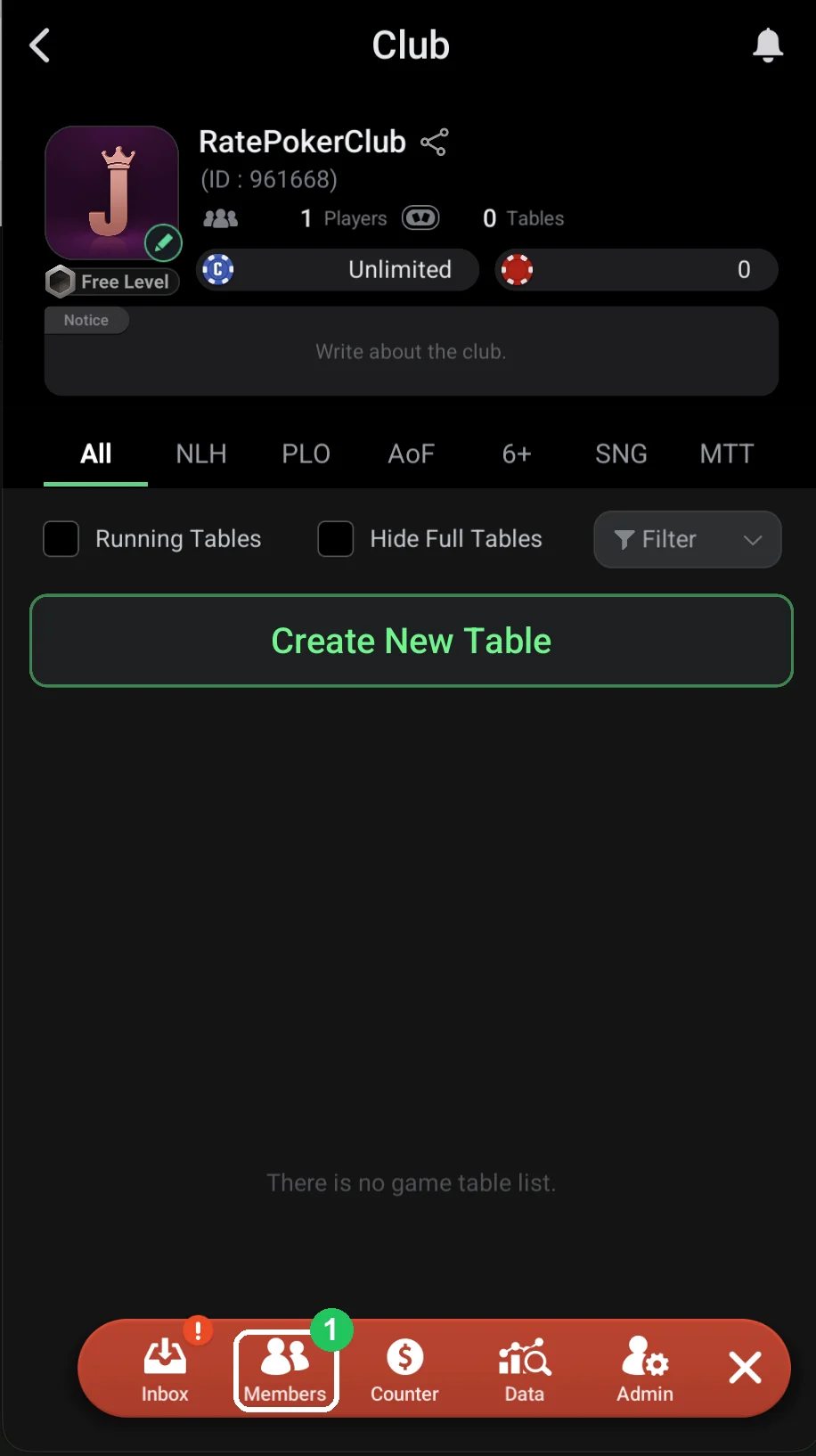
- Step 3Set up how players are acceptedManual approval of requests or Auto Approve: which to choose and where to turn it on.Open step
- Step 4Creating a table: getting startedCreate New Table → NLH → Ring Game: every table setting explained — blinds, buy-in, rake, timing, restrictions.Open step
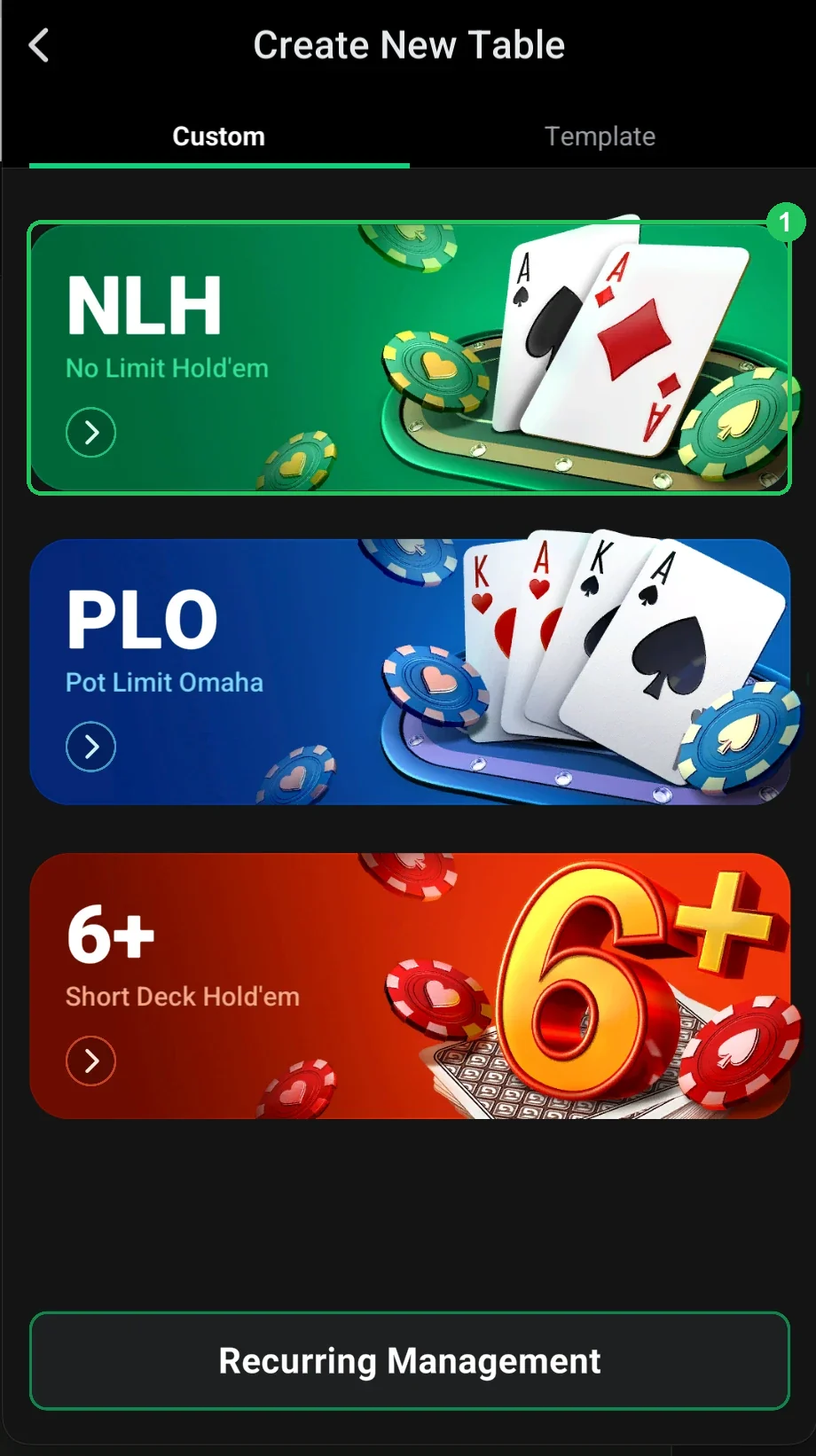
- Step 5Creating a table: choosing the gameCreate New Table in the club lobby: which game to pick — NLH, PLO or 6+ (Short Deck) — and how cash tables, SNGs and tournaments differ.Open step
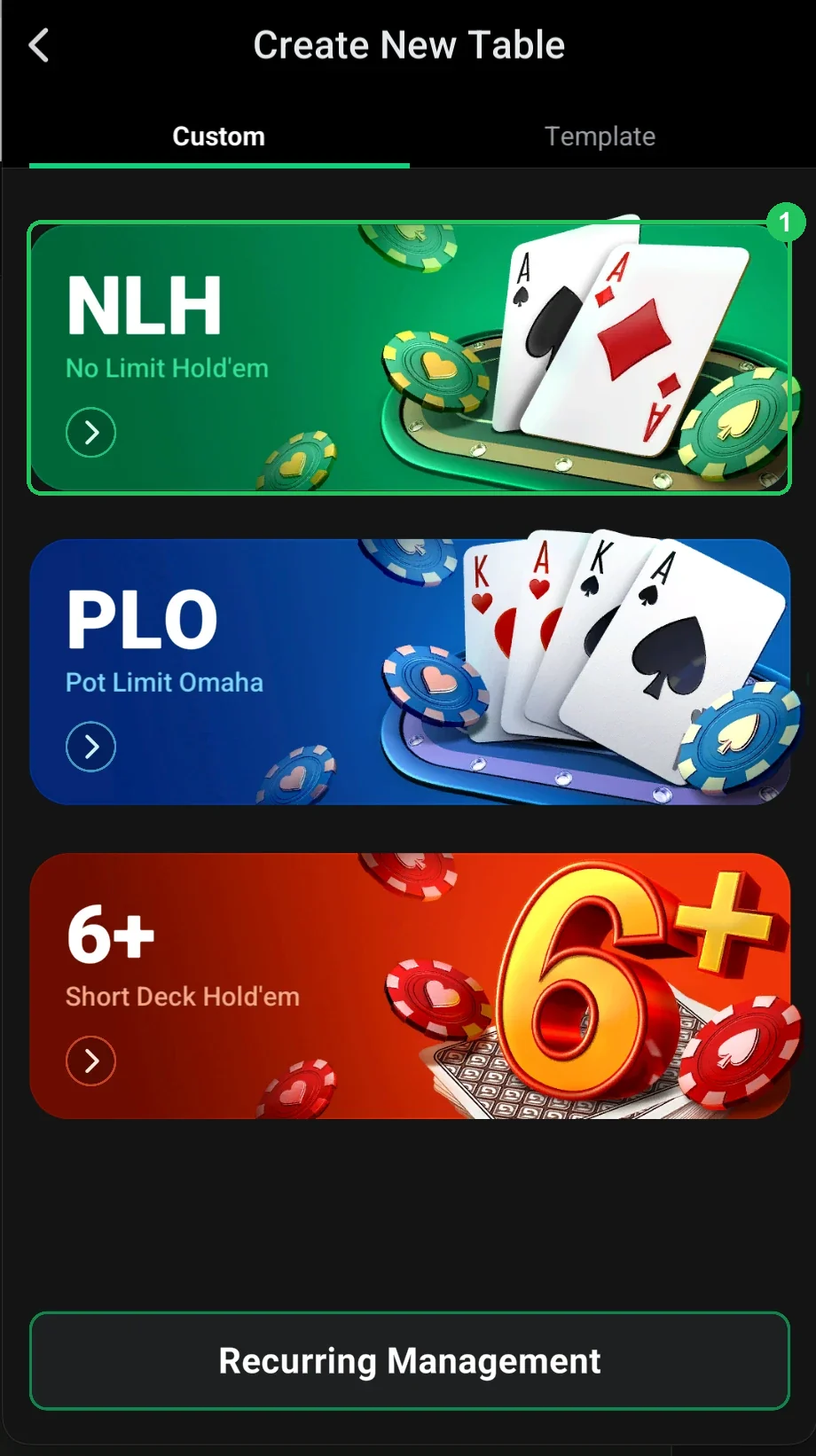
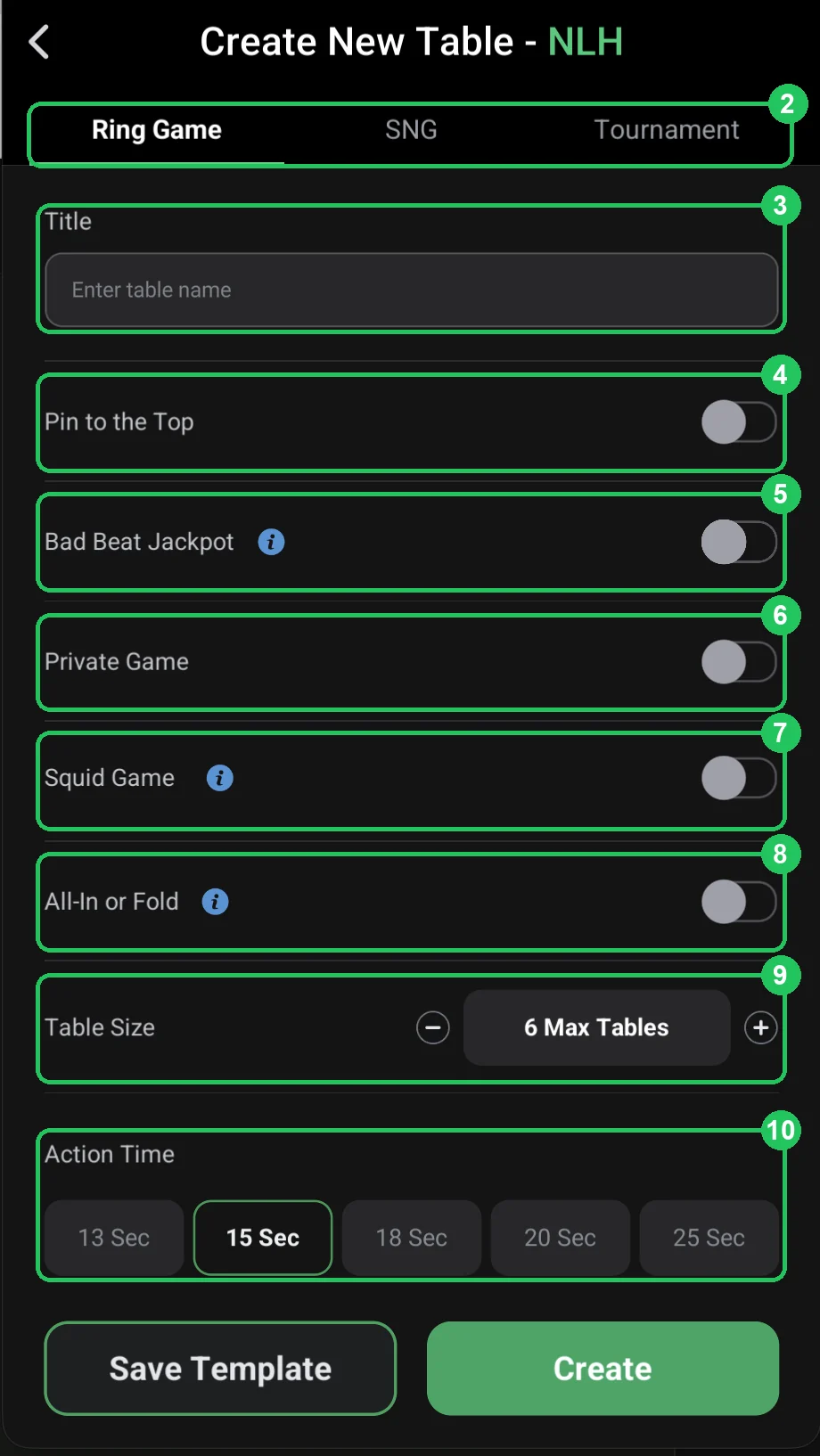
- Step 6Basic table settingsRing Game, title, Pin to the Top, jackpot, Private Game, Squid Game, AoF, seats and action time — what to choose for your first cash table.Open step
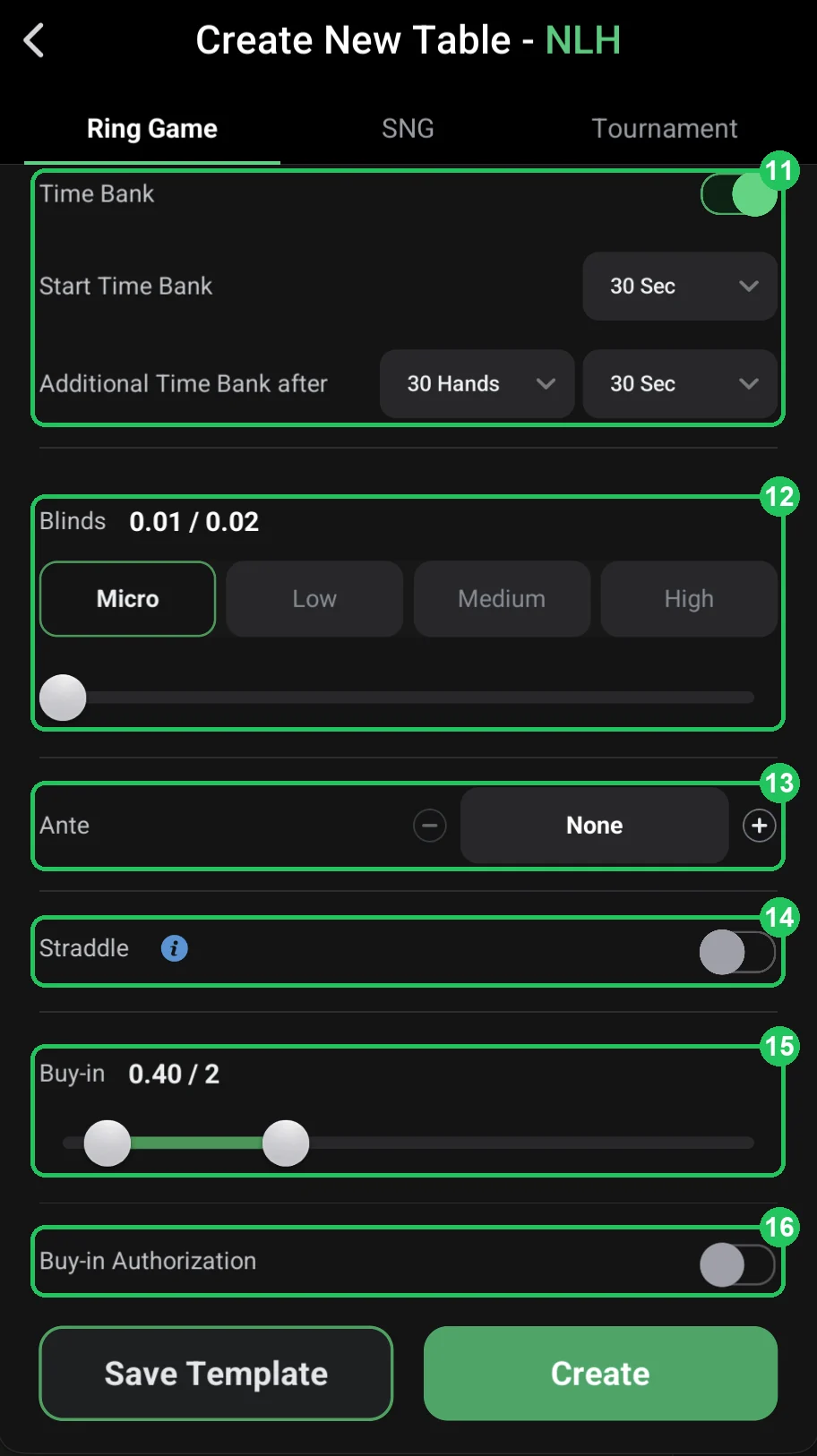
- Step 7Time bank, blinds and buy-inTime bank, blinds, ante, straddle and buy-in: how to choose stakes, work out the buy-in in big blinds and whether you need buy-in authorization.Open step
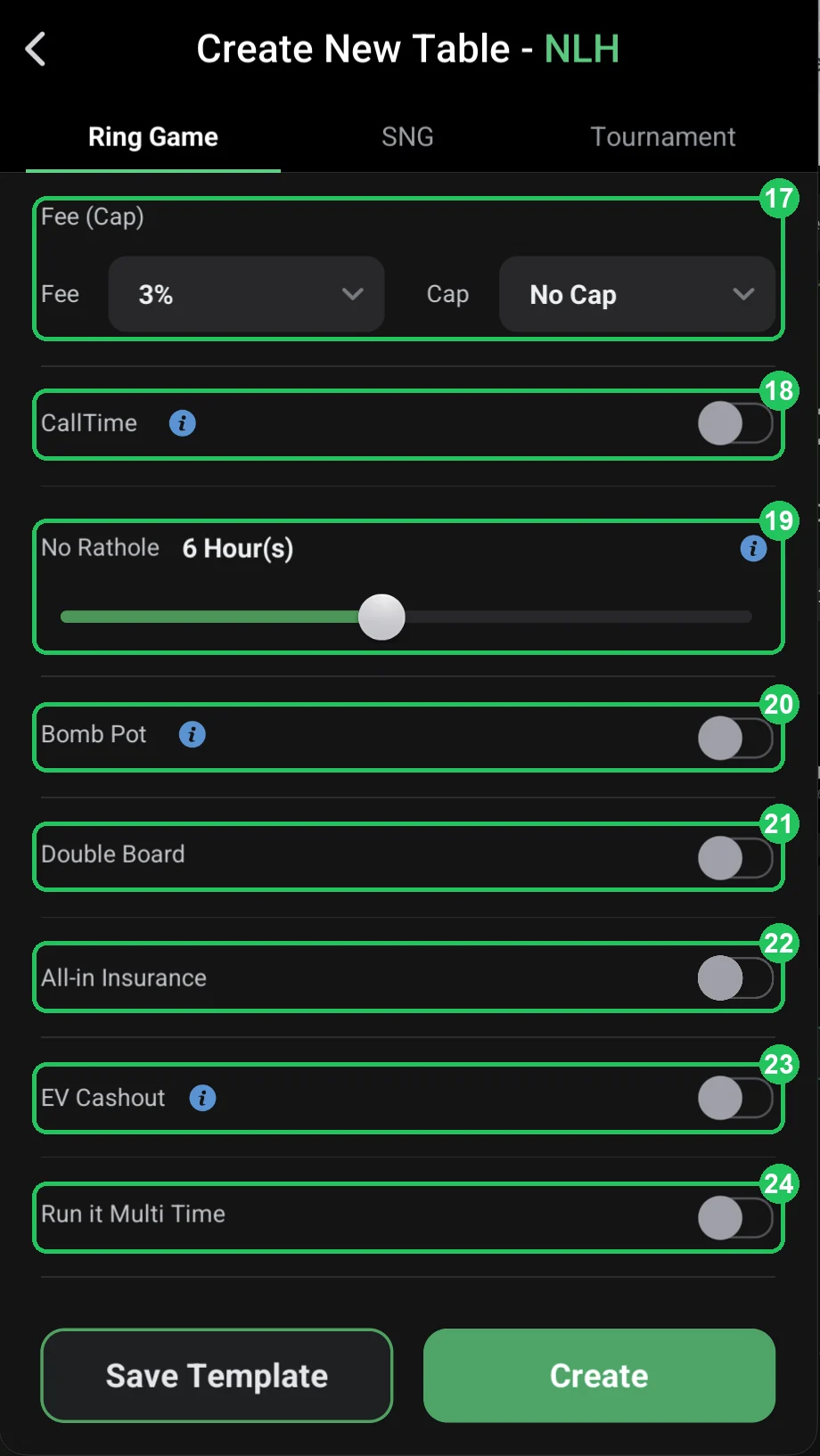
- Step 8Rake and game featuresRake and cap (Fee/Cap), CallTime, No Rathole, bomb pots, double board, insurance, EV Cashout and Run it Multi Time — what to turn on for your first table.Open step
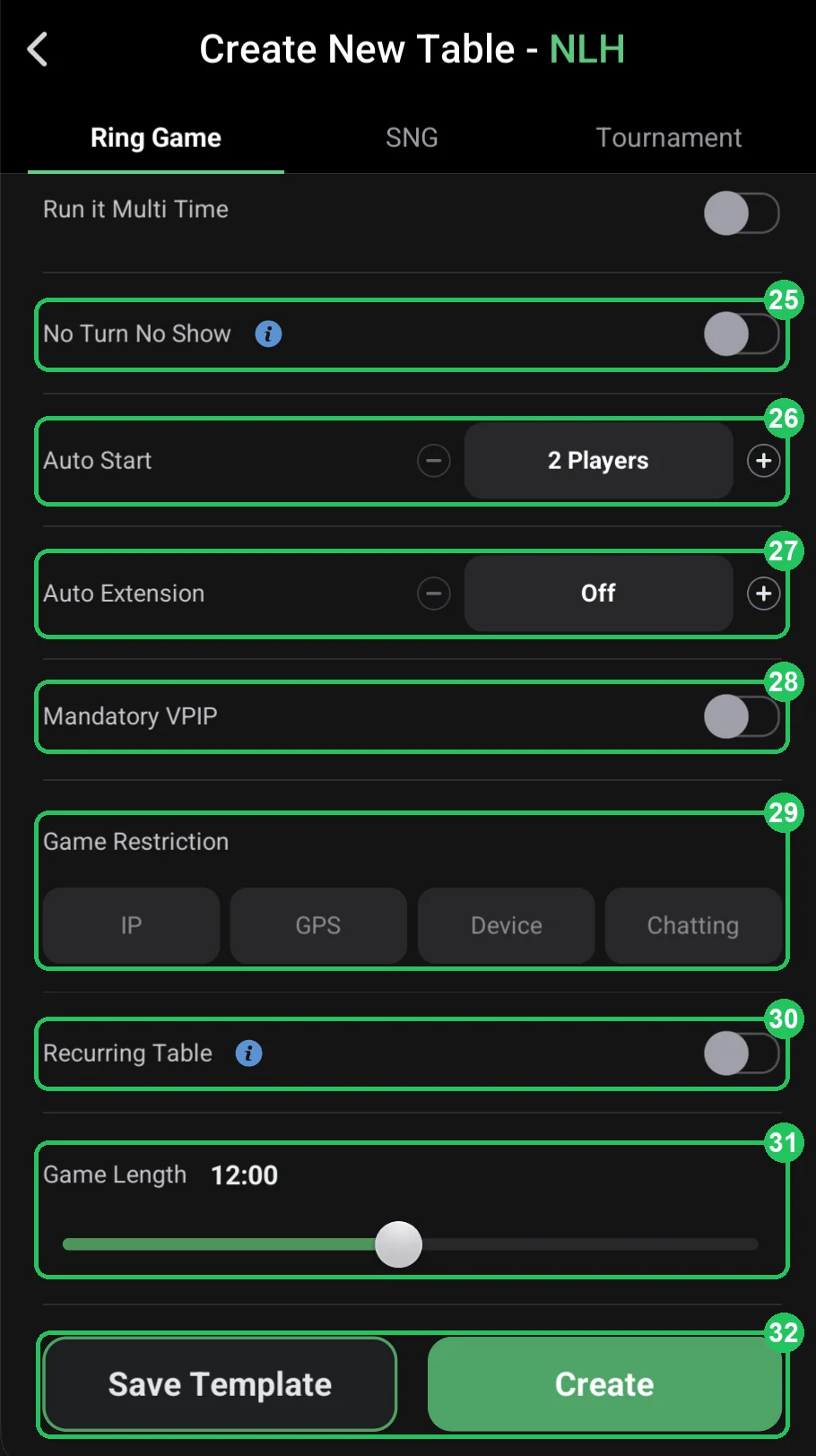
- Step 9Start rules, restrictions and launchNo Turn No Show, Auto Start, Auto Extension, Mandatory VPIP, IP/GPS/Device restrictions, recurring tables, game length and the Create button.Open step
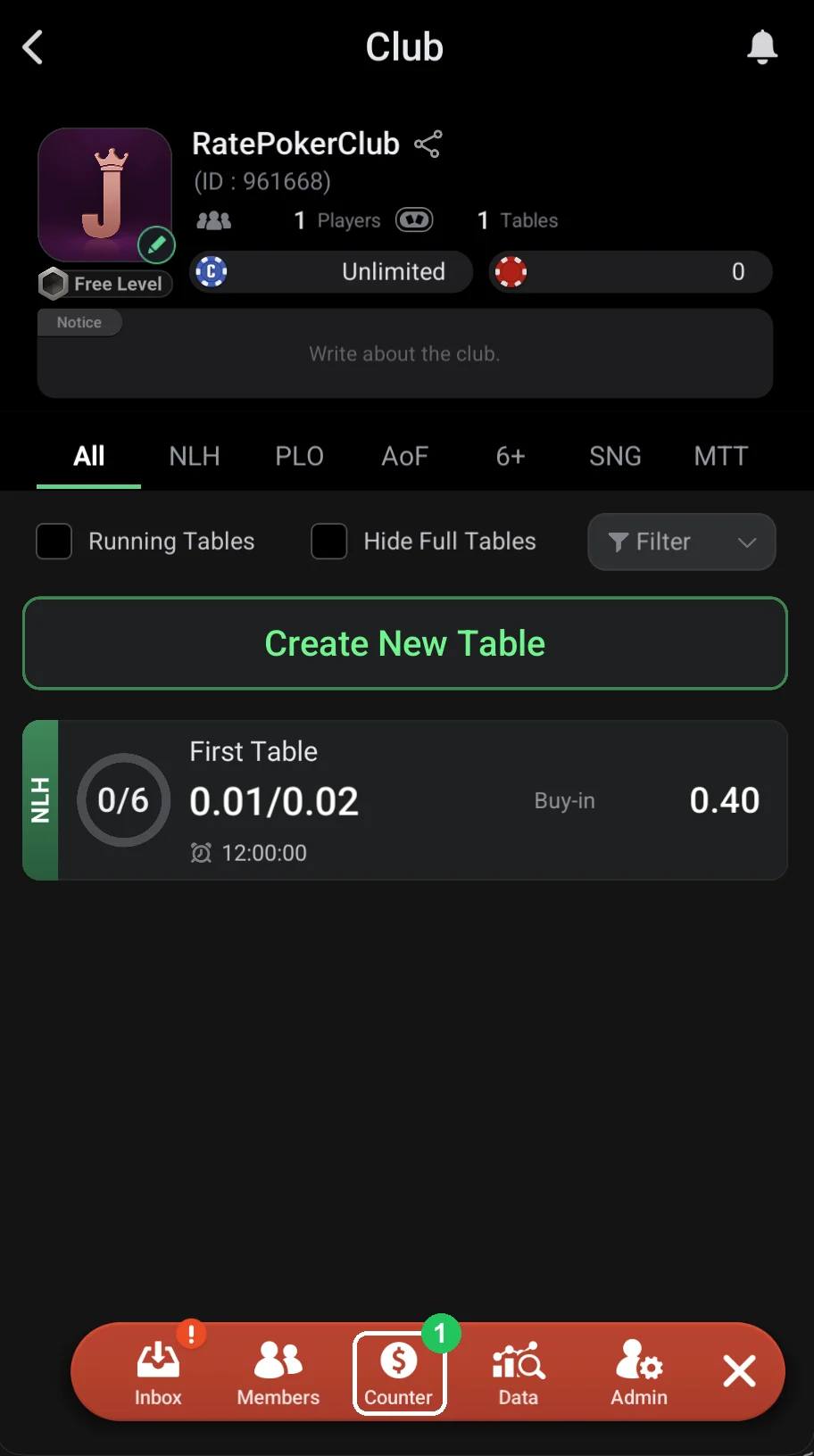
- Step 10Give players chipsCounter → Trade: select a player, tap Send Out and enter the amount — the chips land on the player’s balance instantly.Open step
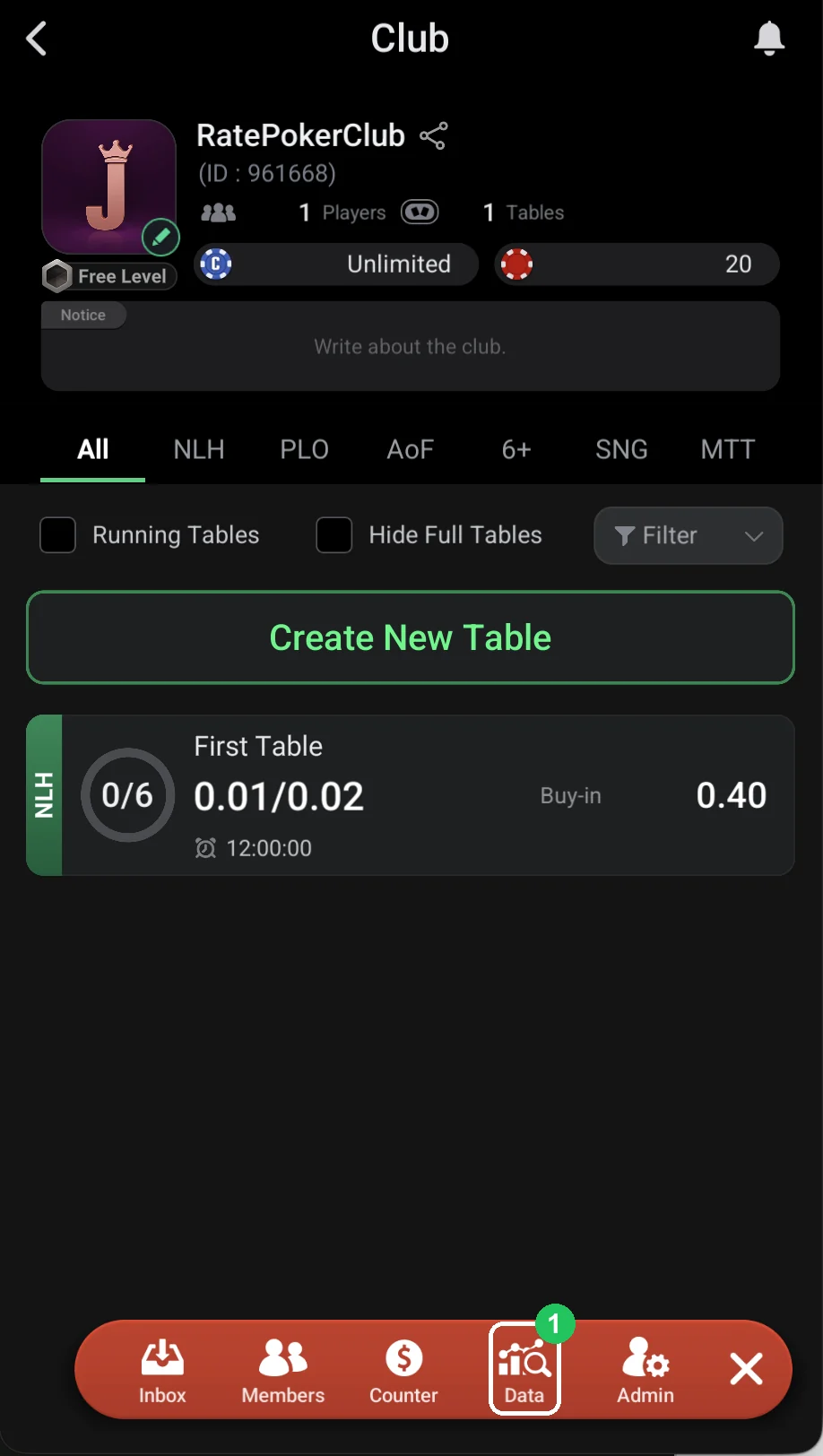
- Step 11Club Data: club stats and exporting data for a periodHow to see the club’s games, profit and rake for a day, a week or two, and how to export a report for any period by e-mail.Open step
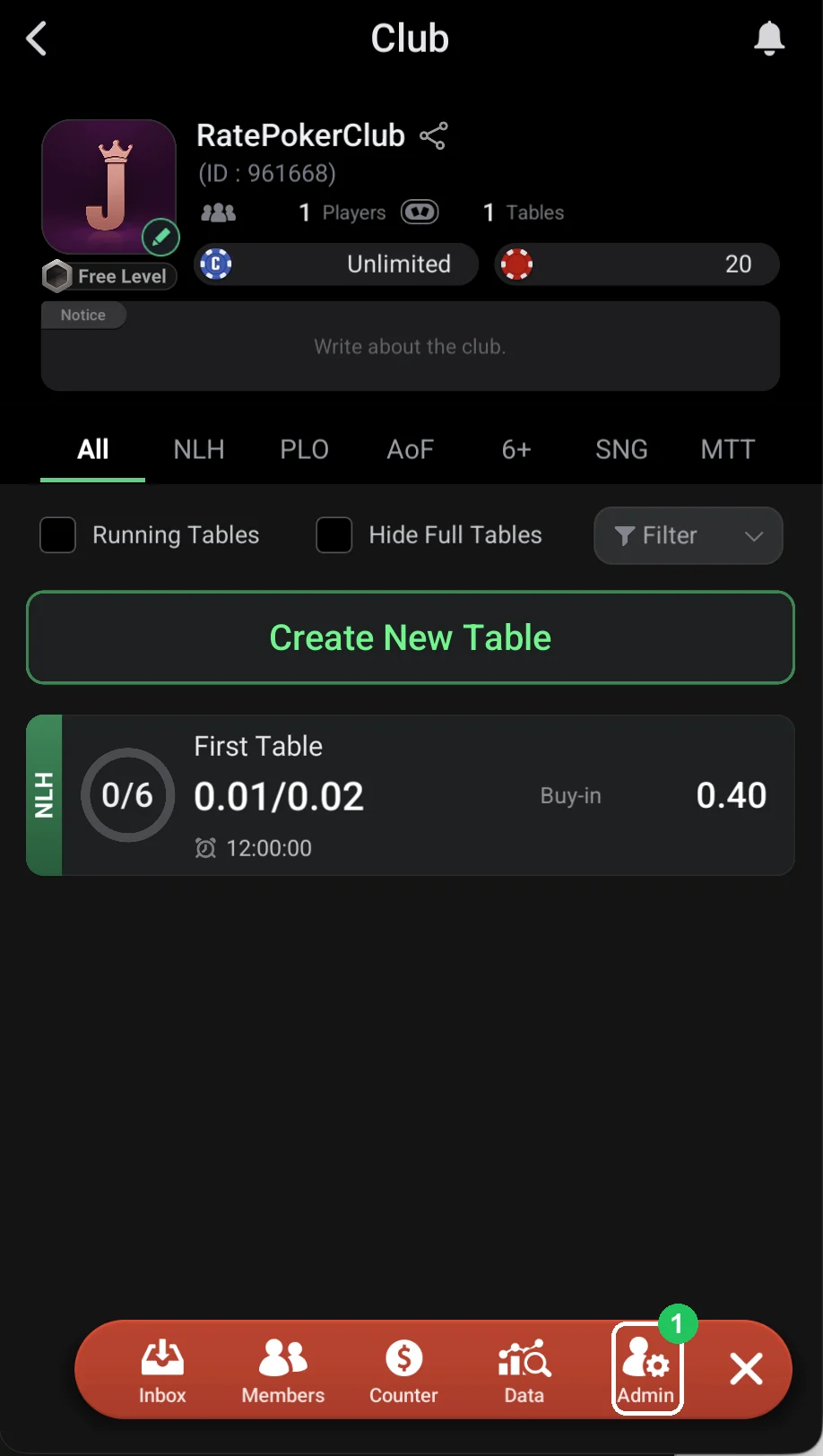
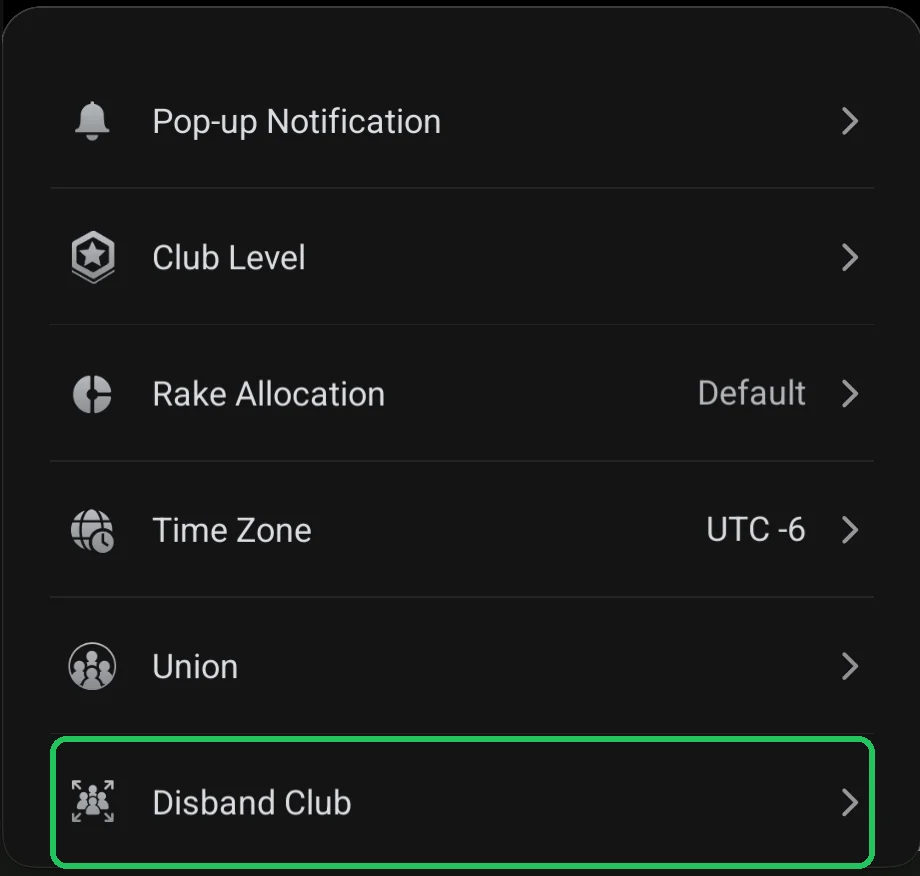
- Step 12Club Admin: the club control panelStats by game, hand history, leaderboards, notifications, club level, rake allocation, time zone, union and disbanding the club.Open step
- Step 13PokerCraft: stats, graphs and hand exportPokerCraft is ClubGG’s web stats hub: sessions, EV graph, positions, player notes. Available with a WSOP+ membership; hand export needs Premium.Open step
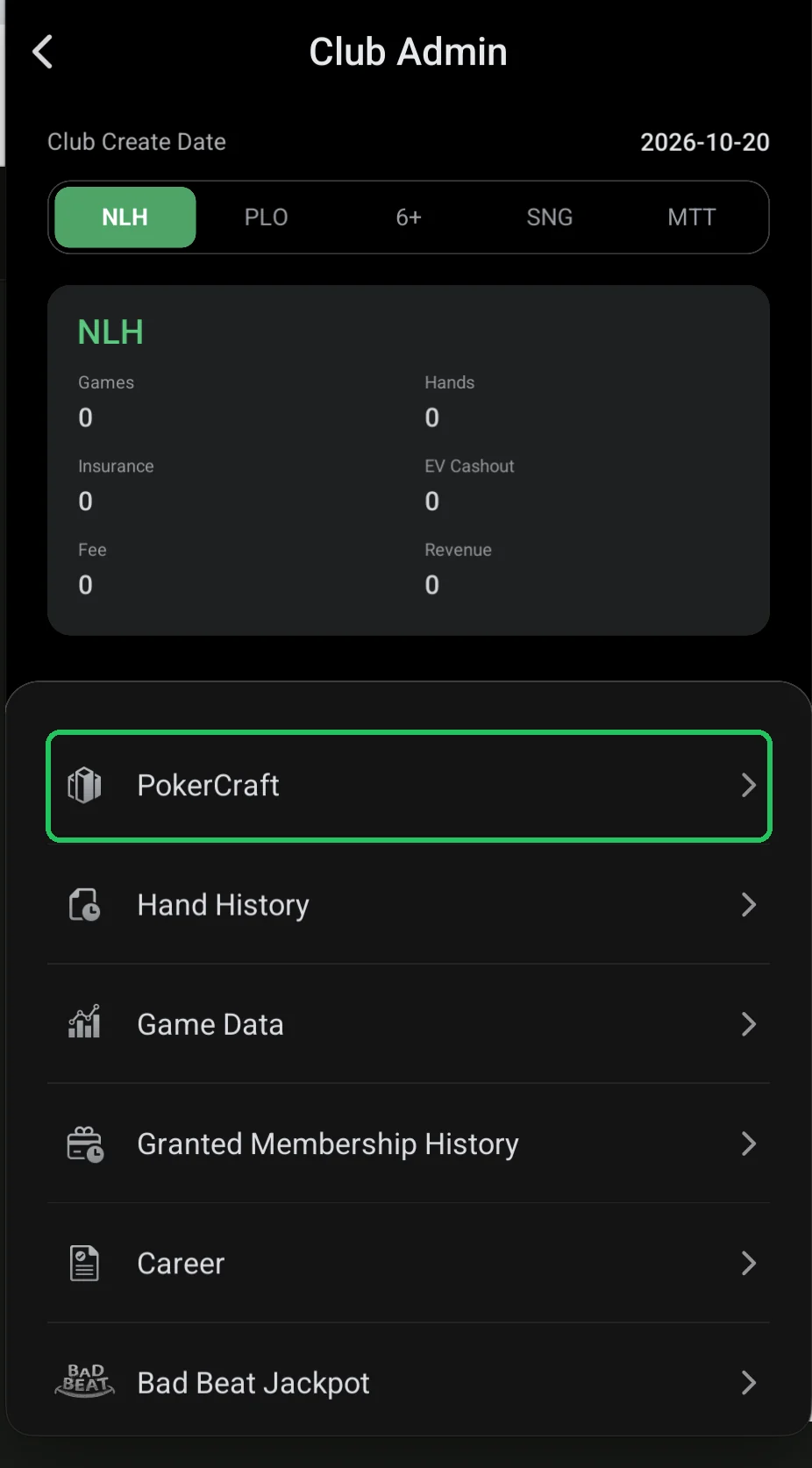
- Step 14Hand History: your game historyA list of your sessions with results and a replay of every hand. Clumsy to use — for reviews PokerCraft with Premium is better.Open step
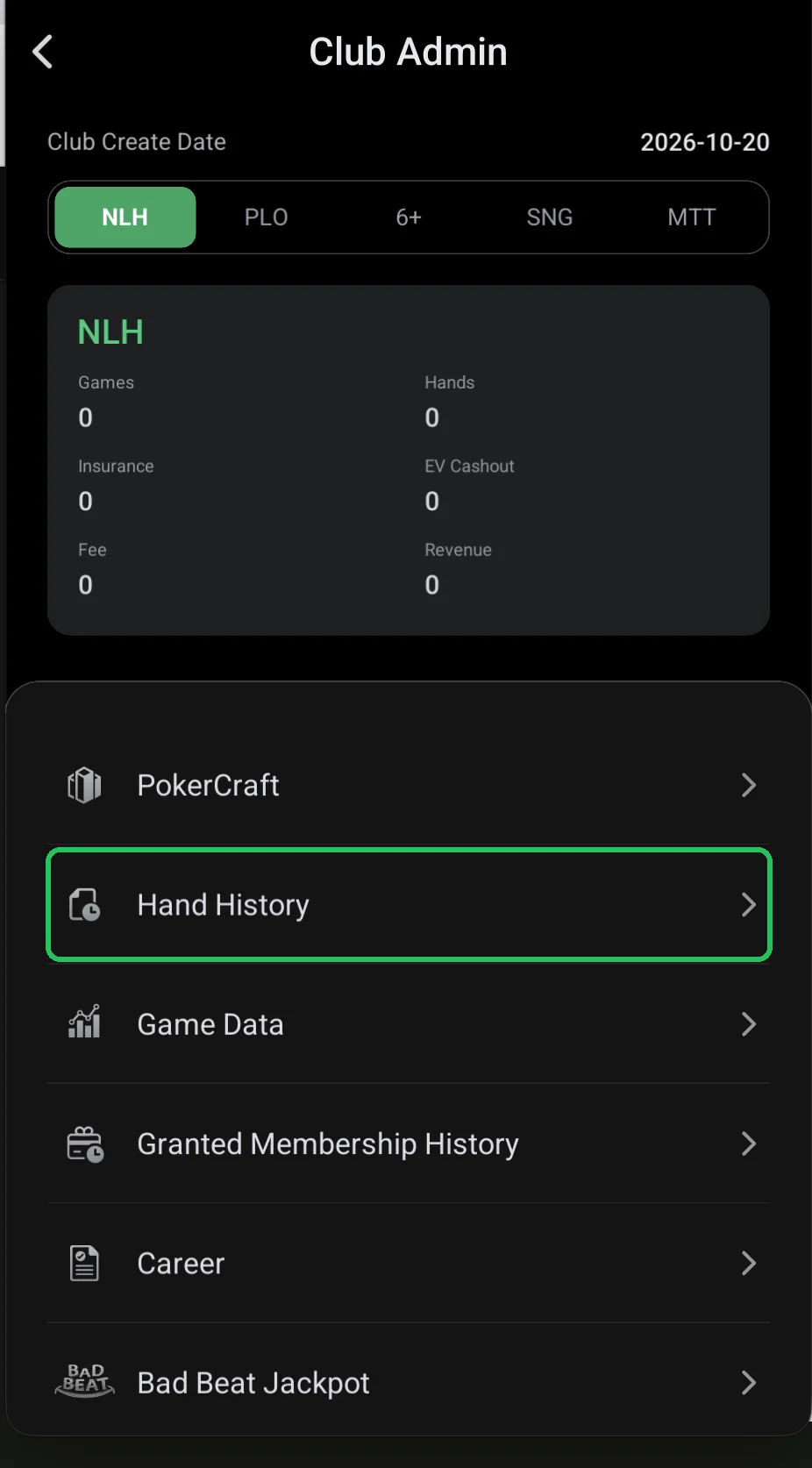
- Step 15Game Data: who played how at each tableEvery club table — running and finished — and for each: who played, their buy-in and result.Open step
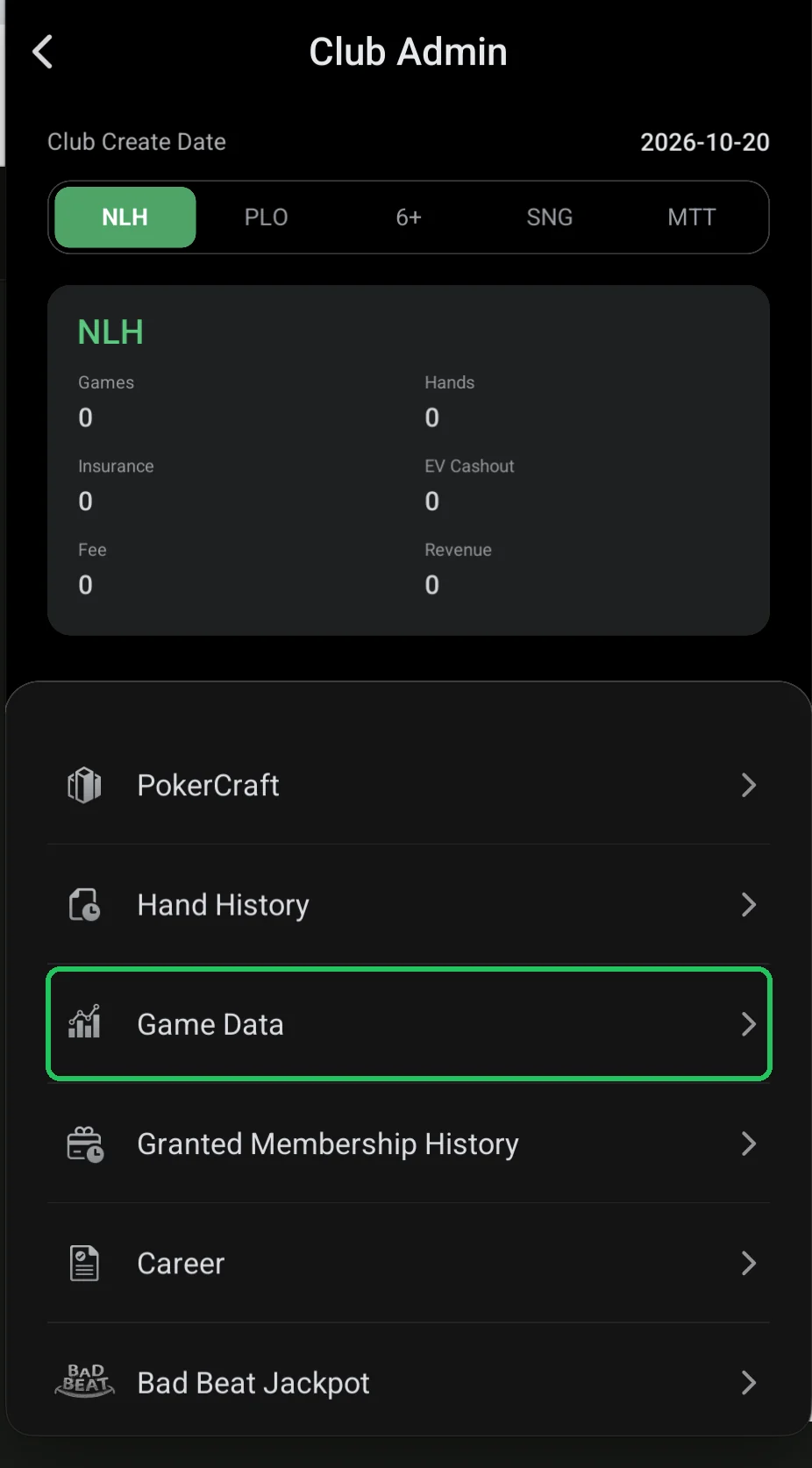
- Step 16Granted Membership History: memberships grantedA log of memberships granted to club members, searchable by ID. Most clubs don’t need it — it’s usually empty.Open step
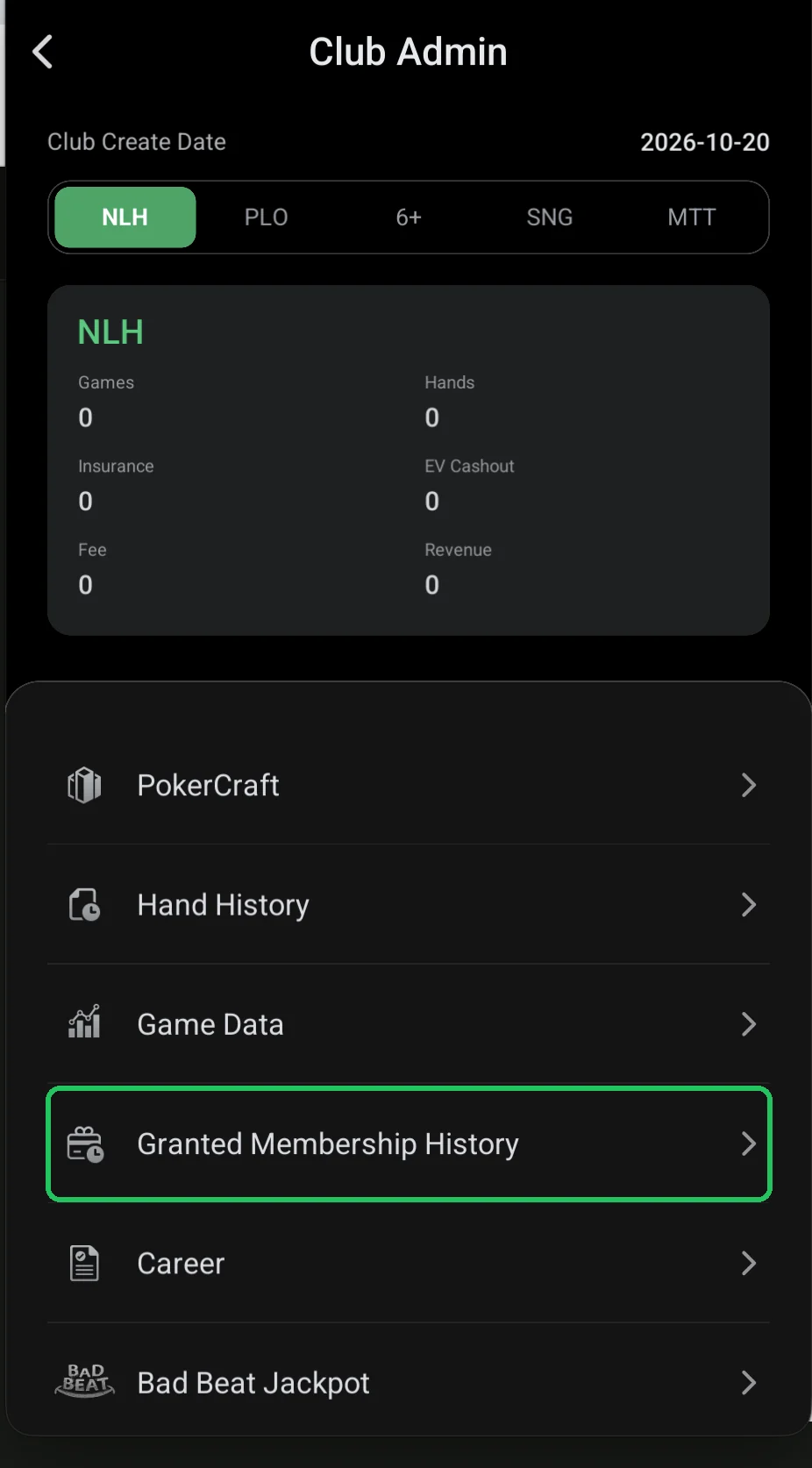
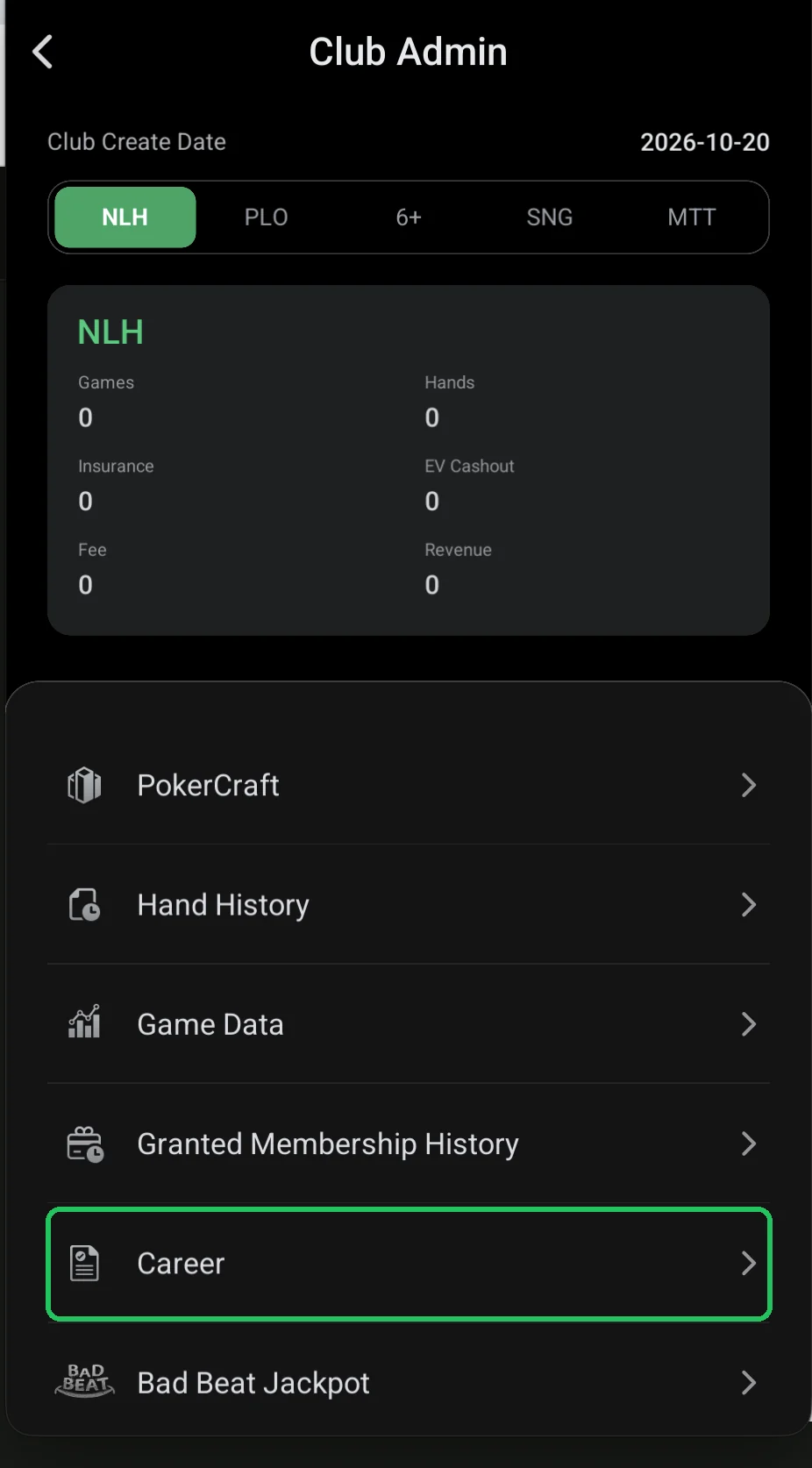
- Step 17Career: your stats and resultsGames and hands played, win rate, VPIP, PFR, C-Bet, 3-Bet, WT, WSD and recent session results — for each game.Open step
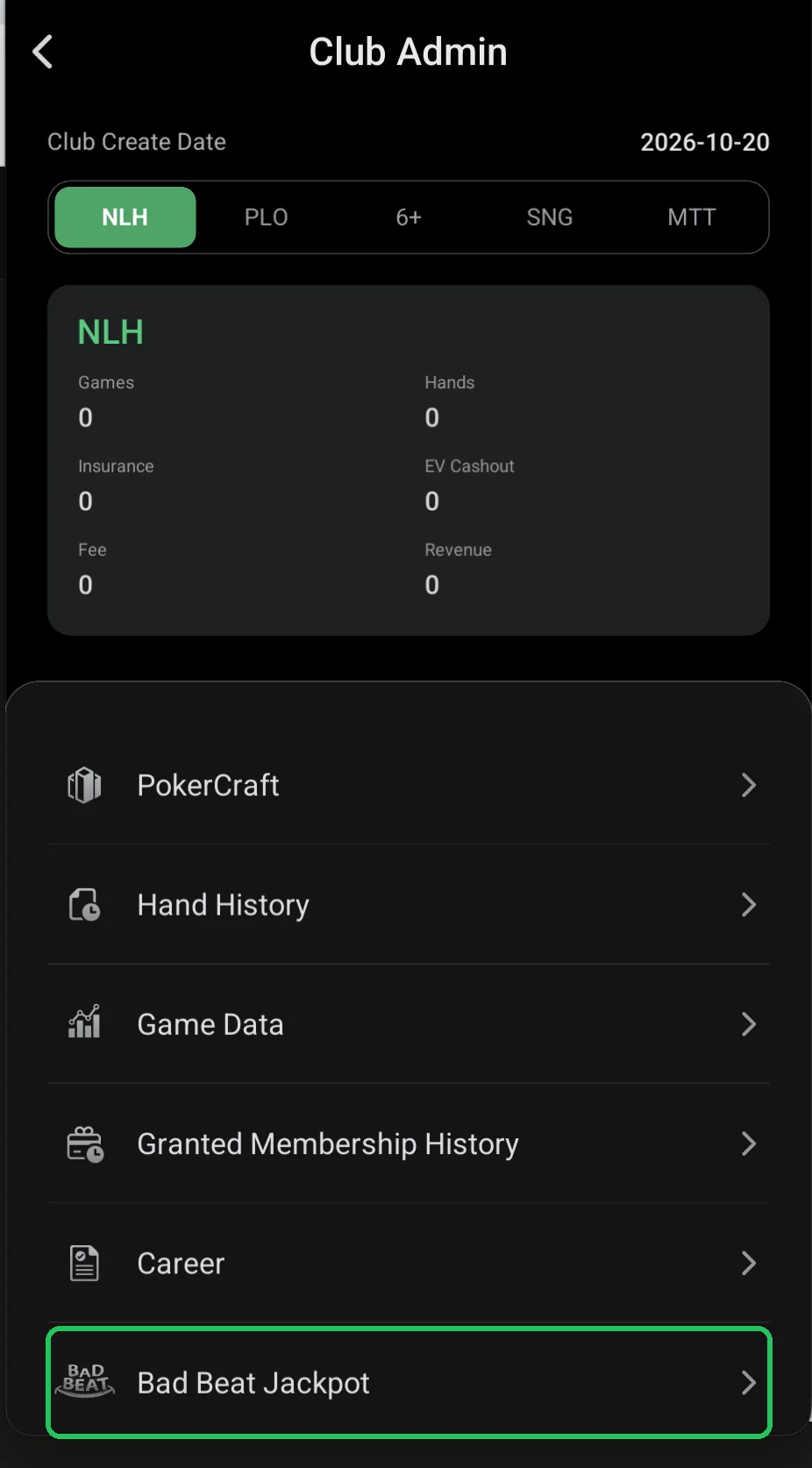
- Step 18Bad Beat Jackpot: turning on the club jackpotTop up the jackpot first (100 chips minimum), then switch it on. After that it grows from a table fee — even at zero rake.Open step
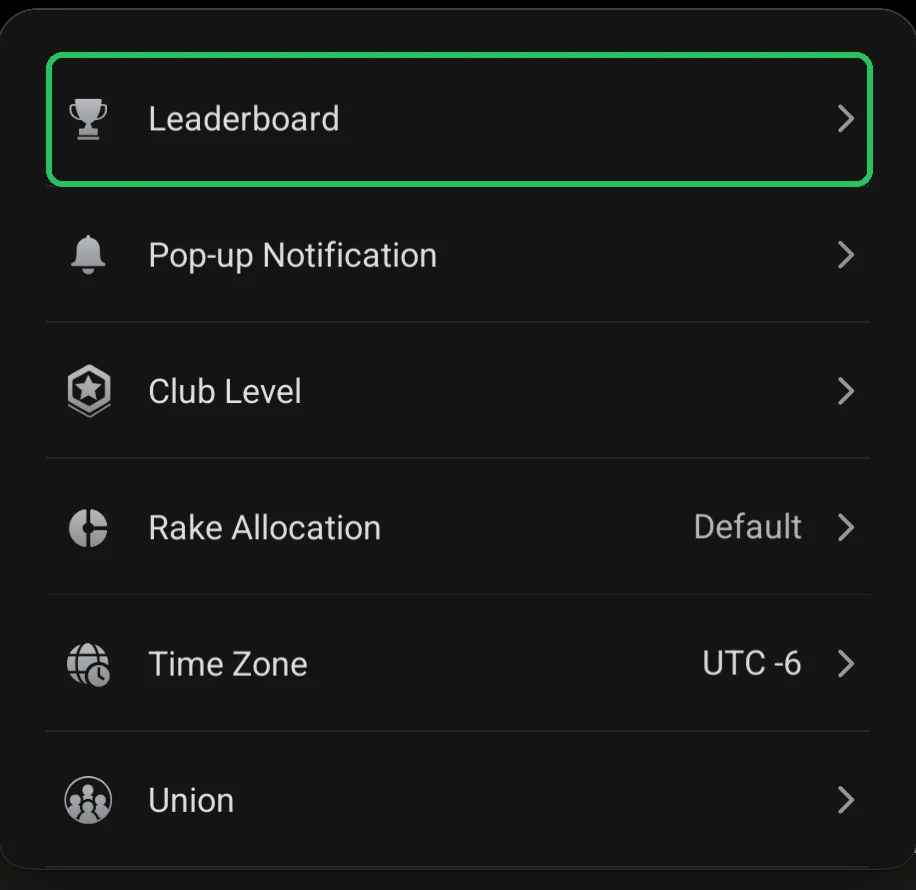
- Step 19Leaderboard: leaderboards and prizes for playersTournament and cash game leaderboards (AoF included — AFH and AFO): period, games, stakes, points for winnings, hands or rake, Happy Hour, and prizes in chips, membership or merchandise.Open step
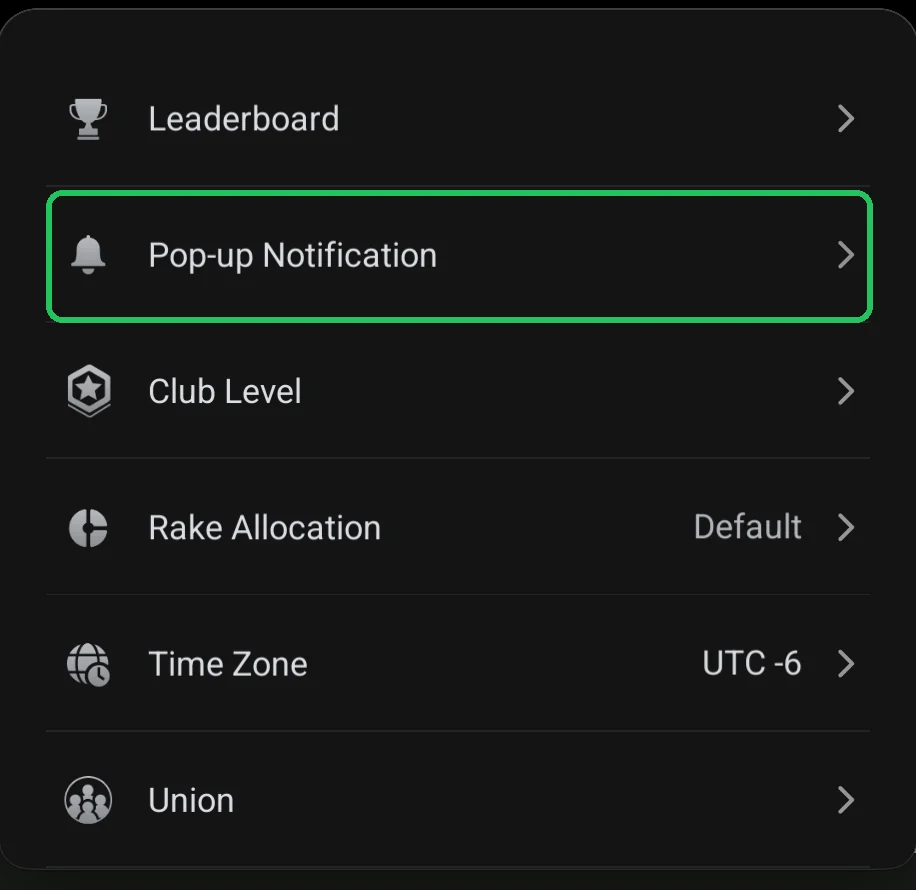
- Step 20Pop-up Notification: a message players see on entryThe pop-up players see when they enter the club: a title of up to 20 characters, a display period, text up to 2,500 characters or a 1080×1350 image. Examples of how players see it.Open step
- Step 21Club Level: the club level and member limitA free club holds up to 100 members. Paid levels raise the limit: Level 1 — 250 for $19.99 a month, Level 4 — 2,500 for $199.99, Level 9 — 50,000 for $999.99. You can cancel any time.Open step
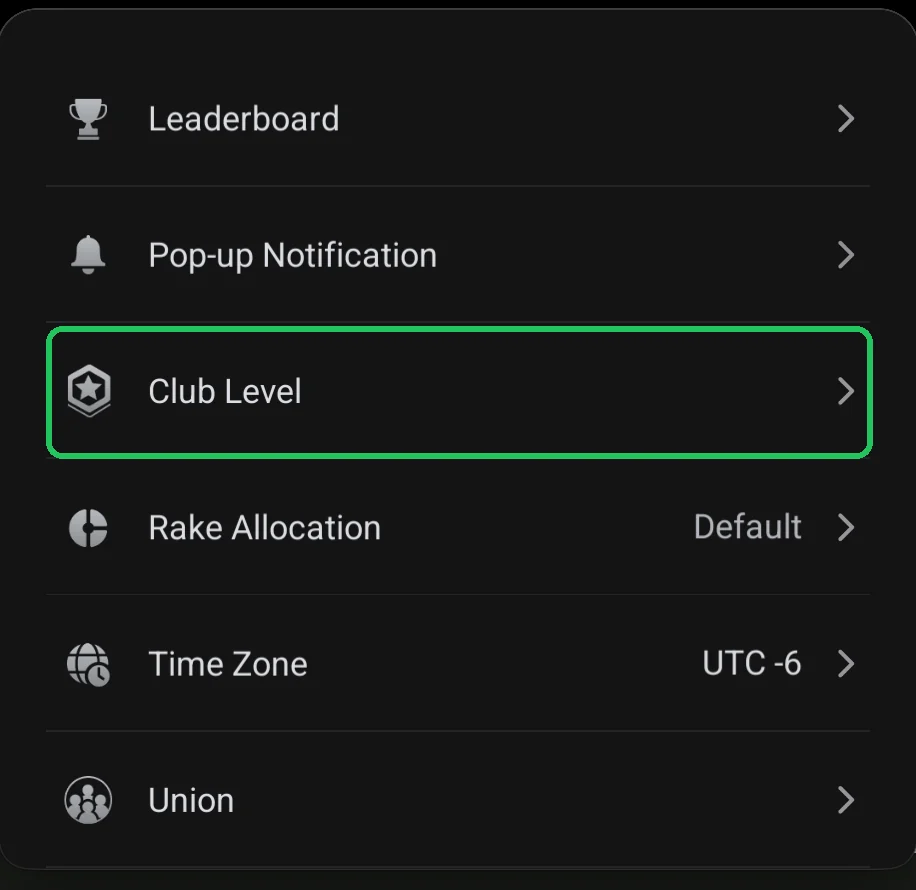
- Step 22Rake Allocation: who the rake is attributed toThe Loser Only Share slider from 0 to 100%: by default rake is split among all players by pot contribution; at 100% it’s attributed to the losers only.Open step
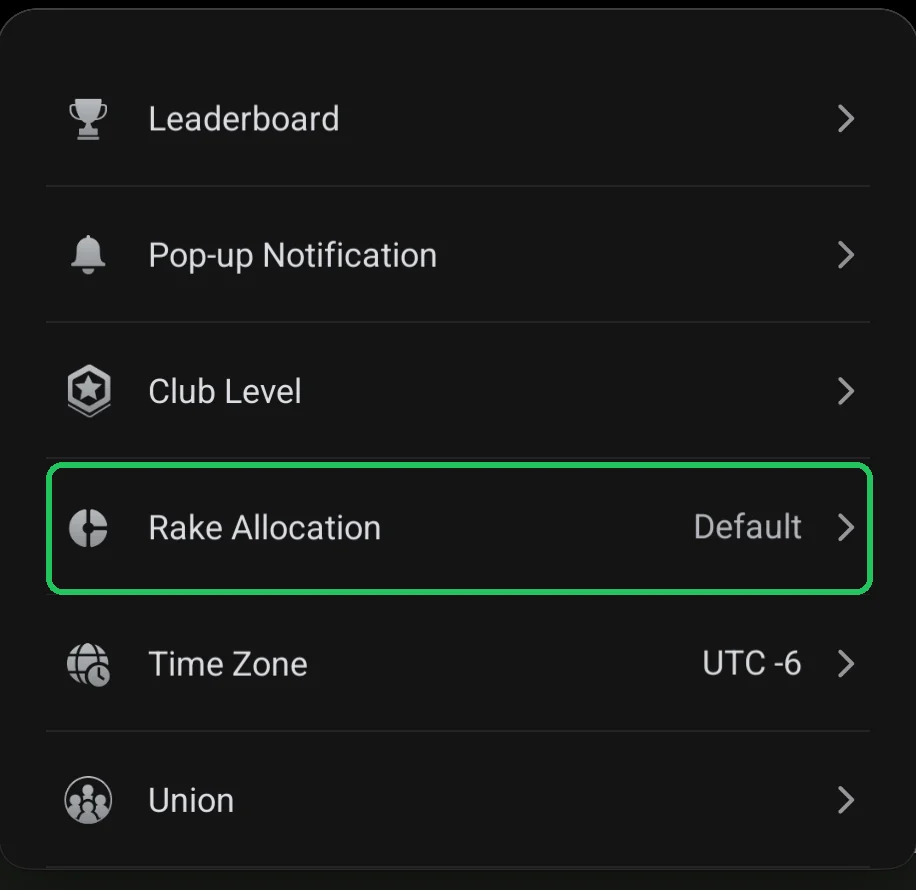
- Step 23Time Zone: the club’s time zoneThe club time zone sets where each day starts in all stats and is the same for every member. In a union the master club sets it. Pick it once, before your first settlements.Open step
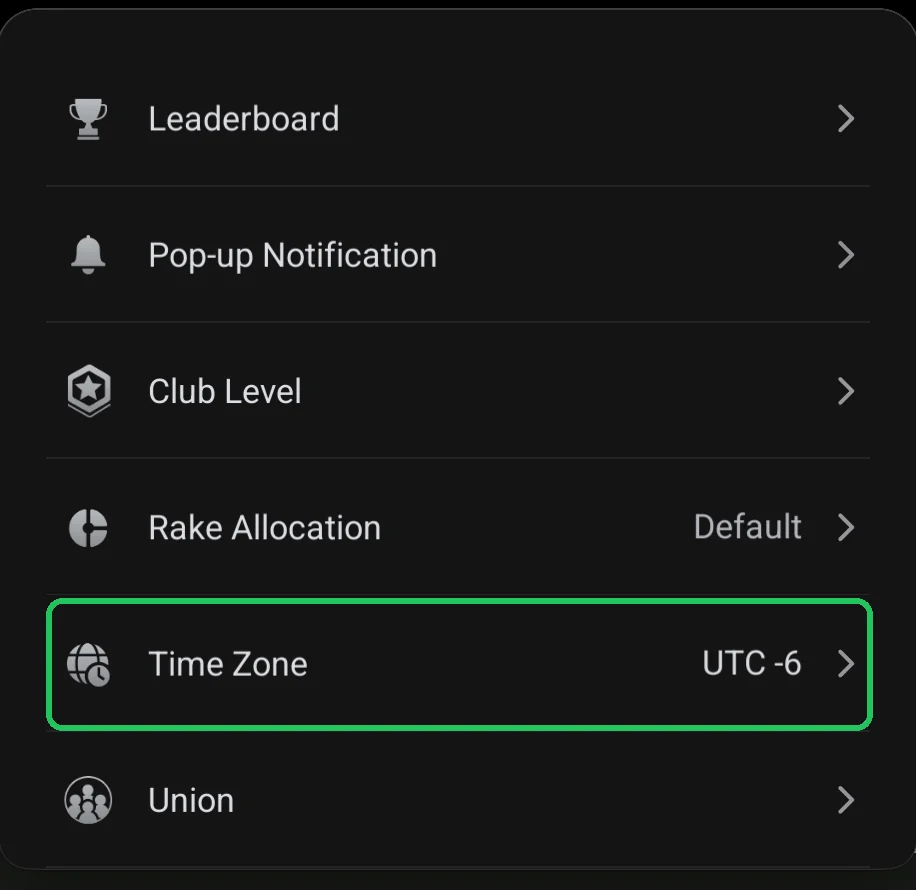
- Step 24Union: club unions — create or joinCreate Union or Join a Union. Creating needs Club Level 1+ and at least 50 members, approval takes up to 24 hours. Club data is archived and the club level is paused.Open step
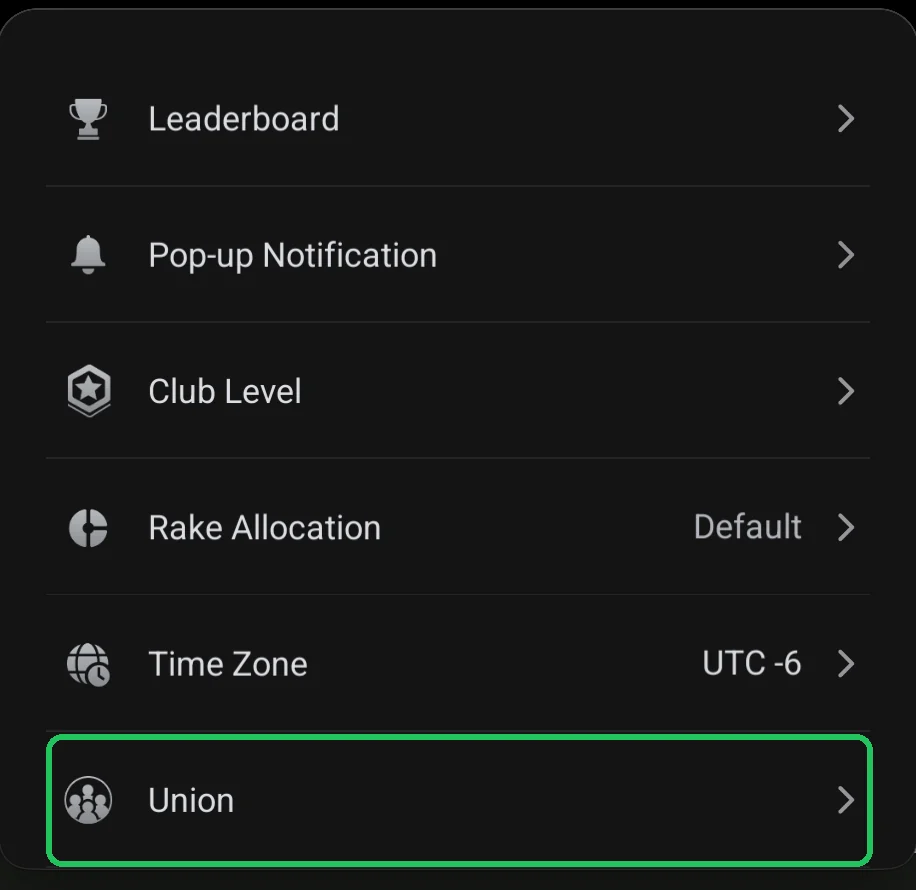
- Step 25Disband Club: disbanding the clubDisbanding deletes all club data, including club chips and credits, with no recovery. You confirm by entering the club ID. What to do before you disband.Open step
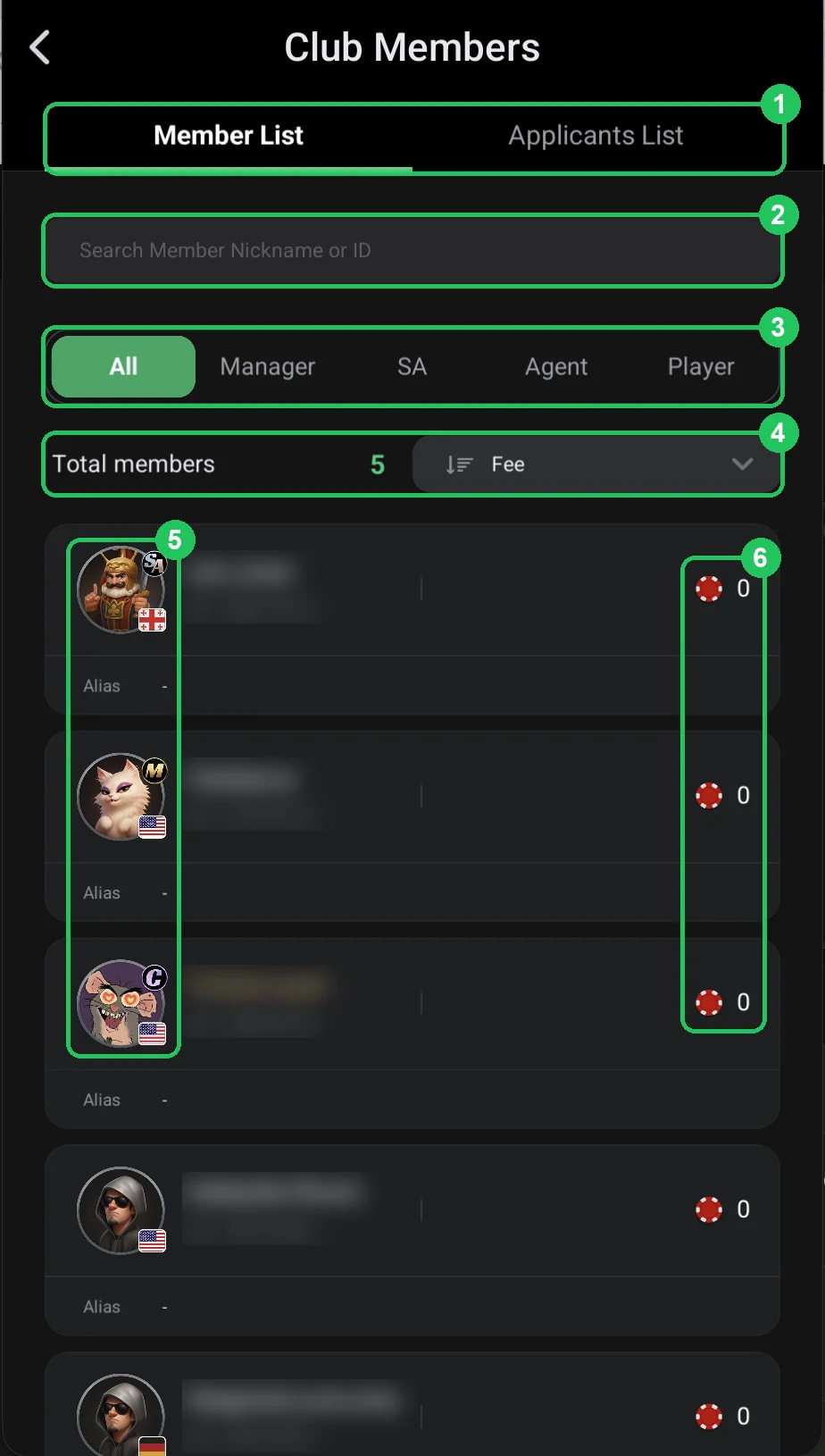
- Step 26Club roles: creator, manager, super agent, agent, playerThe ClubGG club hierarchy top-down: the creator (Master), Manager, Super Agent, Agent and Player. Who can do what, how roles show in the member list and why chips go through agents.Open step
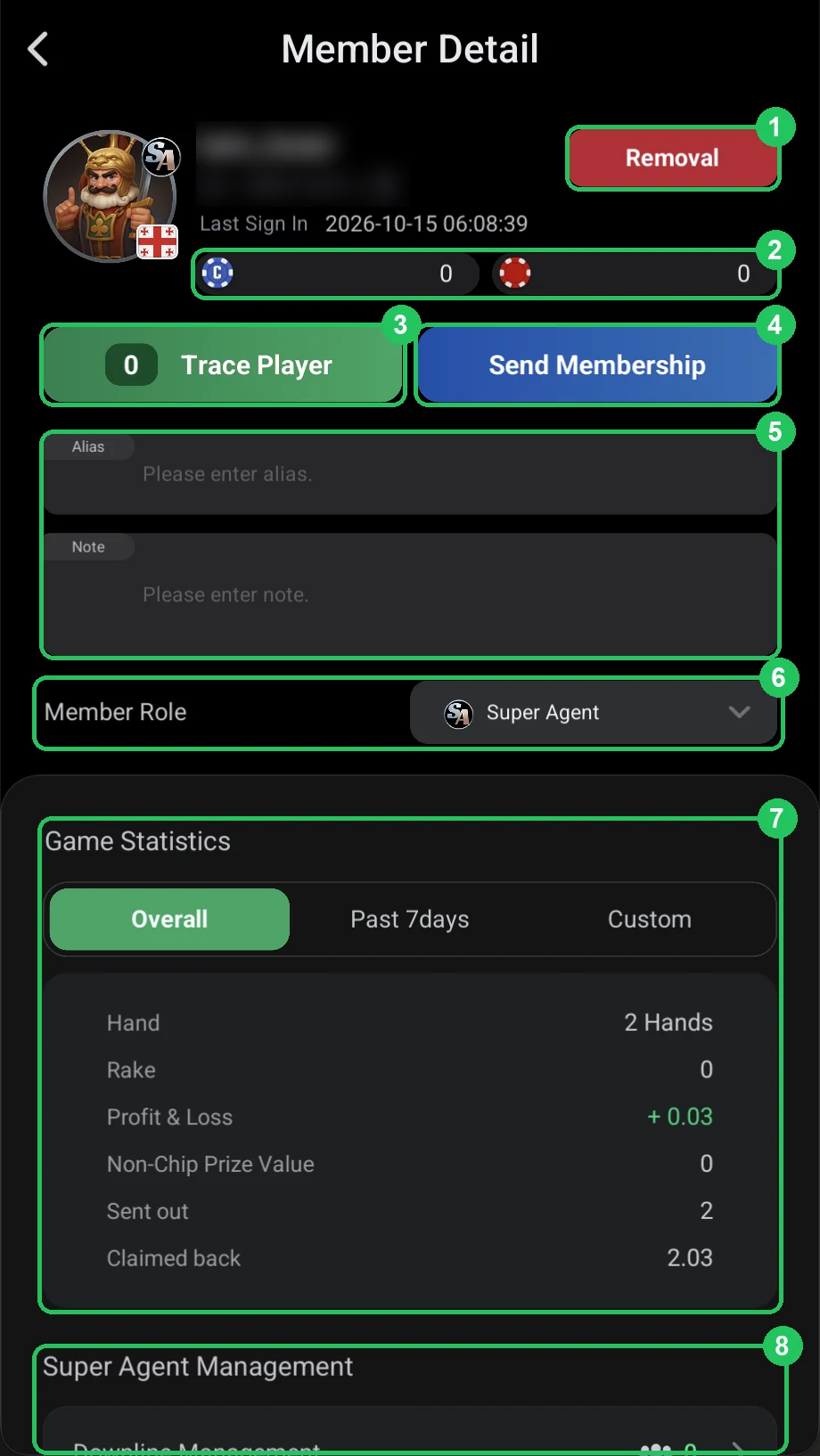
- Step 27The member card: role, stats, Trace Player and removalMember Detail: assign a role, see a player’s hands, rake and result, chips sent and claimed back, find their tables with Trace Player or remove them from the club (Removal).Open step
- Step 28Linking a player to an agent: Upline AgentPlayer Management in a player’s card: how to link a player to an agent or super agent via Upline Agent → Agent Link, plus where to grant tickets, restrict access and ban chat.Open step
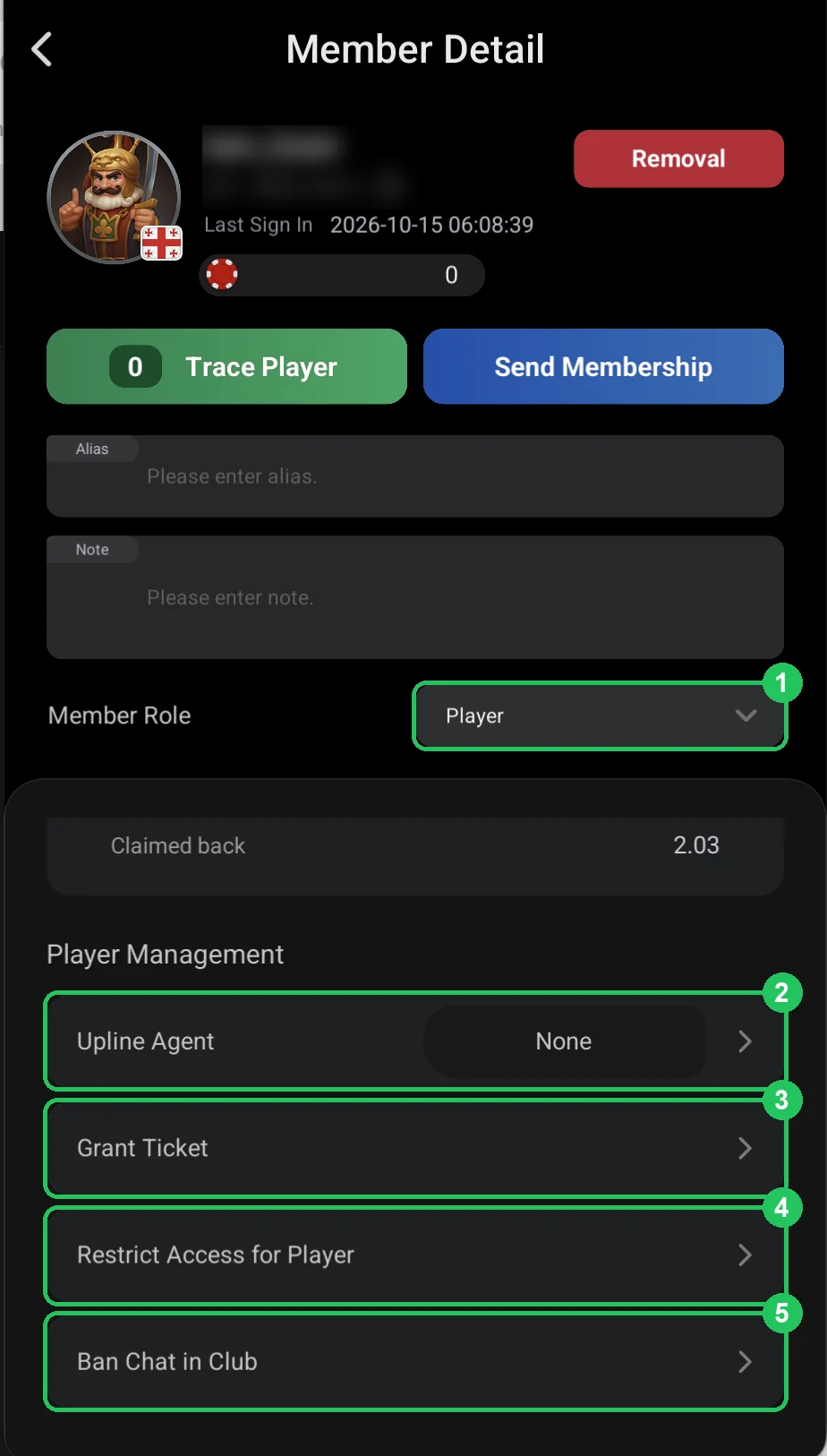
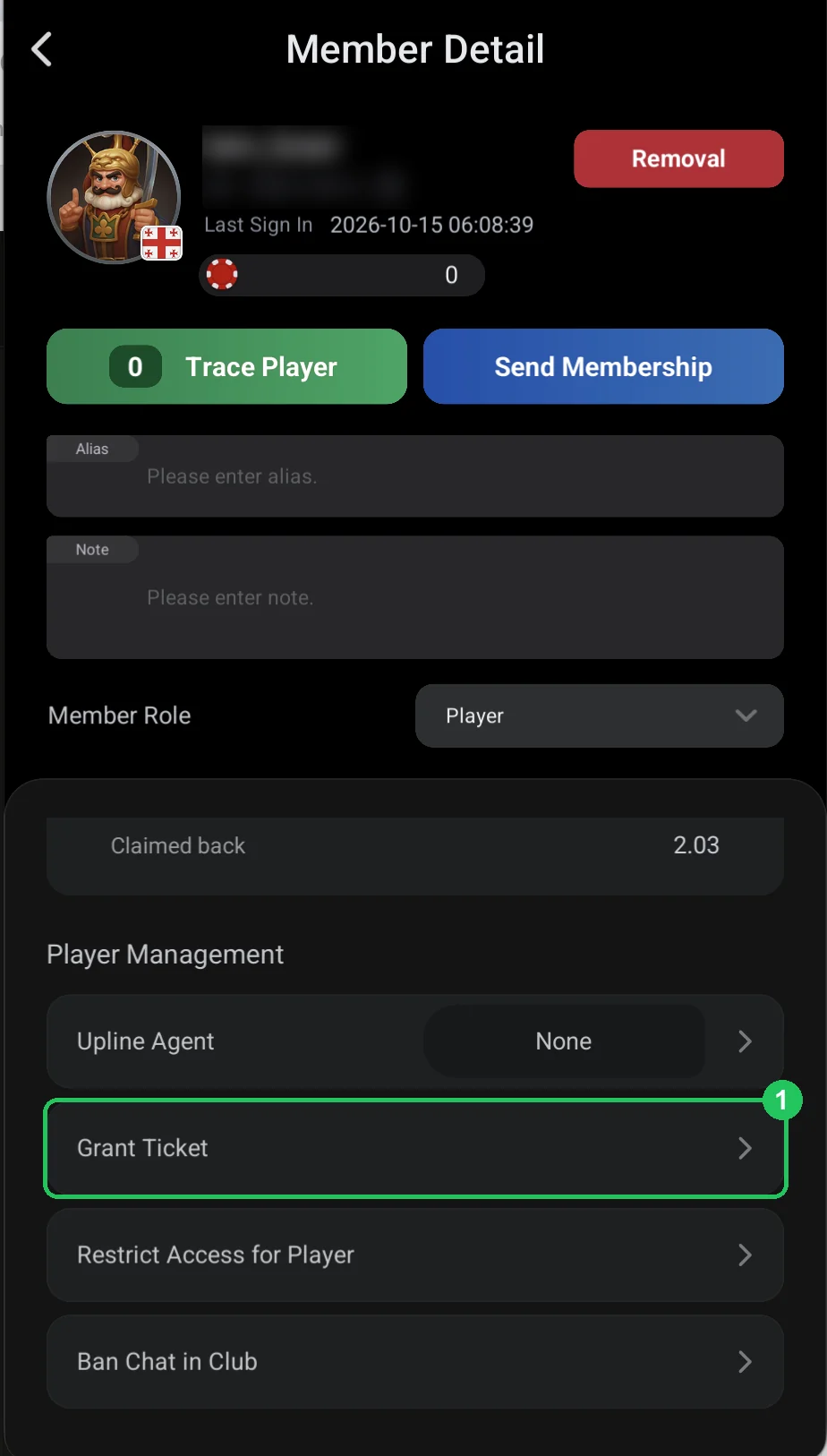
- Step 29Grant Ticket: a tournament ticket or voucher for a playerHow to give a player a ticket to a specific club tournament (Ticket) or a voucher for an amount with an expiry date (Voucher) from the player’s card — Player Management → Grant Ticket.Open step
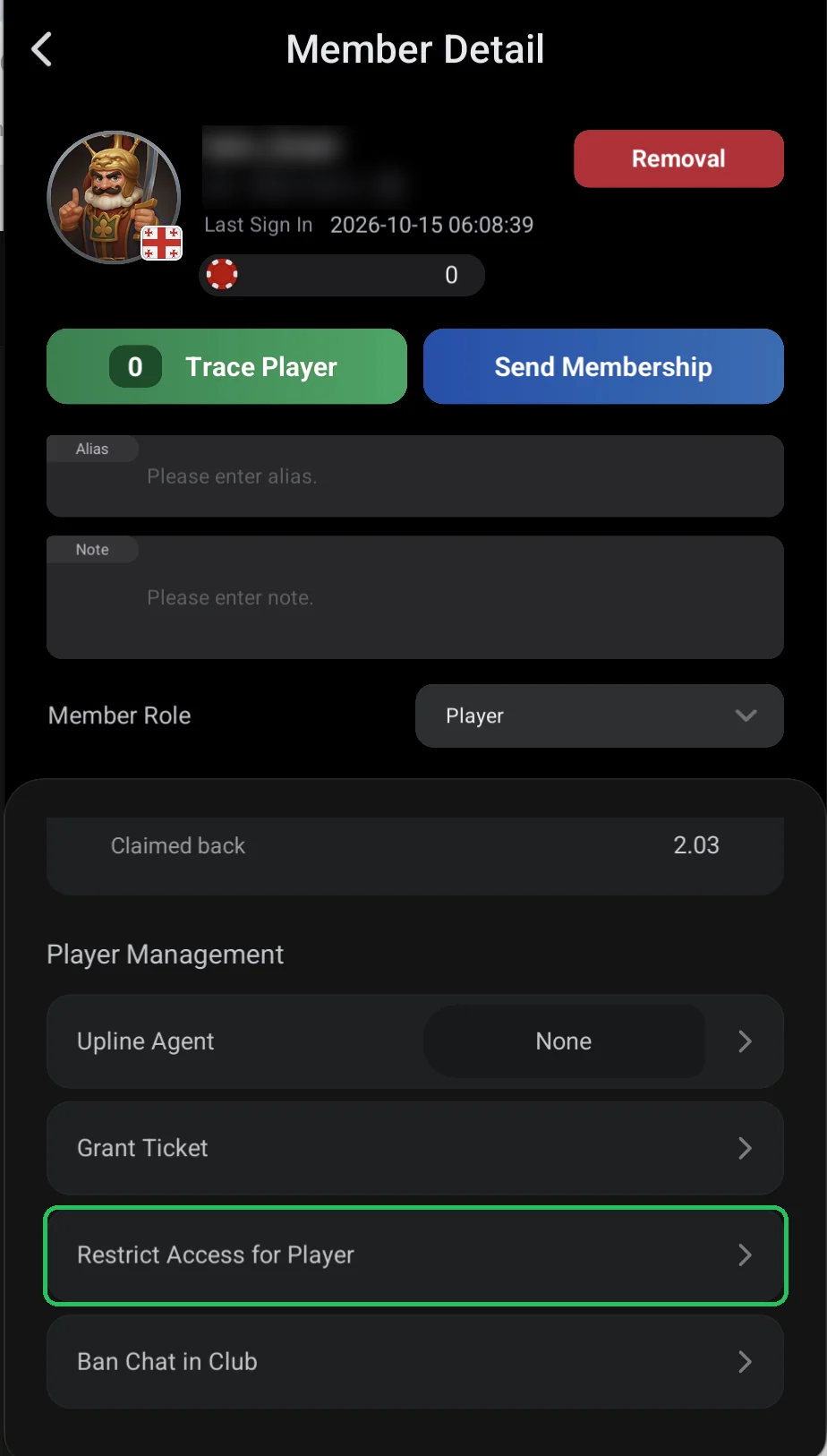
- Step 30Restrict Access for Player: limiting a player’s stakesHow to limit a player’s cash game stakes by big blind (NLH, PLO, PLO5, PLO6, 6+) and tournament buy-ins (MTT, SNG, freerolls) — or close all games to them.Open step
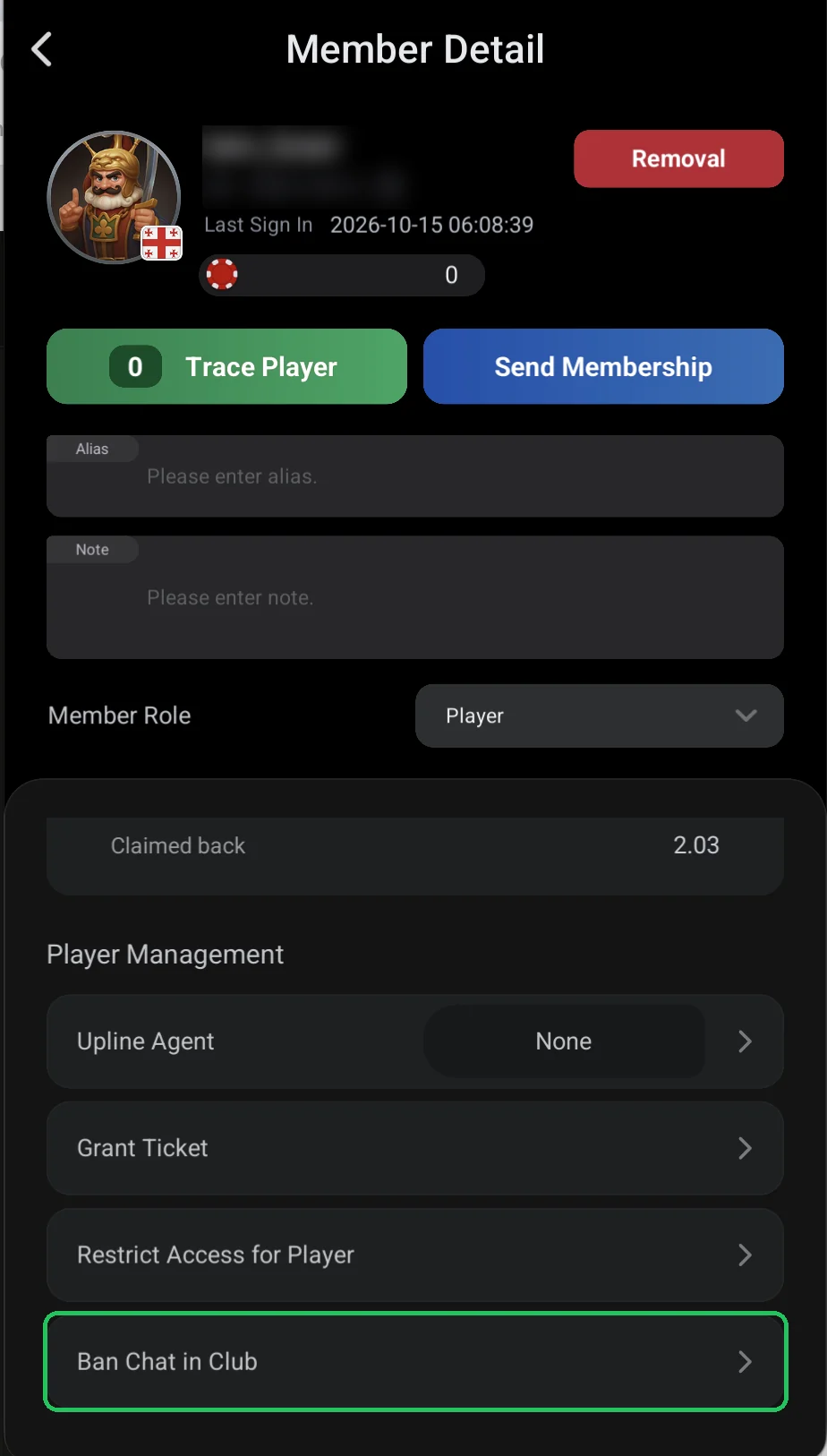
- Step 31Ban Chat in Club: muting a playerHow to stop a player writing in chat in every club game for 1, 7, 30, 60 or 90 days or permanently — and how to lift the ban.Open step
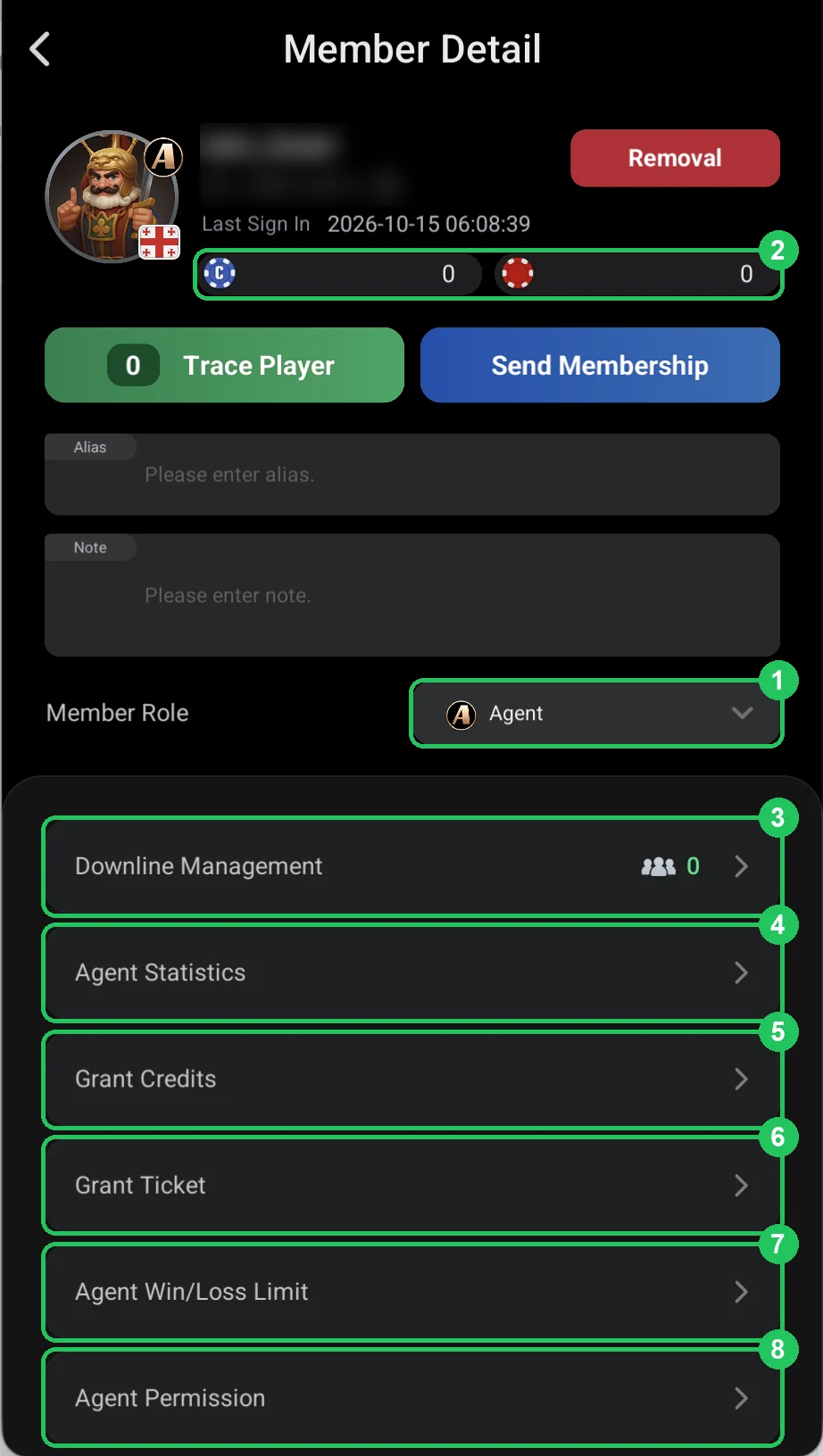
- Step 32The agent card: downline, credits, limits and permissionsWhat you can set for an agent on ClubGG: Downline Management, Agent Statistics, Grant Credits, Grant Ticket, Agent Win/Loss Limit, Agent Permission, Restrict Access for Agent & Downlines and Ban Chat.Open step
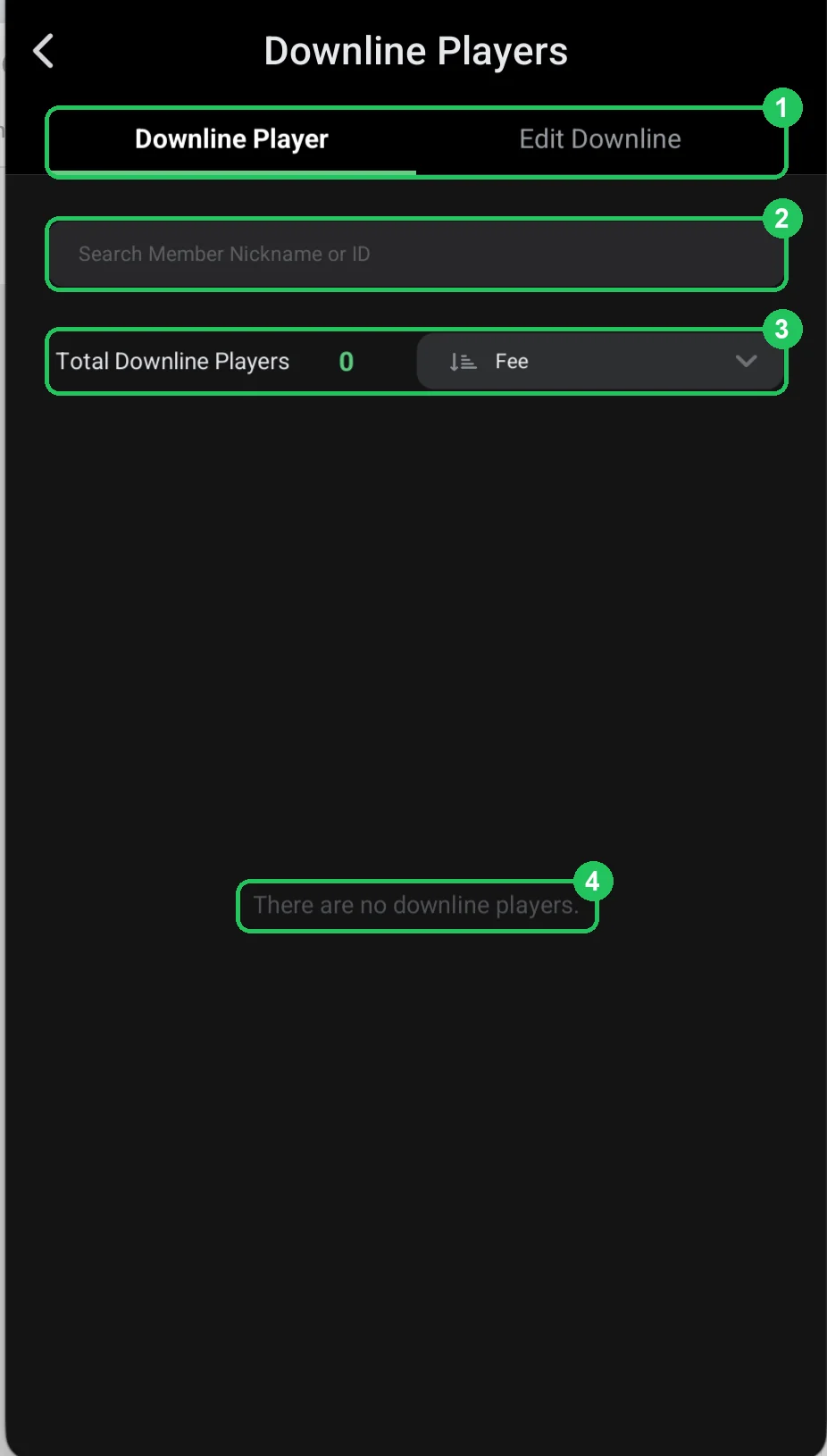
- Step 33Downline Players: an agent’s players and adding themWhat an agent’s downline is on ClubGG: the players assigned to the agent and their rake — and how to add players to an agent’s line with Edit Downline.Open step
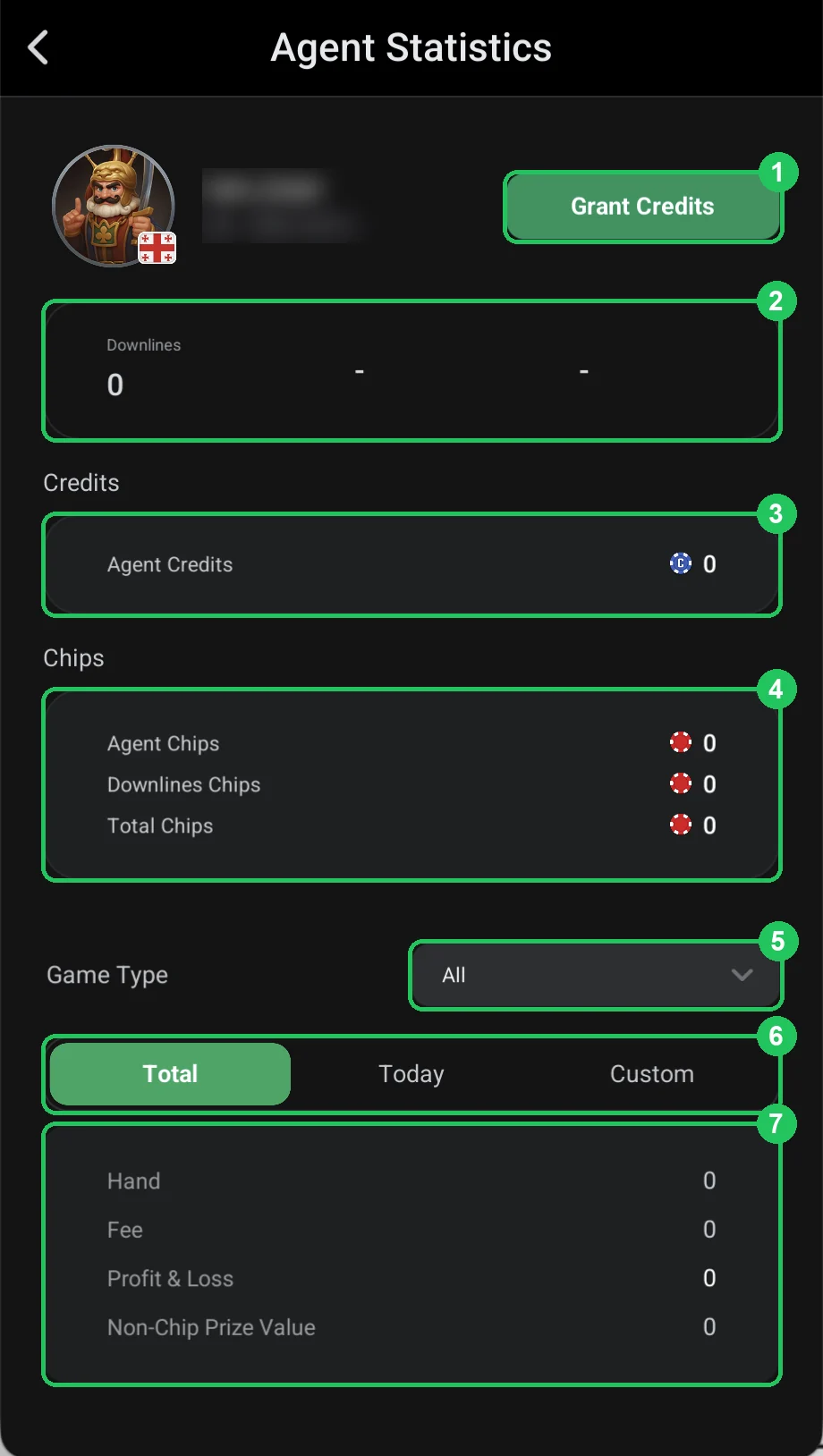
- Step 34Agent Statistics: an agent line’s credit, chips and rakeAgent statistics on ClubGG: how many players, how much credit and chips the agent and their line hold, and the line’s hands, rake and result — all time, today or a custom period.Open step
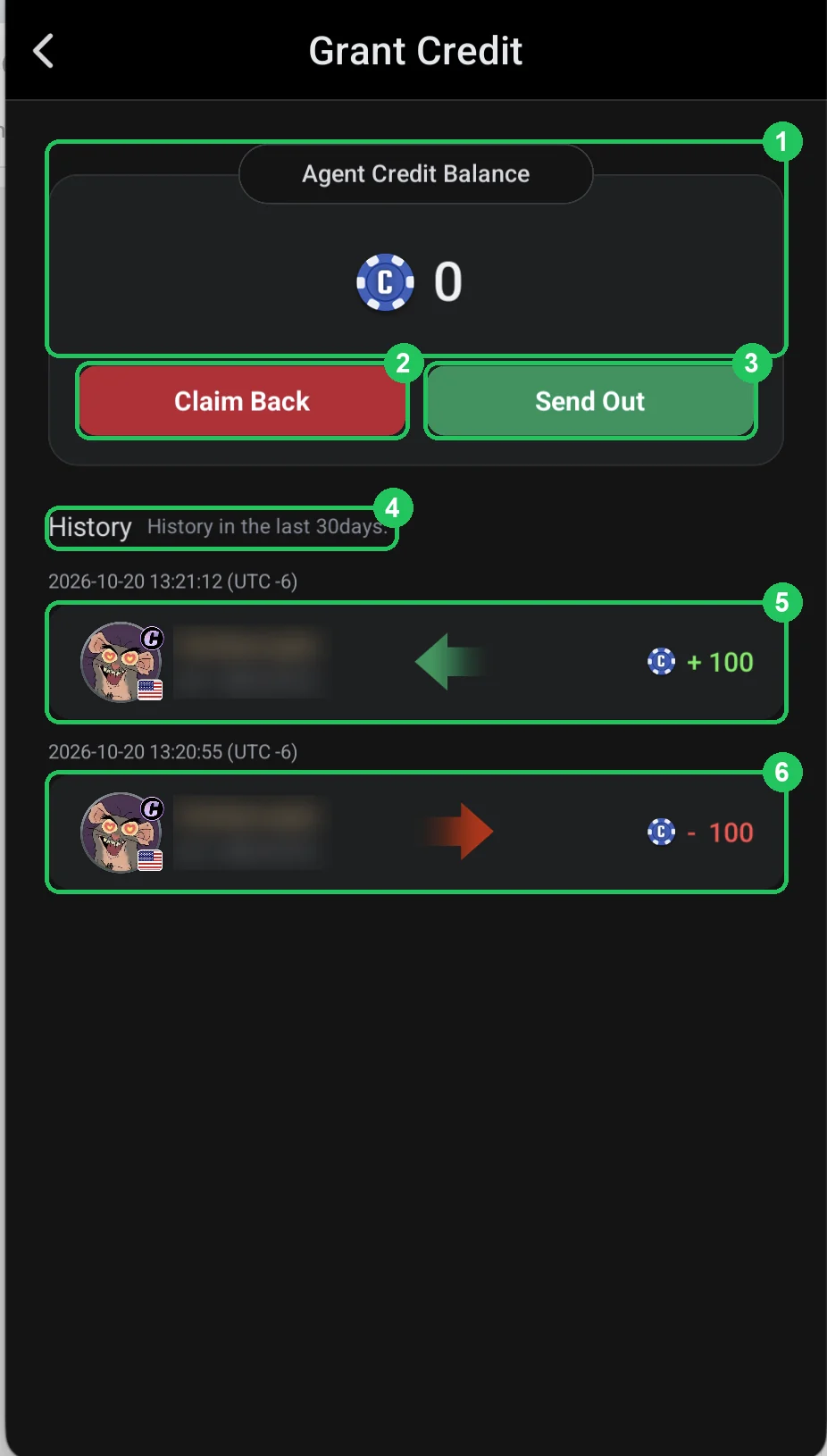
- Step 35Grant Credits: giving an agent credit and taking it backHow to give an agent credit (Send Out) and take it back (Claim Back) on ClubGG: the agent’s credit balance and 30 days of transaction history.Open step
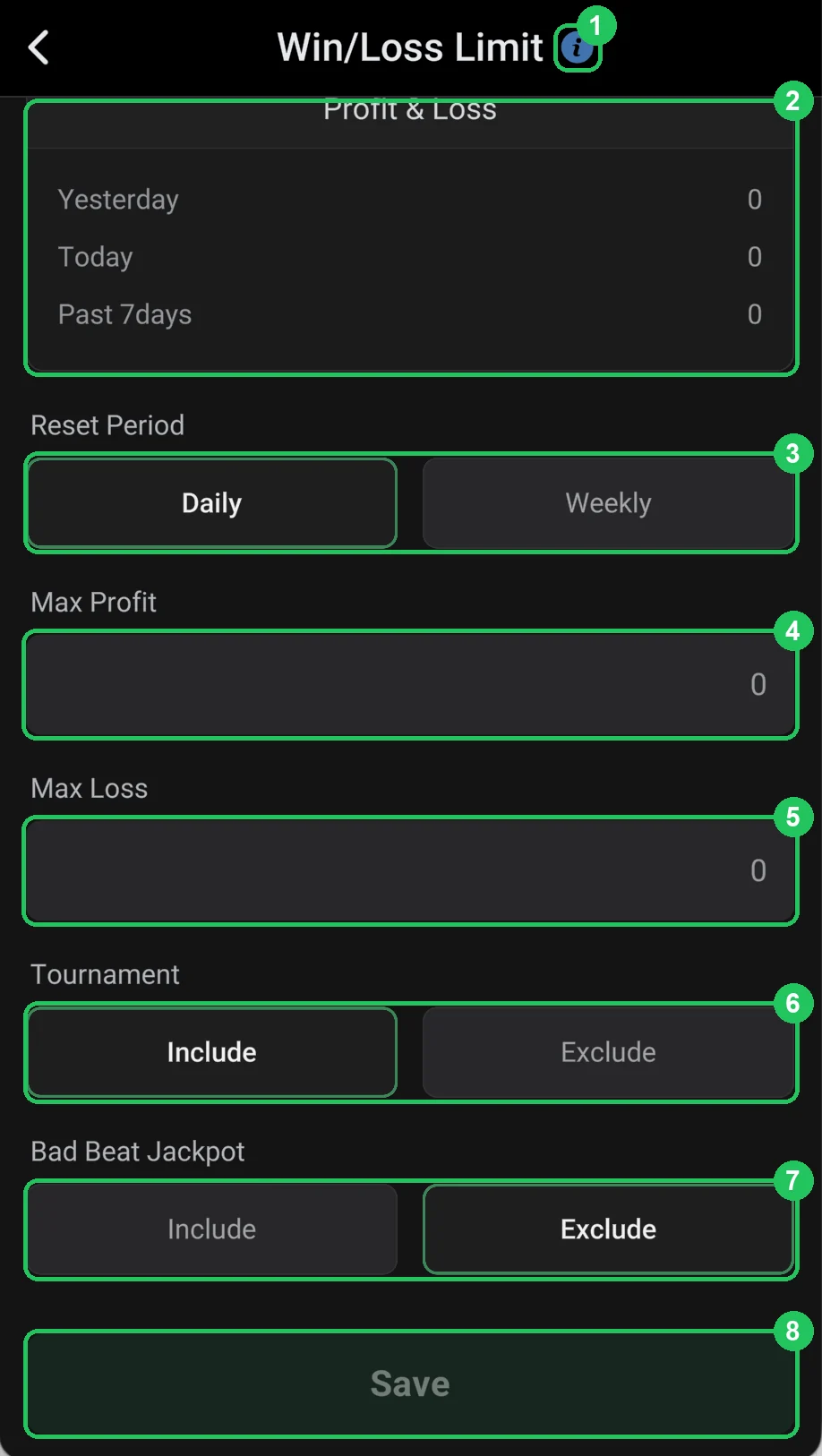
- Step 36Agent Win/Loss Limit: a stop-limit for an agent’s lineWin/Loss Limit on ClubGG caps how much an agent and all their players can win or lose per day or week. Once the limit is hit, the agent’s line can’t join new games.Open step
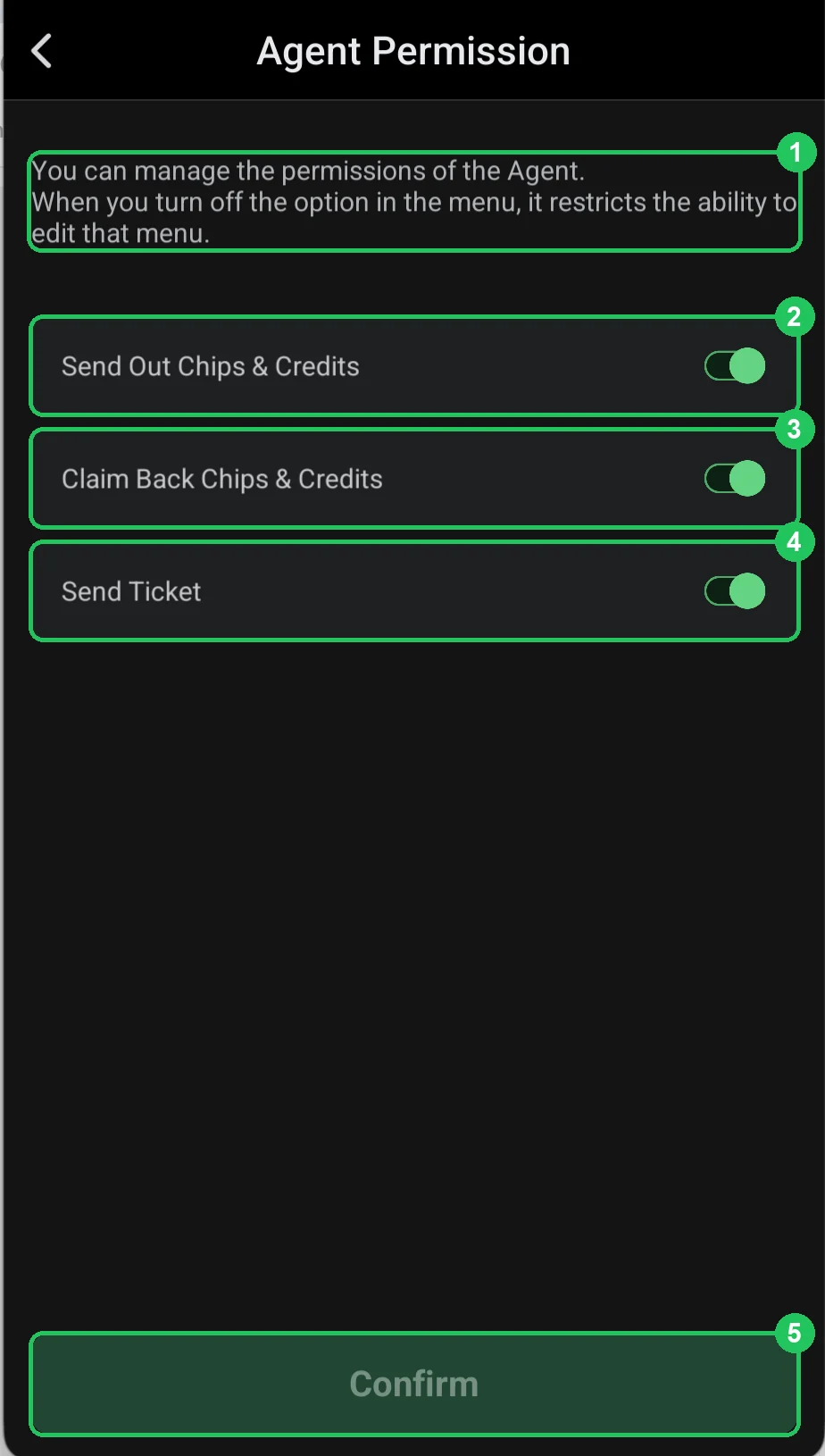
- Step 37Agent Permission: what an agent is allowed to doWhich permissions you can turn on or off for an agent on ClubGG: sending out chips and credit, claiming chips and credit back and sending tickets.Open step
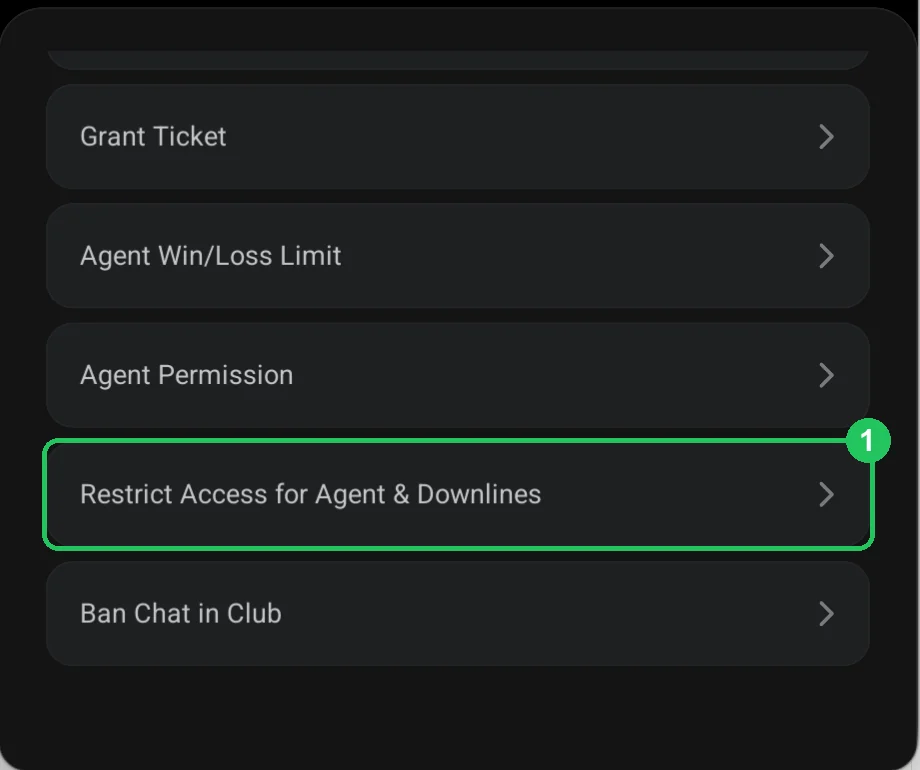
- Step 38Restrict Access for Agent & Downlines: limits for an agent’s whole lineHow to limit cash game stakes and tournament buy-ins for an agent and every player in their line at once on ClubGG — or close all games to them.Open step
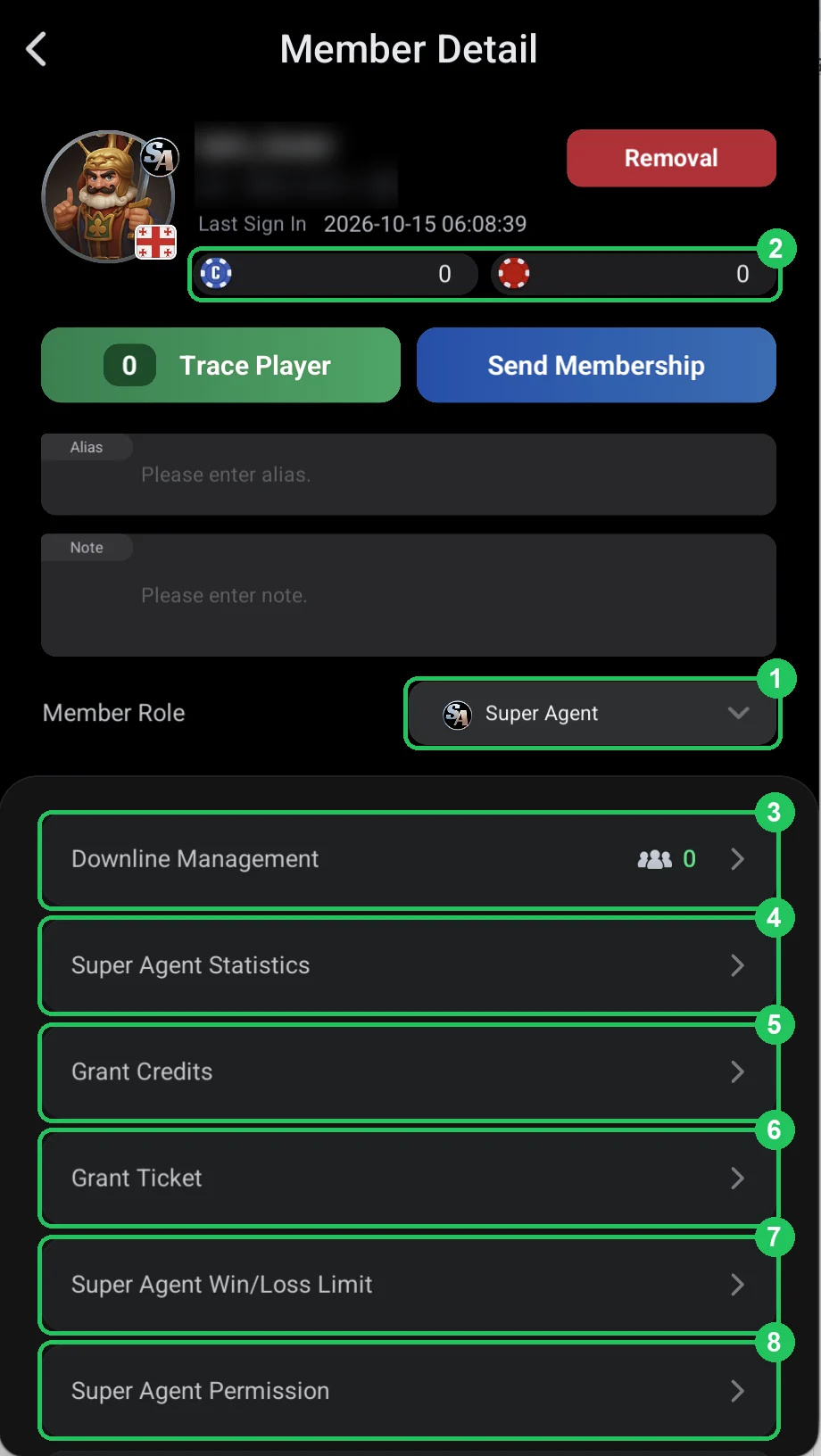
- Step 39Super agent: agents under an agent and stats for the whole networkHow a super agent on ClubGG differs from an agent: not only players but agents (Sub-Agents) are linked to them, and credit, chips and rake are counted across their whole network.Open step
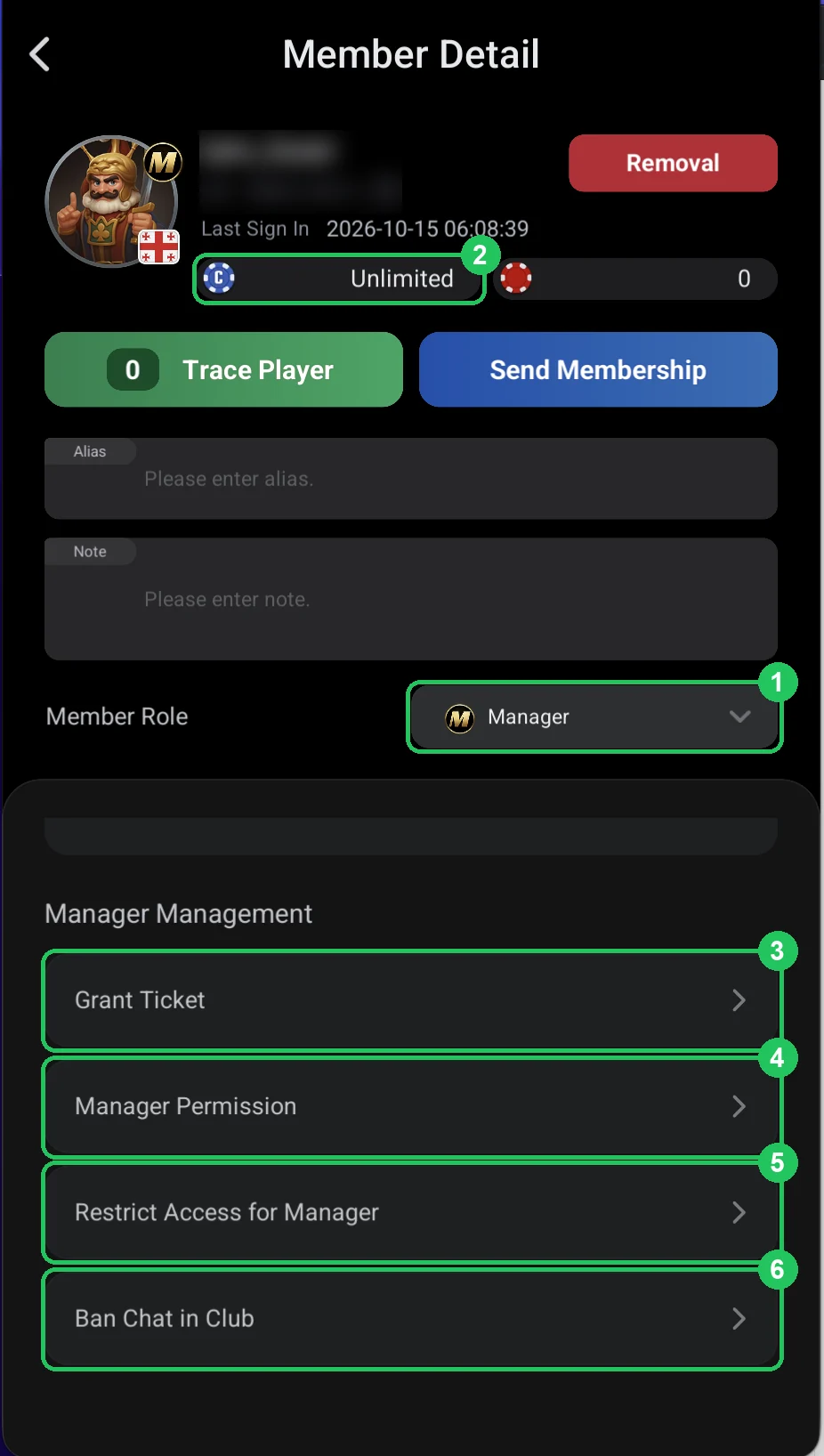
- Step 40Club manager: permissions and how to limit themA Manager on ClubGG runs the club: unlimited credit and almost all owner rights — chips, join requests, roles, limits, leaderboards, jackpot, notifications, rake. Each right can be turned off.Open step
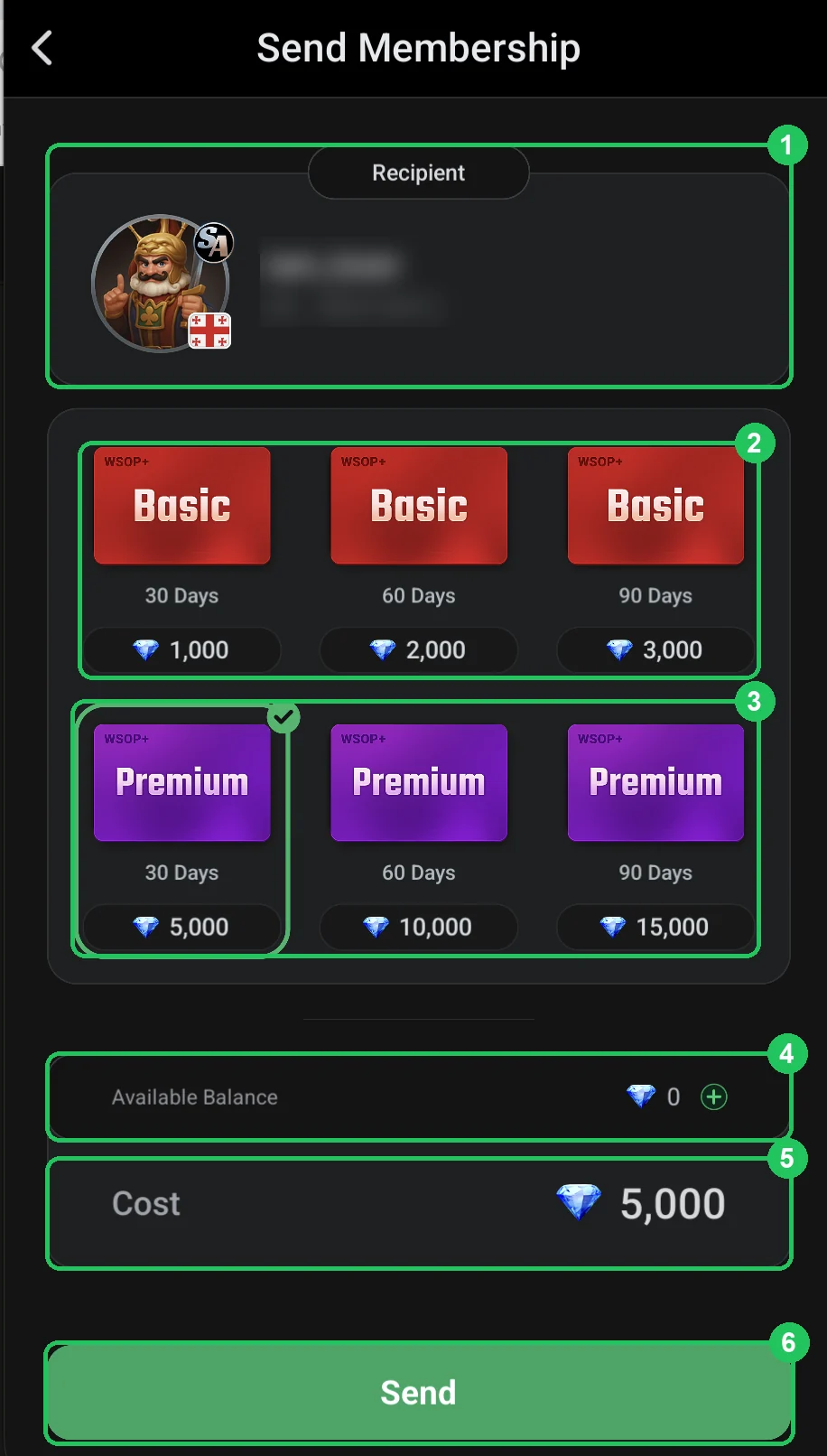
- Step 41Send Membership: gift a player WSOP+ for DiamondsFrom a member’s card you can gift them a WSOP+ subscription for Diamonds: Basic for 30, 60 or 90 days — 1,000, 2,000 or 3,000 Diamonds; Premium — 5,000, 10,000 or 15,000.Open step
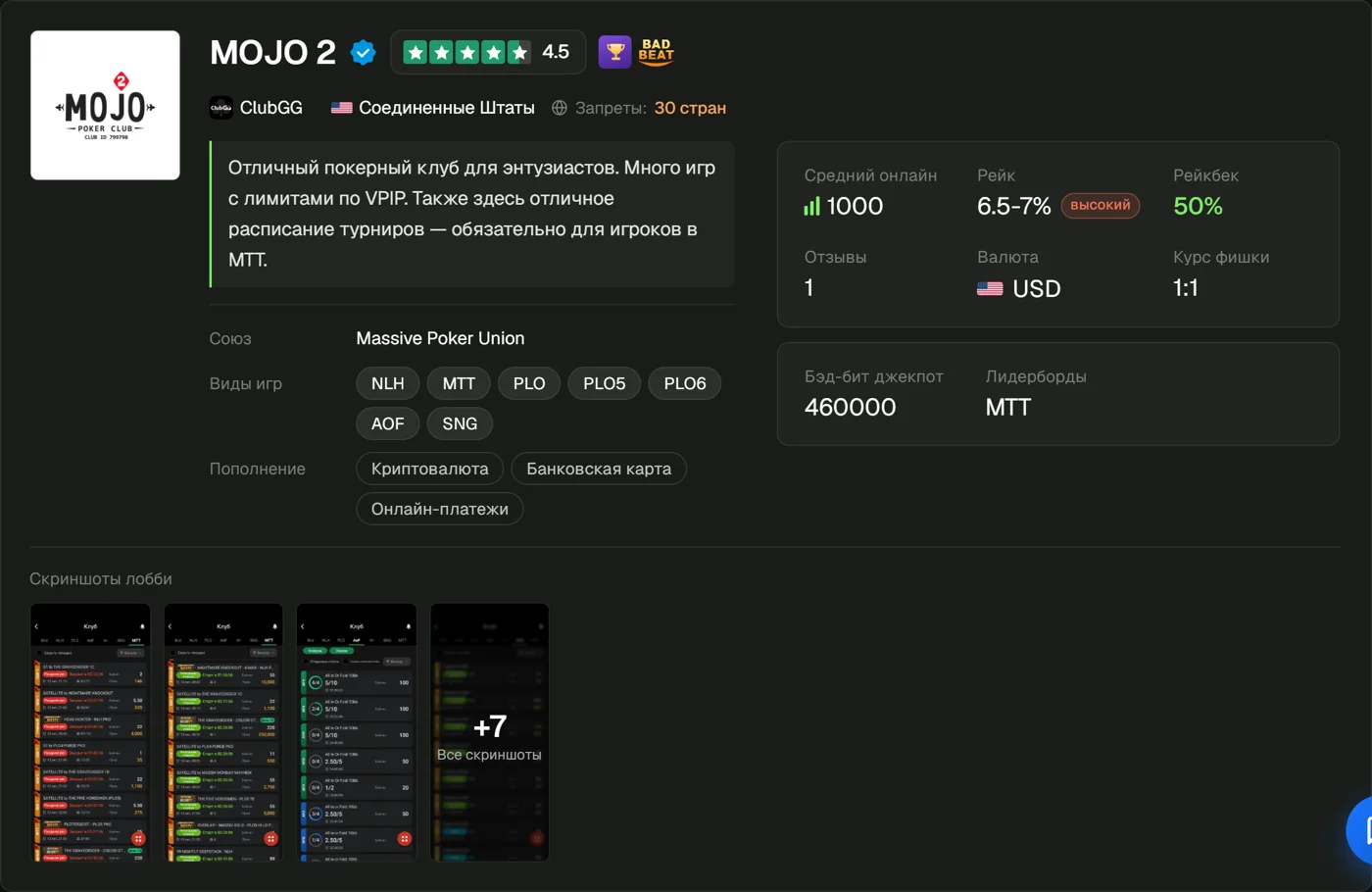
- Step 42Add your club to the RatePokerClub directoryClubGG doesn't promote clubs itself. How to find your first players and collect reviews.Open step
Common owner mistakes
- Turning on Auto Approve in a club with deposits — and random people joining the club.
- Setting above-market rake with no cap: regulars leave for other clubs.
- Removing a member without saving their stats — they can't be recovered.
- Giving agents the Manager role "for convenience": a manager has unlimited access to club chips.
- Disbanding the club (Disband Club) to "start over from scratch" — all club chips and credit are deleted in the process.
Questions and answers
How much does it cost to create a club on ClubGG?
Creating a club is free. A paid ClubGG subscription is for player features (PokerCraft, qualifiers), not for owning a club.
How many clubs can I create on one account?
One account can create up to 3 clubs of its own and be a member of up to 40 clubs.
Where can I find my club ID?
The 6-digit ID is shown in the club header right after creation. The Share button shares it too.
Can I transfer my club to someone else?
The creator role (Master) cannot be transferred. You can make a trusted person a Manager — they get almost all permissions except creating a union and disbanding the club.
How do I delete a club?
Via Disband Club in the admin menu. This is irreversible: all club chips and credit are deleted.
Club ready? Add it to the catalog
A free club page, player reviews and search traffic from people looking for ClubGG clubs.