ClubGG on PC and Mac
ClubGG has full native clients for Windows and macOS — not emulators and not a web version. Multi-tabling is easier on a computer, the table and stats are easier to see, and your clubs, balance and PokerCraft sync with your phone.
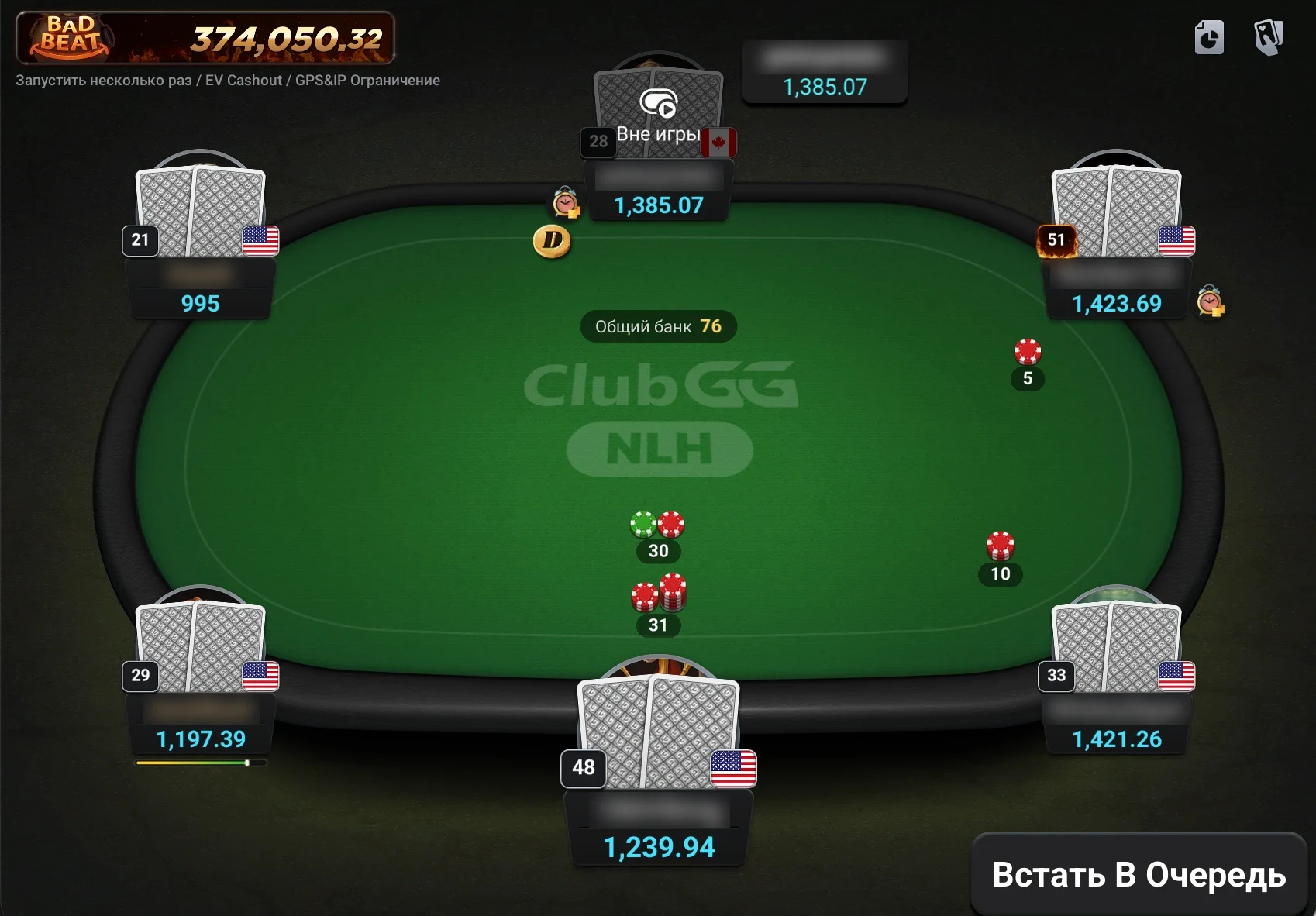
4tables at once
12tables with WSOP+ Premium on PC
~370 MBWindows installer size
macOS 11+minimum version for Mac
Installation
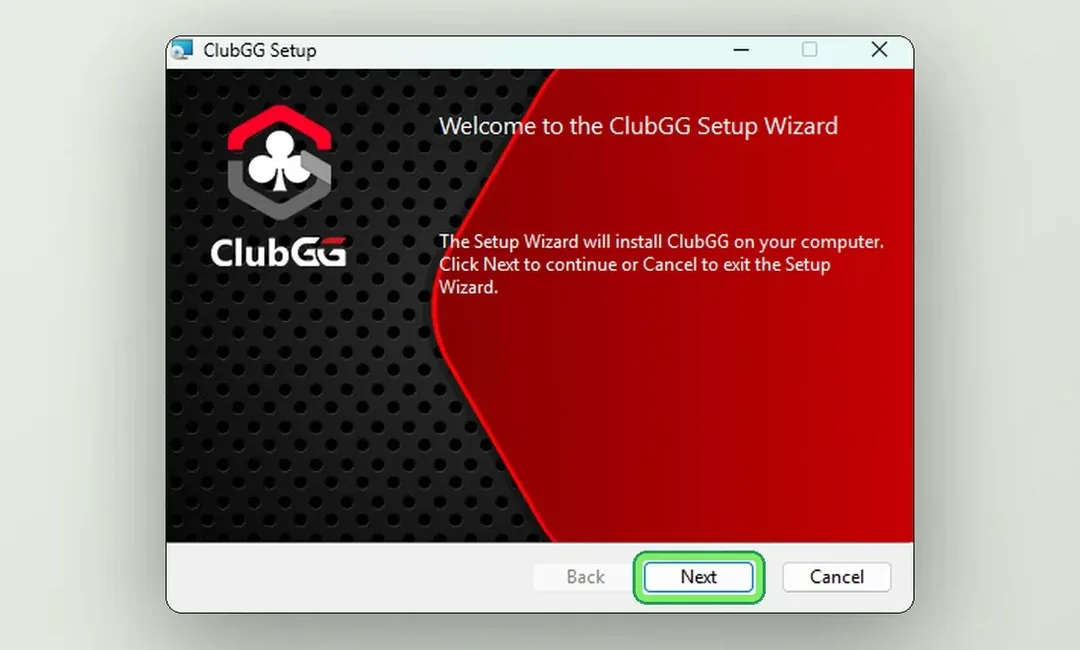
Windows.msi installer from clubgg.com, 8 steps — guide with screenshots.
macOS.dmg image, drag to Applications — guide with screenshots.
System Requirements
| Minimum | Recommended | |
|---|---|---|
| Windows | Windows 10, 4 GB RAM | Windows 11, 8 GB RAM, SSD |
| macOS | macOS 11+, 2017+ Mac (Intel), 4 GB RAM | 2020+ Mac (Apple Silicon), 8 GB RAM, SSD |
| Disk space | about 1 GB | 2 GB to leave room for updates |
Multi-Tabling
A regular account can open up to 4 tables at once — each in its own window, and you can tile them. With a WSOP+ Premium subscription the limit on PC goes up to 12 tables. A large monitor or two screens makes multi-tabling much easier.
Why PC Beats Mobile
- Several tables at once and large windows.
- PokerCraft is easier to use: graphs and replays on a big screen.
- A more stable connection over cable or Wi-Fi.
- Hotkeys and precise bet sizing with the mouse.
Android emulators (BlueStacks and the like) aren’t needed and may draw attention from the security team. Use the official client.
Can I play ClubGG on PC and mobile with the same account?
Yes, the account is shared: clubs, balance and stats stay in sync.
Is there ClubGG for Linux?
There is no official Linux client.