Step 16 of 42
Granted Membership History: memberships granted
A log of memberships granted to club members, searchable by ID. Most clubs don’t need it — it’s usually empty.
Club lobby → club menu → Admin → Granted Membership History
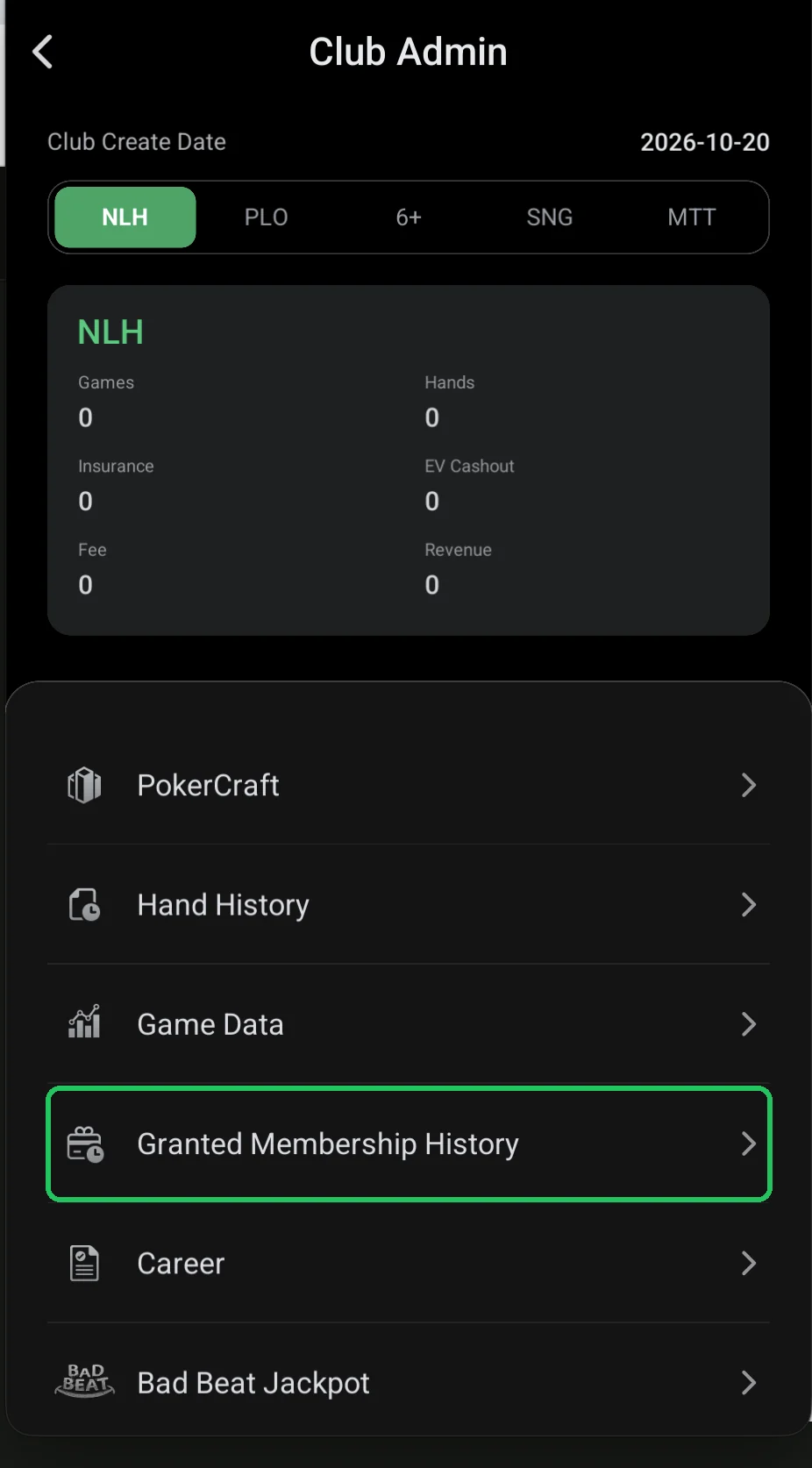
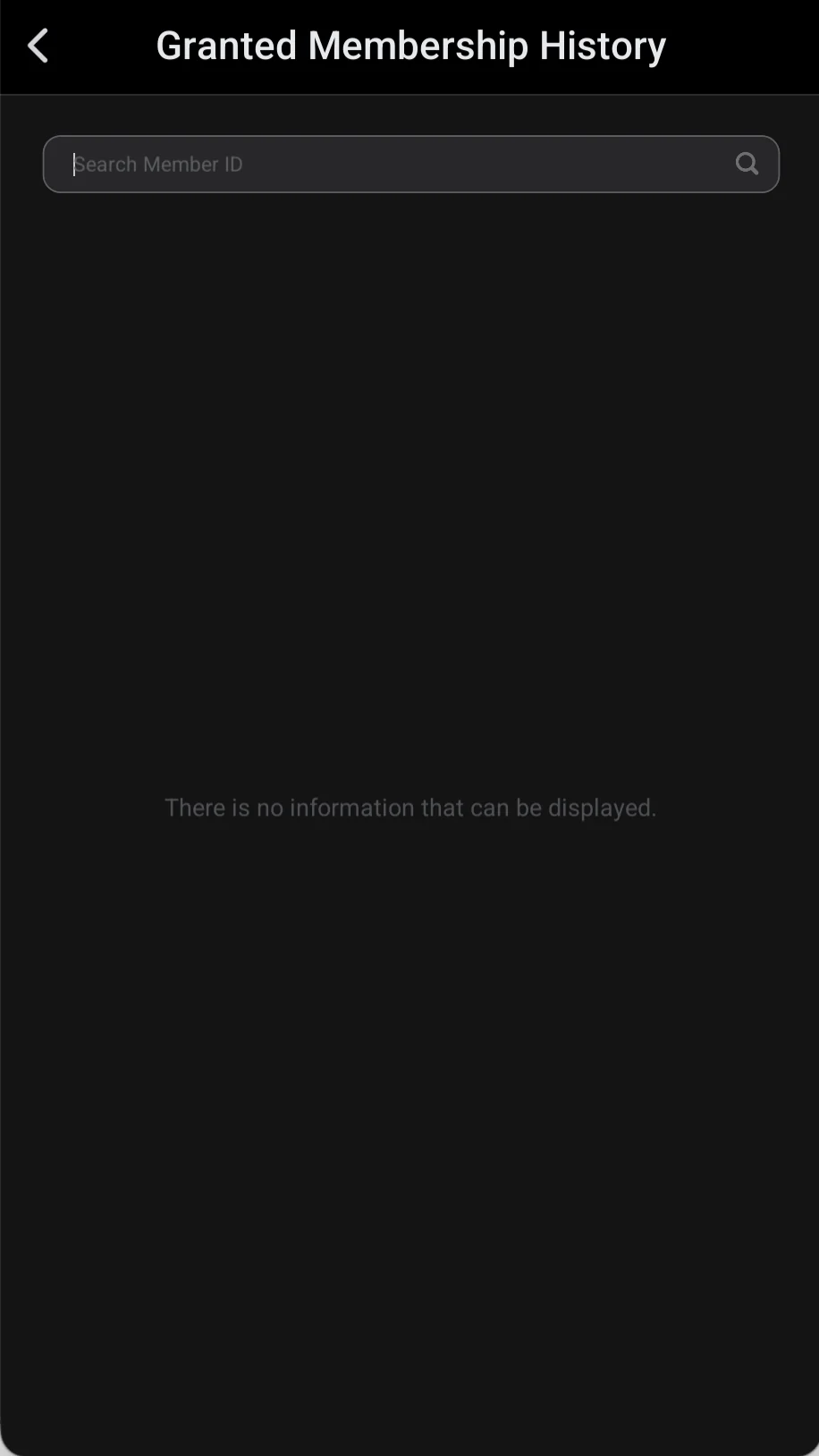
Granted Membership History is a log of memberships the club has granted to its members. The screen has just a Search Member ID box and the list of records; if the club hasn’t granted any, you’ll see “There is no information that can be displayed”.
For a typical club it’s of little use: players usually buy WSOP+ memberships themselves, and the club needs this section only to check who was granted what and when. ClubGG doesn’t publicly document exactly how granting works — if you use it, follow the in-app hints.
If you’re just launching a club, you can skip this item. Club Data and Game Data matter much more.
What’s on the screen
- Search Member ID — search records by a member’s ID.
- The list of granted memberships; an empty screen means none were granted.
Need the history for a specific player — enter their ID in the search box.