How to Start Playing ClubGG
ClubGG is a free app for private poker clubs from the makers of GGPoker. Unlike a regular poker room, there is no shared cashier and no shared lobby: you play inside a club and get your chips from its agent. Below is the whole path from installation to your first hand, plus what to check before your first deposit.
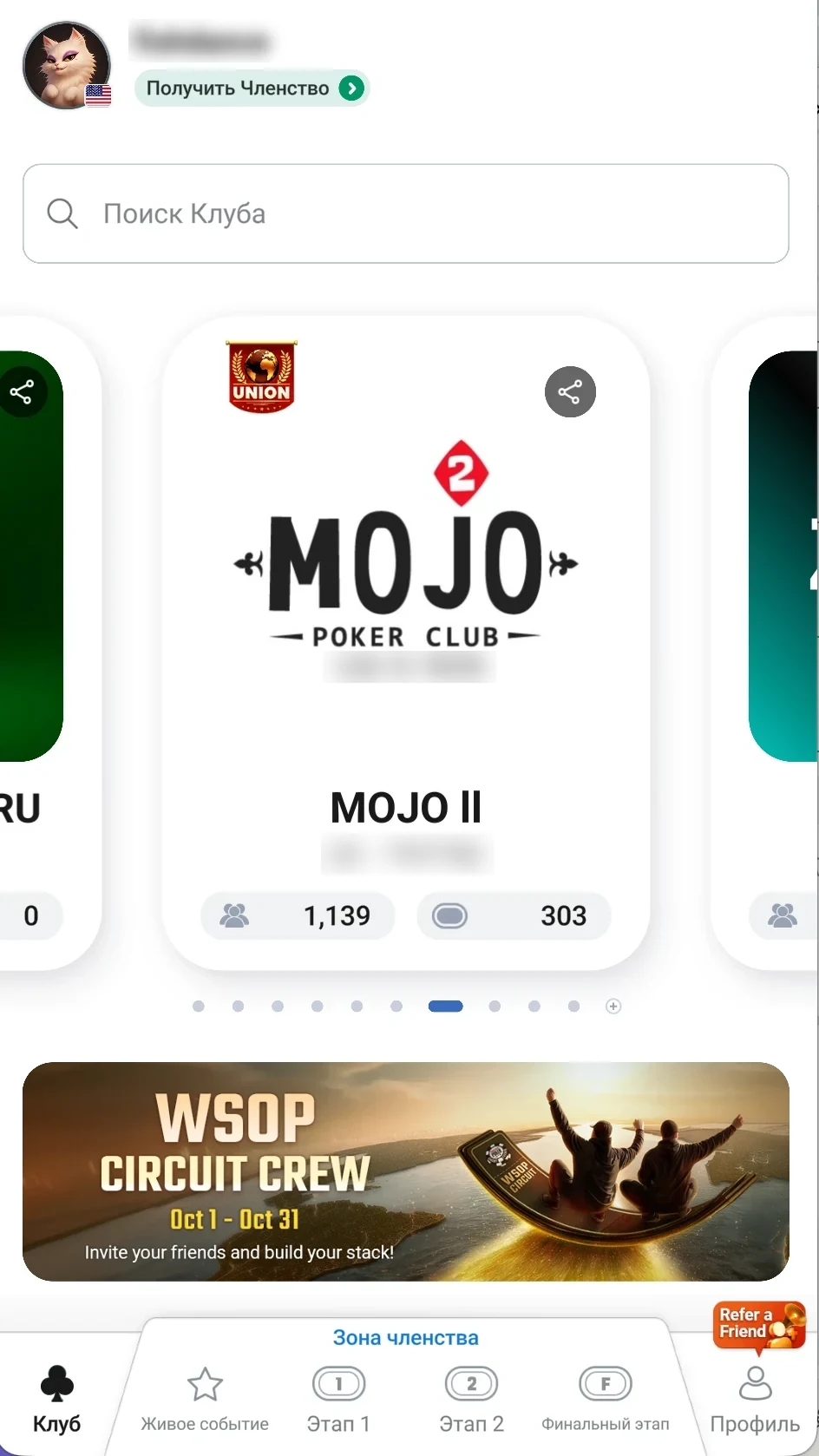
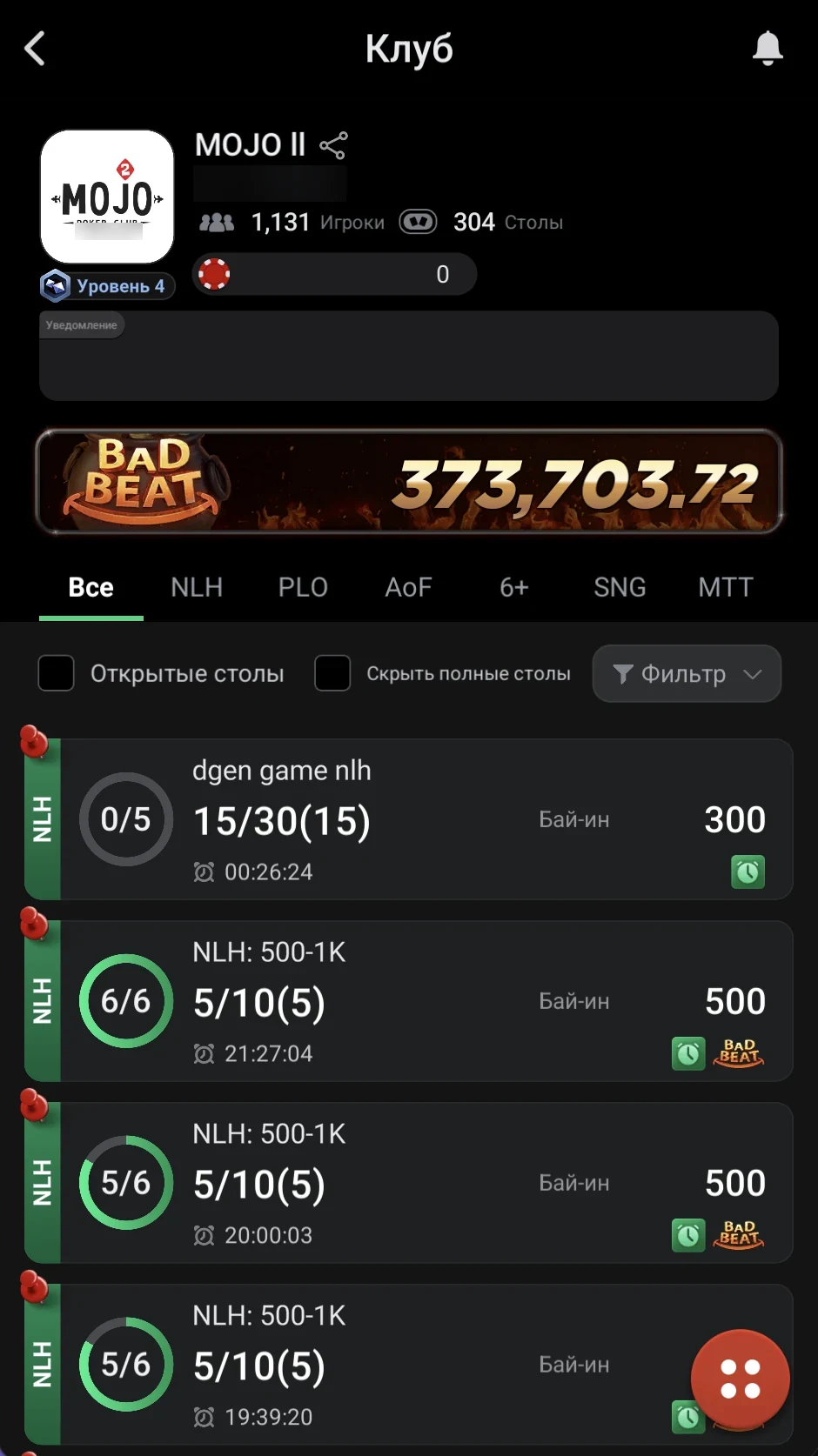
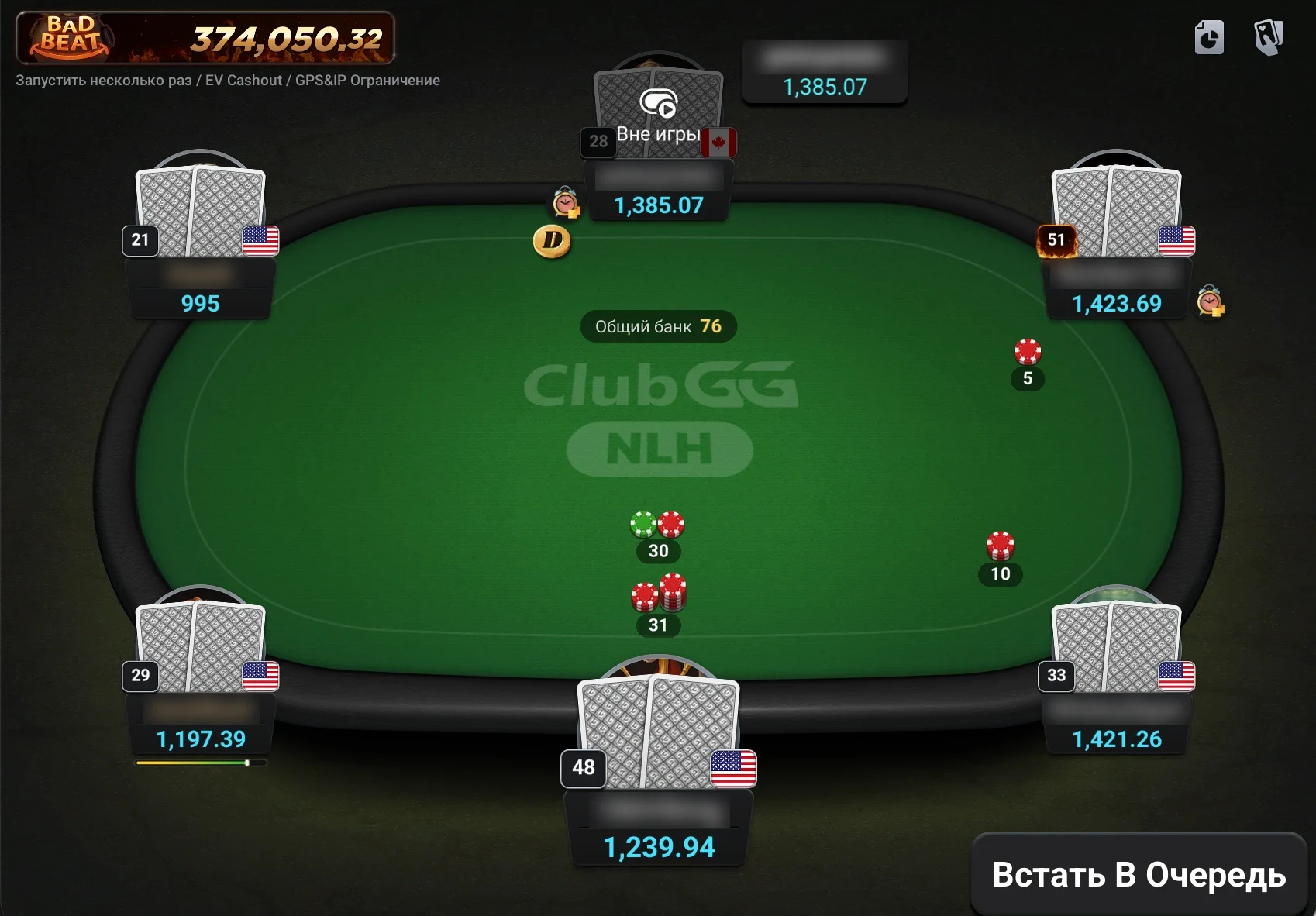
Download
Install ClubGG on a computer from clubgg.com or on your phone from the App Store or Google Play. Step-by-step for every device: how to download ClubGG.
What ClubGG Is and How It Differs from GGPoker
ClubGG is made by NSUS — the same company behind GGPoker. The app launched in 2021, runs on GGPoker infrastructure, and its random number generator is certified by the independent lab BMM Testlabs. That’s why the tables, animations and built-in tools — PokerCraft and Smart HUD — will look familiar to anyone who has played on GGPoker. But the two apps work differently, and a beginner should understand how before making a first deposit.
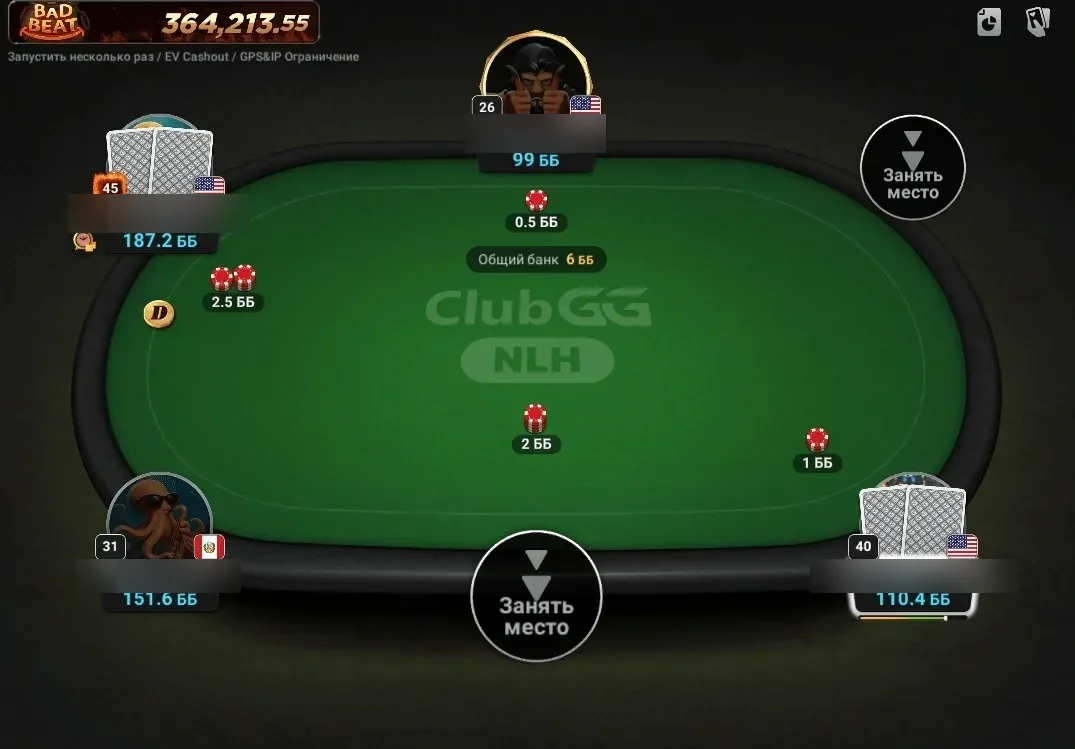
GGPoker is a regular poker room: it has a cashier, a license and a shared player pool across the network. ClubGG is an app for private clubs. There is no common lobby where you can sit at any table: you join a specific club by its ID and play only with its members or members of its union. There is no built-in cashier either — chips are credited to your club balance and cashed out by an agent, and the terms (rake, rakeback, stakes, withdrawal rules) are set by the club itself.
| GGPoker | ClubGG | |
|---|---|---|
| What it is | Licensed poker room | App for private clubs |
| How to deposit | In-app cashier | Through a club agent |
| Who you play | The whole network pool | Club or union members |
| Who sets the rake | The room | The club owner or union |
| Rakeback | Room’s loyalty program | Agreed with the agent, up to 50% in clubs from our directory |
| Account | GGPass | Same GGPass, but a separate balance |
The two apps share an account — you log in with GGPass — but money can’t be moved between them: your GGPoker balance and your ClubGG club chips are completely separate. Full comparison: ClubGG vs GGPoker: what’s the difference.
Which Devices ClubGG Runs On
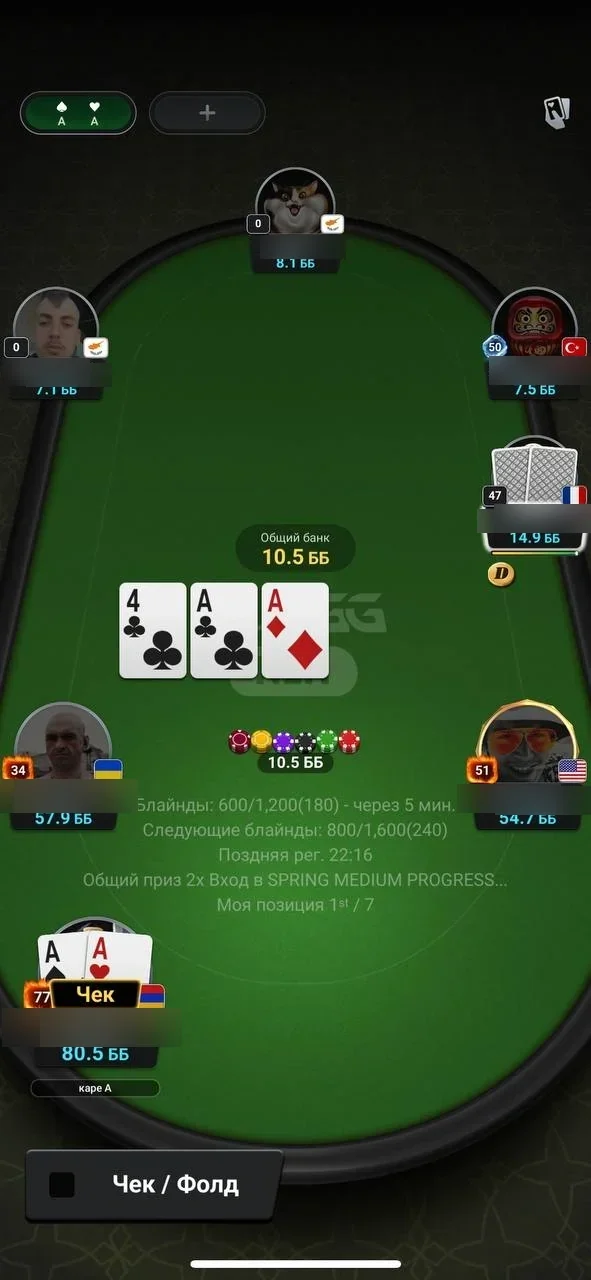
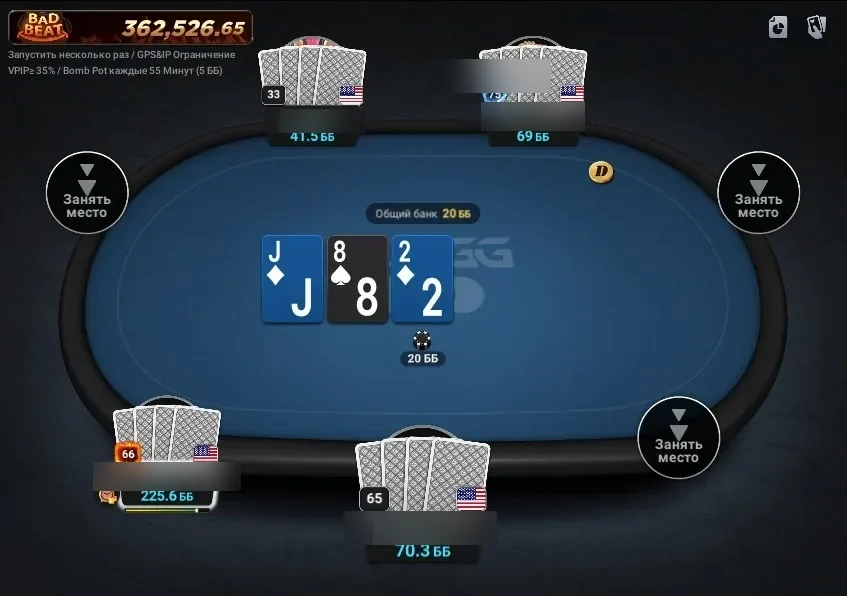
ClubGG works only as an app — there is no browser version. But there are clients for every major platform, and they all use one account: clubs, balance and PokerCraft stats stay in sync. You can start a session on your home computer and continue on your phone on the go.
| Device | Where to download | Good to know |
|---|---|---|
| iPhone and iPad | App Store (ClubGG Poker, developer NSUS) | Turn on notifications; location is only needed for clubs with GPS restriction |
| Android | Google Play or APK from clubgg.com | If the app isn’t in your country’s store, install the APK from the official site |
| Windows | Installer from clubgg.com (~370 MB) | Windows 10 or later, 4 GB RAM or more, about 1 GB of disk space |
| macOS | .dmg image from clubgg.com | macOS 11 or later; the client is not in the Mac App Store |
Desktop is the most comfortable: big windows, precise bet sizing with the mouse and up to 4 tables at once (up to 12 with WSOP+ Premium). There is no official Linux client, and you don’t need Android emulators — use the native version. Step-by-step guides with screenshots: how to download ClubGG and ClubGG on PC and Mac.
What to Have Ready
- An email inbox you can access right now — the verification code will be sent there.
- A phone or computer: ClubGG runs on Windows, macOS, iPhone, iPad and Android.
- A club ID and an agent contact — from our directory or a player you know.
- A payment method the agent accepts: most often crypto, a bank transfer or an e-wallet.
- The amount you’re prepared to spend on poker — and the stakes you’ll play.
How Clubs, Agents and Unions Work
To understand how to use ClubGG, just remember a simple chain: club → agent → player. A club is a separate lobby with its own tables, stakes and rules. It is created by an owner (called Master in the app), helped by managers. Agents look after players: they take deposits, credit chips, process cashouts and pay rakeback. A player joins a club by ID and enters their agent in the “Referrer ID” field — that’s the person they’ll deal with on all money matters.
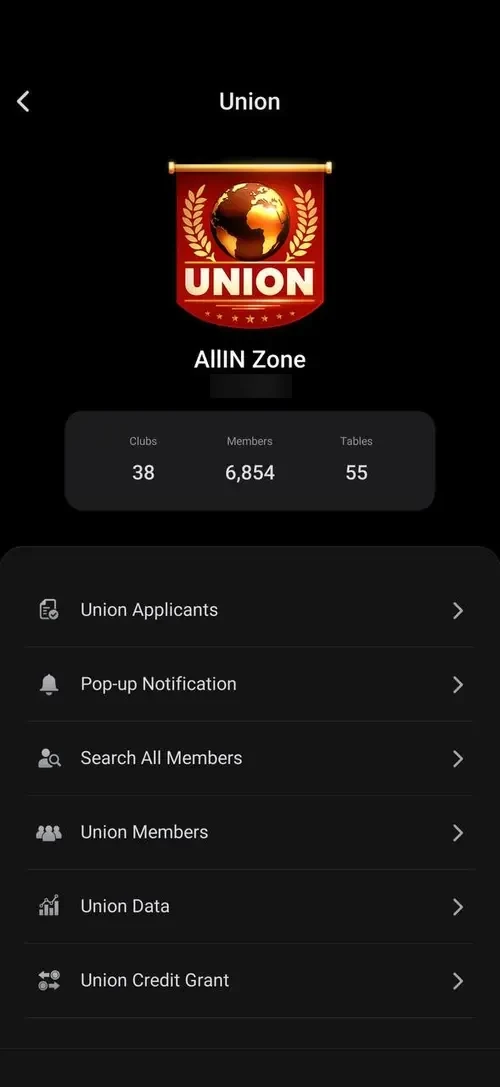
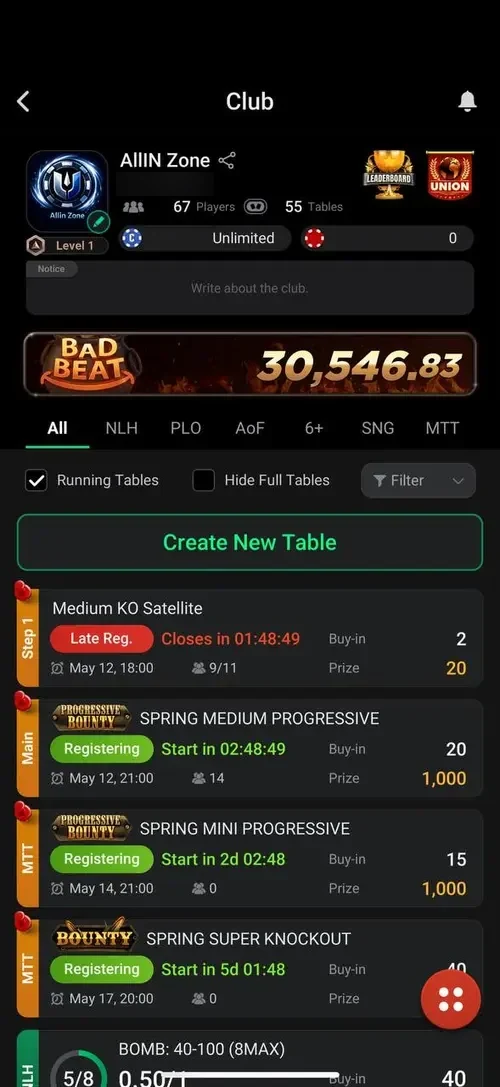
For a beginner, a club in a large union is usually more convenient than a standalone one: more traffic and stakes, and many unions guarantee deposits in case a particular club runs into trouble. Balances stay separate, though — chips from one club can’t be used in another. More in ClubGG clubs and unions and roles and agents.
How to Choose Your First Club
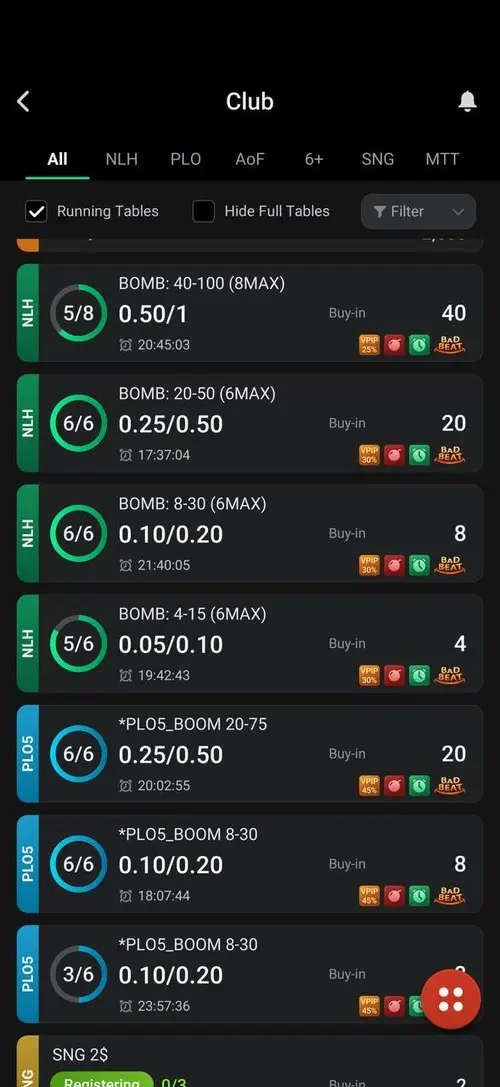
In ClubGG, a club is your poker room, cashier and support desk all in one. So compare clubs as carefully as you would compare poker sites.
Which Games ClubGG Offers and What Stakes to Start At
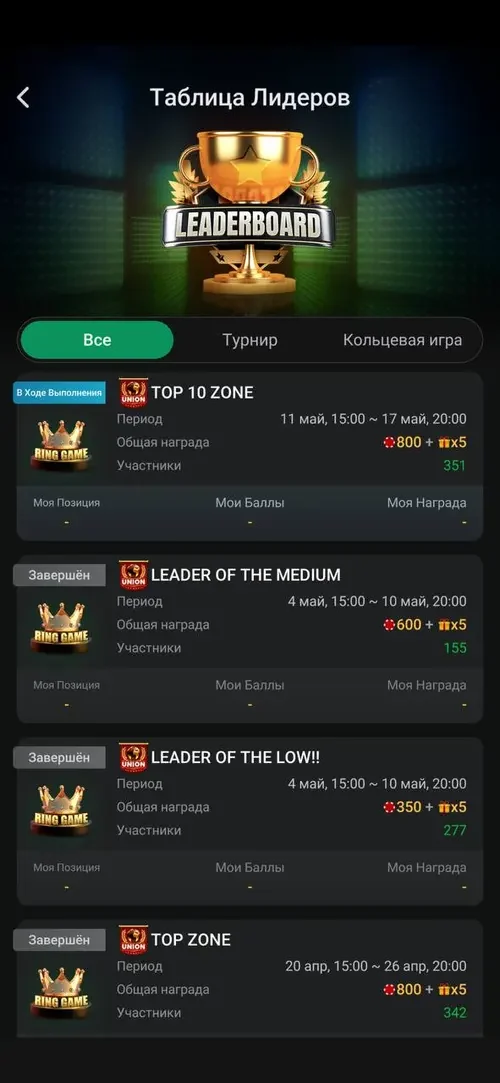
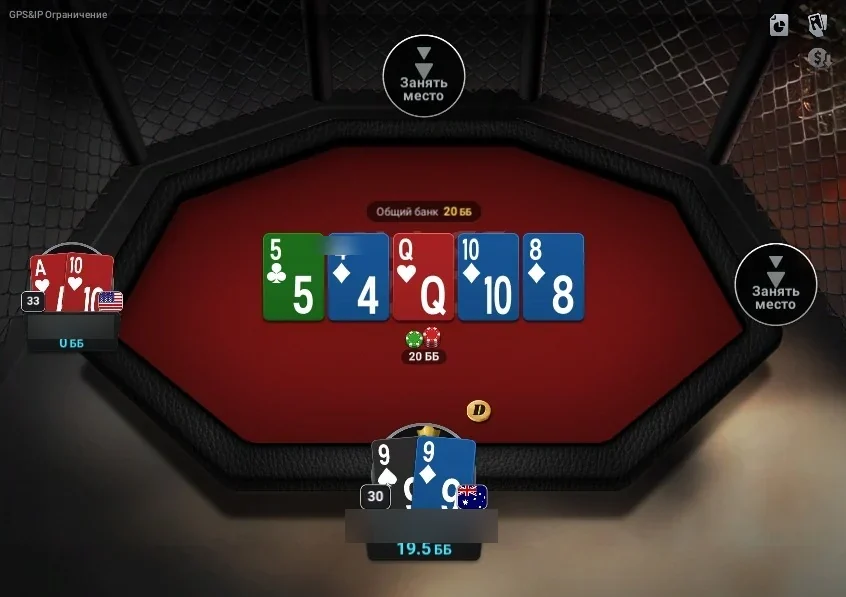
ClubGG has one of the widest game selections among club apps, but which games are actually available is up to the club: the owner creates the tables. In the club lobby they’re sorted into tabs — NLH, PLO, AoF, 6+, SNG, MTT — and every table shows its blinds, buy-in and player count.
| Game | What it is | Good for beginners |
|---|---|---|
| NLH (No-Limit Hold’em) | The most popular club game: two hole cards, five community cards | Yes — the best choice to start |
| PLO / PLO5 / PLO6 | Pot-Limit Omaha with 4, 5 or 6 cards: bigger pots, more action | Once you’re comfortable with hold’em |
| AoF | A format where every decision is all-in or fold | For short sessions, but variance is high |
| 6+ (Short Deck) | A deck without deuces through fives, different hand rankings | Once you know the rules |
| PLO Hi-Lo | Omaha where the pot is split between the best high and best low hand | For experienced players |
| SNG and MTT | Club sit & gos and tournaments, Road to WSOP qualifiers | Yes, if the buy-in is small |
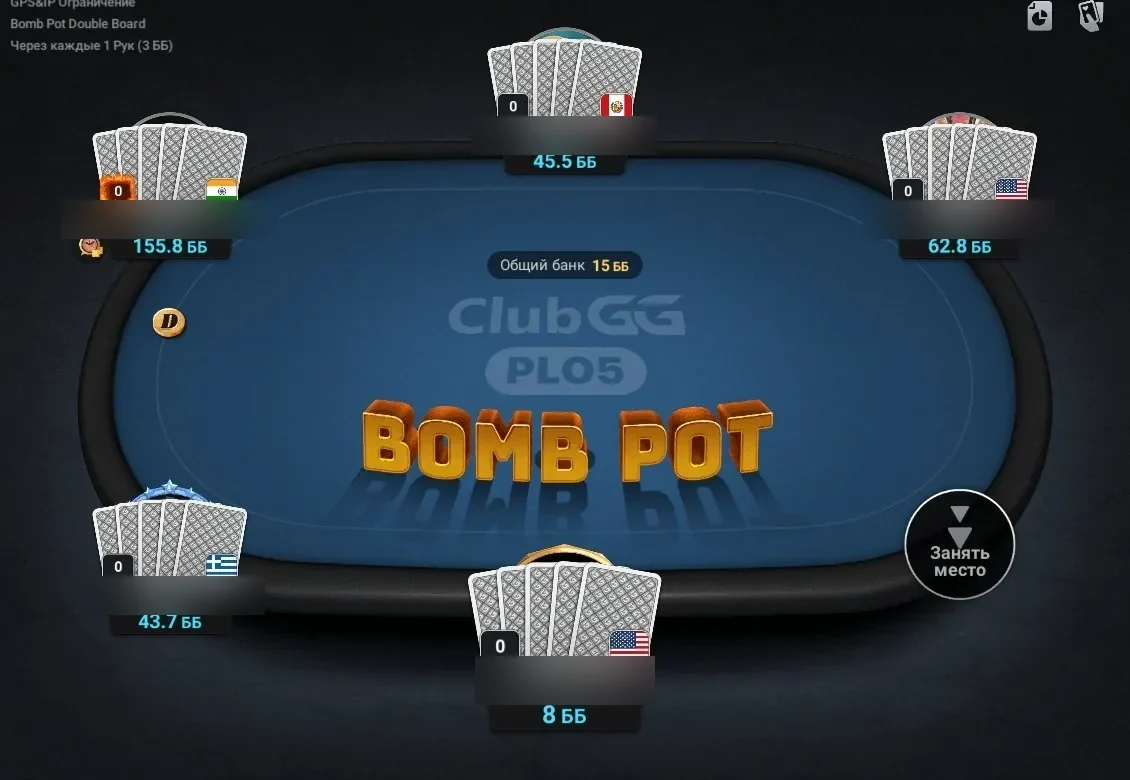
Tables can have special rules: bomb pots (everyone antes and the action starts on the flop), double board and run it twice. They make the game more fun but noticeably increase variance — beginners should play regular tables first.
- How to Choose Your First Stakes
- Start with NLH at micro stakes — even if you’ve played higher in other apps.
- Check the chip rate: at 1:1 a 1/2 table means $1/$2 blinds, but some clubs use a different rate.
- Keep only a small part of your bankroll on the table — that way one bad session won’t knock you out.
- One or two tables are enough at first; open up to 4 at once once you’re comfortable.
Rules for every game and special format: ClubGG games and rules.
What It Costs to Play: Rake, Diamonds and Fees
Downloading ClubGG, signing up and joining a club are free. You pay for the game itself — and you pay the club, not the app. Beginners often mix up three things: rake, diamonds and deposit fees. Here’s each one.
To compare clubs fairly, calculate the effective rake: rake minus rakeback. A club with 5% rake and 50% rakeback costs you 2.5% — cheaper than a club with 4% rake and no rakeback. At short-handed tables ClubGG lowers the fee automatically: at 3–7 seat tables with only two players, 50% of the normal rake is taken. Contributions to the Bad Beat Jackpot are not rake: the whole fund goes back to players.
There is also a paid WSOP+ Premium subscription: up to 12 tables on PC, 90 days of hand history export and exclusive tournaments with WSOP qualifiers. You don’t need it for cash games in clubs — more in WSOP+ Premium subscription.
Your First Session: How to Avoid Mistakes
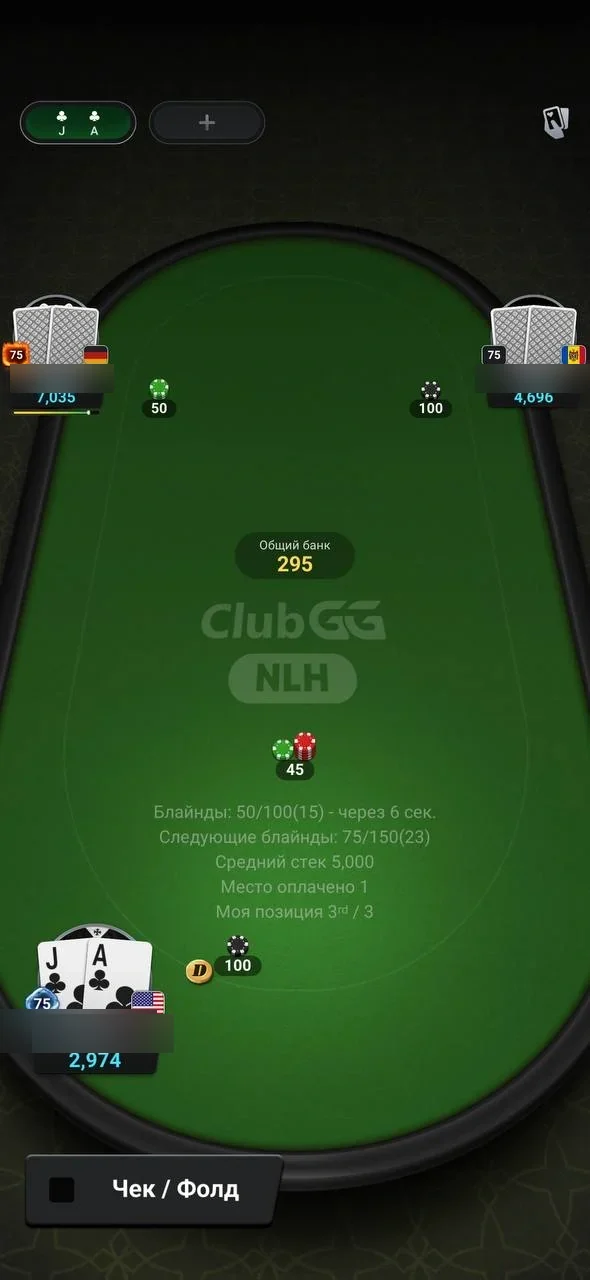
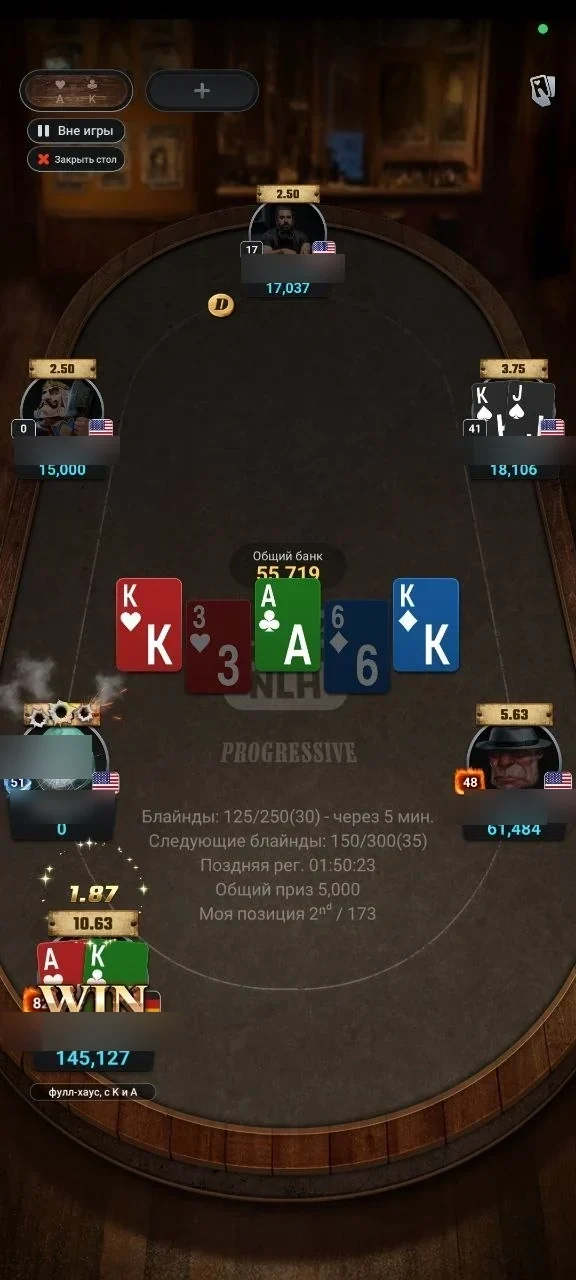
Start with a small deposit and lower stakes than usual: ClubGG’s software is similar to GGPoker, but every club has its own lobby, buttons and table rules. Ask the agent for the chip rate — how much one chip is worth in dollars. Most clubs use 1:1, but some don’t, and that determines how much real money you’re actually playing for.
A good habit is to make a small test cashout after your first session. That way you check the agent’s speed and honesty before a large amount ends up on your balance.
- Common Beginner Mistakes
- Sending money before the club has approved your request.
- Not agreeing in advance on how and when cashouts are paid.
- Keeping your entire bankroll on the club balance.
- Believing ads for “bonus codes for free chips” — why that’s a scam.
Safety: How Not to Lose Your Money
ClubGG’s software is among the most reliable in the niche: the RNG is certified by BMM Testlabs, accounts are checked for bots and matching IP and GPS, and clubs can enable a GPS/IP restriction against collusion. The real risk for a player isn’t the deal — it’s the money: it moves outside the app, through the agent, and ClubGG doesn’t settle disputes between players and agents. So your safety depends almost entirely on the club you choose and your own habits.
- Rules for Playing Safely
- Choose verified clubs with a payout track record and player reviews — for example, from our directory.
- Don’t send money until the club has approved your request and you’ve agreed on terms with the agent.
- Make a small test cashout after your first session.
- Keep receipts, transaction hashes and your chat history with the agent.
- Cash out winnings regularly and never keep more on your balance than you’re willing to risk.
- Never share your GGPass password or email codes with anyone — not “support”, not the agent.
- Signs of a Scam
- You’re asked to pay to join a club or for a “club ID” — joining is always free.
- Someone offers “bonus codes for free chips” — club chips are issued only by the agent.
- Someone offers to sell diamonds or “chips for diamonds” in a messenger — diamonds are sold only in the app.
- Pressure tactics like “top up now or the bonus expires”, or cashouts delayed without explanation.
- Offers to download a “modded ClubGG” or a chip generator.
What to Do After Your First Session
Your first session is a good moment to pause and decide whether the club and stakes suit you. ClubGG has everything you need for that right in the app: the built-in PokerCraft saves every hand, draws win-rate graphs and shows stats by position and game. It’s an approved tool — you won’t get banned for using it, unlike third-party software.
- Review your hands in PokerCraft. Replay big pots and close decisions — that’s the fastest way to spot mistakes. More in PokerCraft and Smart HUD.
- Compare your results with all-in EV. If your actual graph is below the expected-winnings line, it’s variance, not your play. Draw conclusions over several thousand hands, not one evening.
- Test a cashout. If you haven’t made a test cashout yet, do it now and time how long it takes. In a decent club it’s anywhere from a few minutes to a day.
- Track your bankroll. Record deposits, cashouts and session results. Move up only when your bankroll allows it, and move back down right after a losing streak.
- Compare clubs. One account can be a member of 40 clubs. Try a second club with different rakeback or a different union and compare effective rake, traffic and payout speed.
Beginner’s Glossary
| Term | Meaning |
|---|---|
| Club | A separate lobby in ClubGG with its own tables, stakes, rake and rules. |
| Club ID | Six digits used to find a club in “Search Club”. You can’t find a club by name. |
| Agent | A club member who issues chips to players, takes deposits, processes cashouts and pays rakeback. |
| Referrer, Referrer ID | The agent’s ID you enter when joining a club. It ties you to that agent; it’s also called a “referral code”. |
| Union | A group of clubs with shared tables and rules. |
| Chips | Your playing balance in a specific club. The club sets the dollar rate, most often 1:1. |
| Rake | The club’s fee from every pot: a percentage and a cap — the maximum per hand. |
| Rakeback | A refund of part of the rake you paid; paid by the club or agent, usually weekly in chips. |
| Diamonds | ClubGG’s utility currency for club admins and nickname changes. It doesn’t affect the game. |
| GGPass | The single account for the GG ecosystem: one login for ClubGG and GGPoker. |
| PokerCraft | Built-in analytics: hand history, replays, graphs and stats. |